
Claude Code will happily forget everything you taught it the moment you close the terminal. Every session opens with a fresh context window — so the fastest way to level up is to stop re-explaining yourself and start encoding your preferences where they persist.
The five buckets behind the 32-trick playbook
The "32 tricks" doing the rounds — from a YouTube walkthrough and its MindStudio companion post — is a snapshot of Claude Code's mature extensibility surface, not a product launch. The items cluster into five areas: context and token management (1–8), planning and prompting (9–16), CLAUDE.md as a persistent instruction layer (17–20), parallel multi-agent patterns (21–26), and background and startup flags (27–32).
Timing matters because the cost math just moved. Claude Sonnet 5 became the default model in v2.1.197 (June 30, 2026), with promotional pricing at $2/M input tokens through August 31 — relevant when agentic coding burns context fast.
All five clusters are corroborated by the official docs, not community folklore. A few MindStudio characterizations — a Tamagotchi-style buddy, undocumented "source-code-leak" flags — stay unverified. Treat those as color, and the rest as shipped features.
What to encode in .claude/ before you ship anything
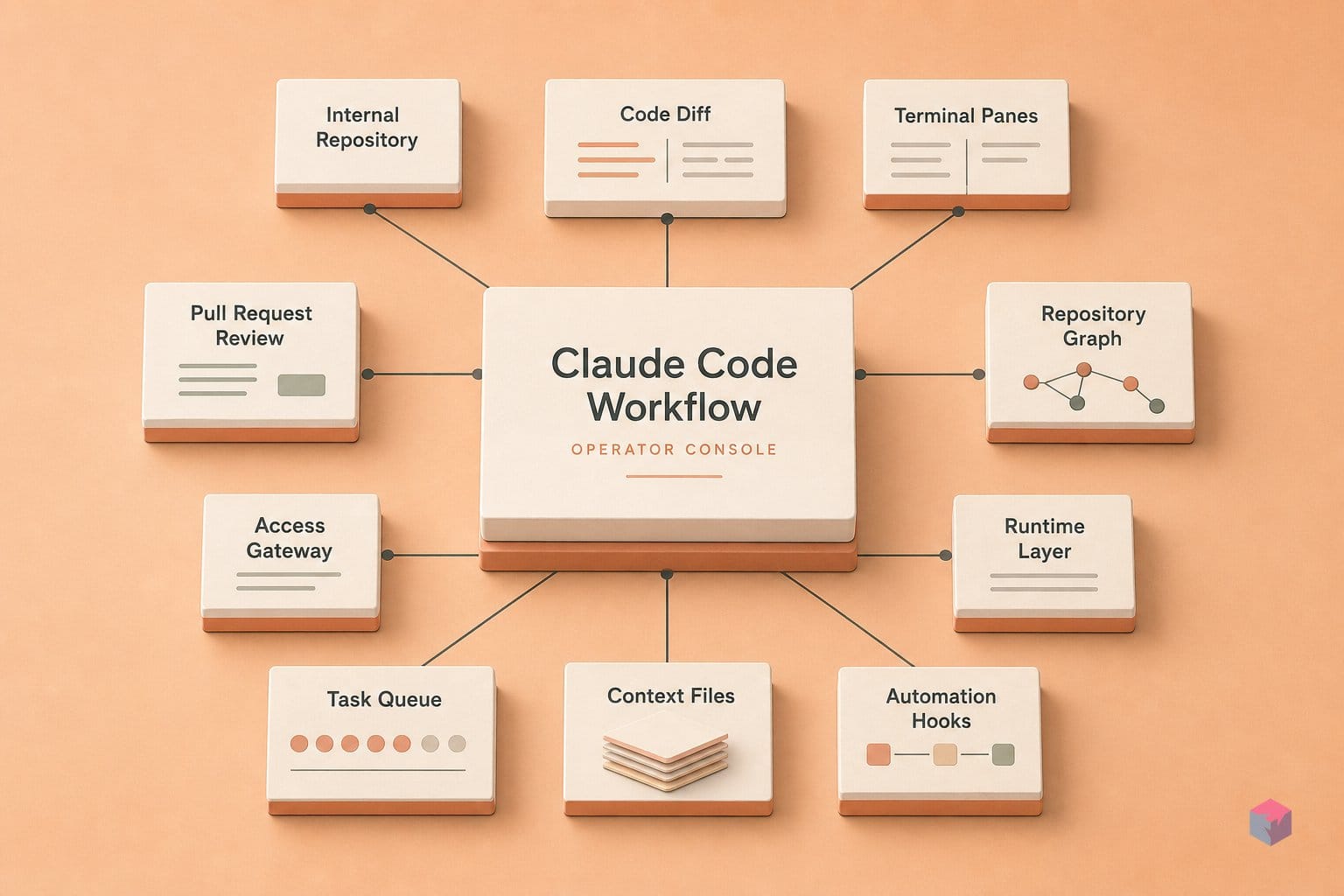
Before you lean on any of the 32 tricks, encode the durable decisions in files, not memory. Every Claude Code session opens with a fresh context window, so a few checked-in Markdown files are what carry your conventions across sessions . Start with /init: it analyzes your existing codebase and generates a starter CLAUDE.md, which you should edit down from rather than write from scratch .
Placement decides scope. Here is the layout the official docs describe:
| File | Scope | Commit it? |
|---|---|---|
./CLAUDE.md or ./.claude/CLAUDE.md | Project — loads on every session start | Yes |
~/.claude/CLAUDE.md | User-wide defaults across all repos | No |
.claude/rules/*.md | Path-scoped — loads only in matched directories | Yes |
Keep each file under 200 lines; beyond that, instruction adherence degrades measurably and context cost climbs . Put user-wide preferences — your test runner, forbidden refactors, editor style — in ~/.claude/CLAUDE.md, and never commit it; it is personal to your machine, not your team.
The .claude/rules/*.md pattern is the monorepo fix: path-scoped rule files load only when Claude is working inside a matched directory, so a task in one package does not drag the whole repo's context into every prompt . One gotcha to plan around: @path imports cap out at four hops, and deeper chains are silently ignored . Keep import graphs shallow and confirm what actually loaded with /config.
10 high-leverage habits to lock in
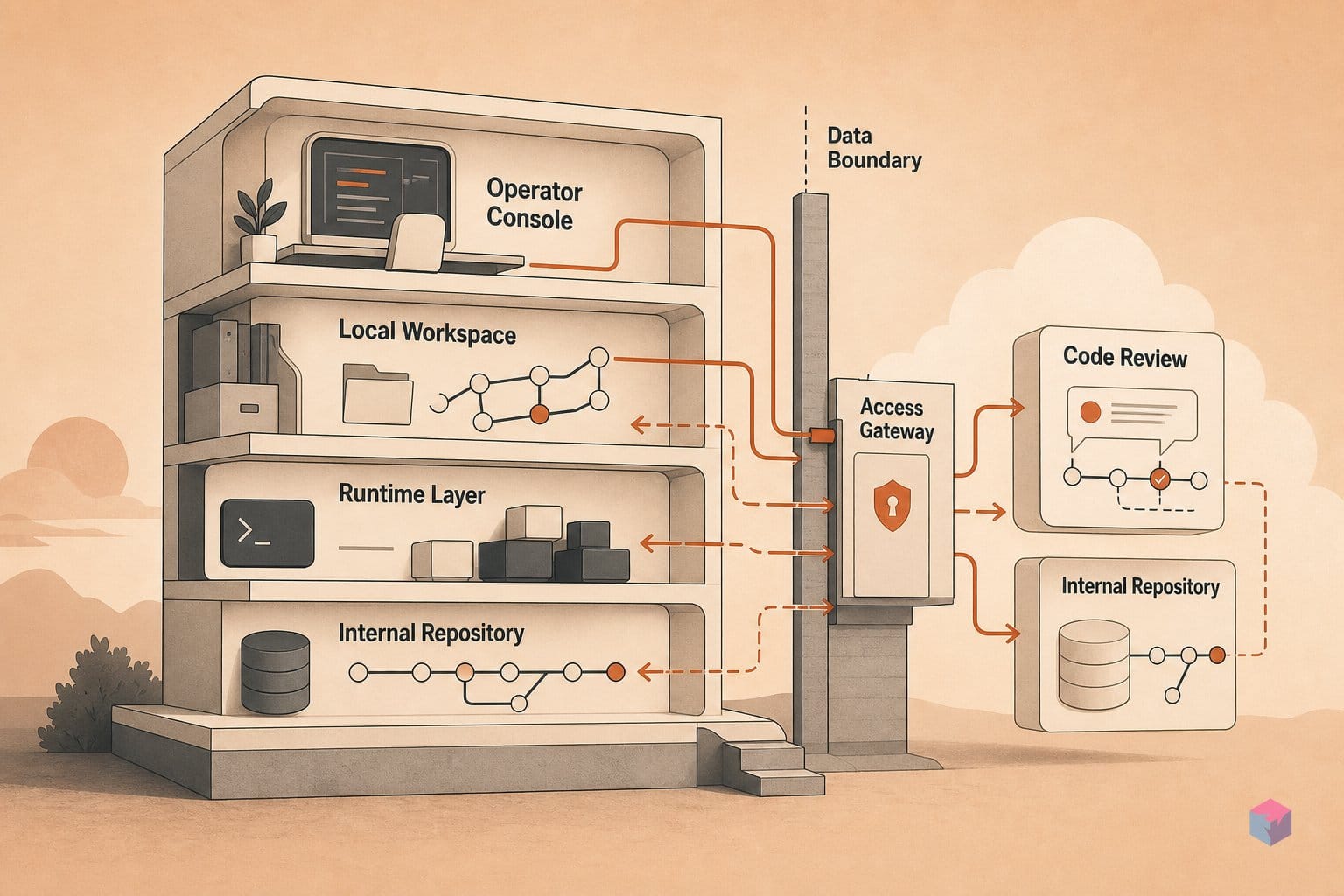
The 32-item list rewards selective adoption over completism. These ten habits carry the most leverage for a working session, and each maps to a shipped feature rather than folklore. Start with the reasoning and context controls, then layer in the parallelism once the single-session loop feels tight.
- Type
ultrathink(no slash, no special syntax) in any prompt to trigger extended reasoning. Reserve it for architecture decisions and hard debugging — it costs tokens and adds latency on routine edits where it buys nothing . - Intervene at roughly 70% context-window fill with
/compactor a fresh session. Past that point suggestions trend repetitive or contradictory — "context rot." Treat 70% as a heuristic, not a guarantee . - Hit Shift+Tab to enter Plan Mode before any code-writing session. It cycles you into a mode that explores the solution space interactively without triggering file edits .
- Structure first messages as Gather→Specify→Do: front-load known constraints and explicit failure modes before Claude writes a line. Ambiguity resolved up front is cheaper than a wrong implementation caught later .
- Ask for a written plan first, then switch models: plan with Opus, execute with Sonnet 5 — the default model since v2.1.197 on June 30, 2026 . On complex tasks the cost delta is worth the reasoning quality on the plan.
- Use
/btwfor mid-task side questions without opening a new session or derailing the main thread . - Isolate unrelated work in separate sessions. Context bleed between tasks causes subtle misdirection that is hard to trace back to its source .
- Run
claude --worktree [name]to spawn parallel tasks on independent git branches with no stashing or branch-switching. Add--tmuxto watch all agents in one pane . - Use
/simplifyon over-engineered output, and/batchfor groups of similar small requests that would otherwise each burn a separate context window . - Encode any decision that took more than two turns to reach in
CLAUDE.mdimmediately. Every session starts with a fresh context window, so reasoning that lives only in chat history will not survive a session boundary .
The model-switch habit lands harder given where the platform sits. Anthropic announced Sonnet 5 on June 30, 2026 as its "most agentic Sonnet model yet," available across all plans and in Claude Code, with promotional pricing of $2/M input and $10/M output tokens through August 31, 2026 . Cheaper execution makes the plan-with-Opus, build-with-Sonnet split easy to justify on anything non-trivial.
What to treat as a heuristic rather than gospel
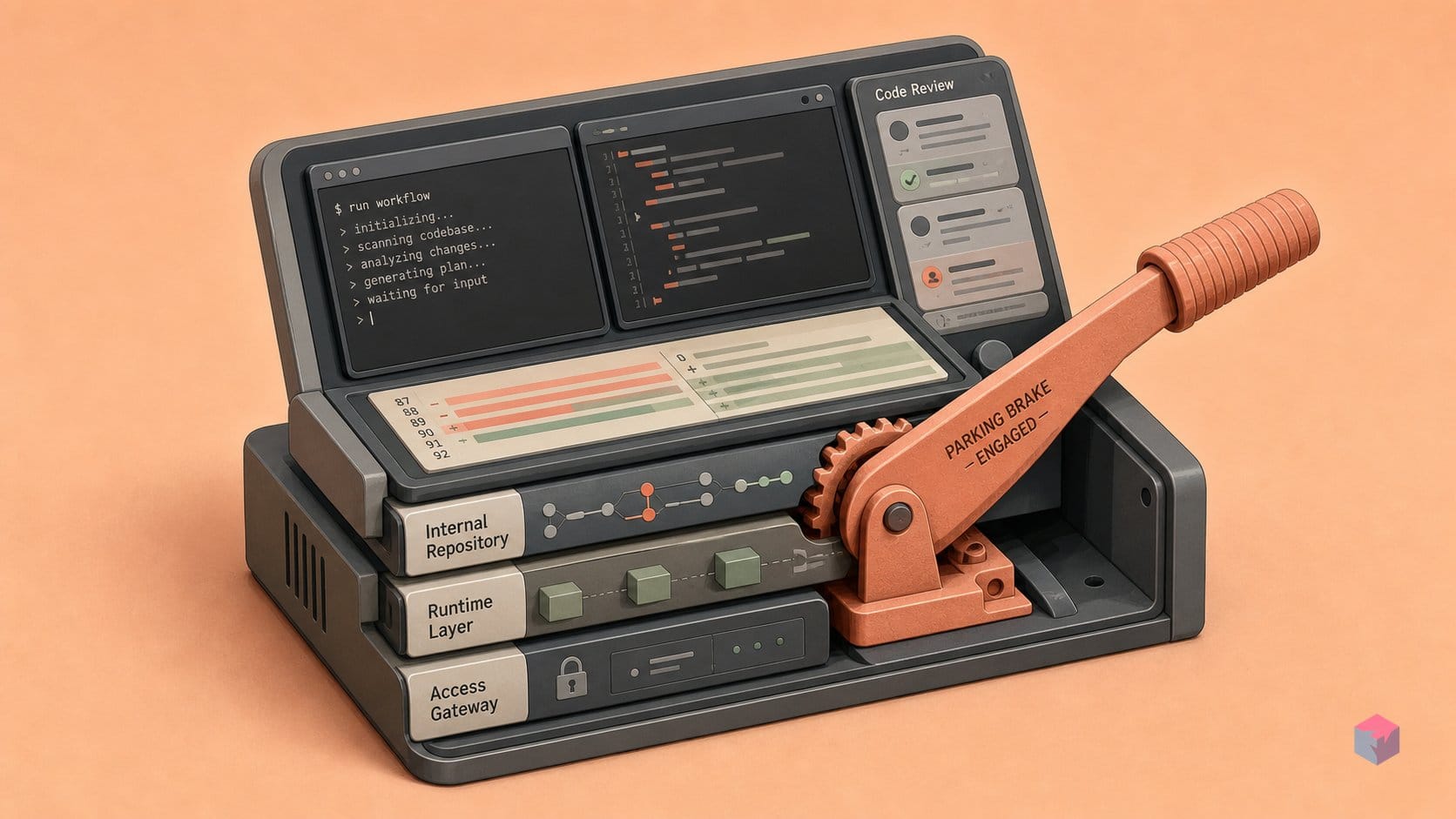
Not every item in the playbook is a hard rule. The "intervene at ~70% context usage" threshold is a practitioner heuristic, not a guaranteed degradation boundary — where quality actually drops depends on task complexity, the active model, and whether /compact has already run . Treat it as a prompt to check your work, not a fixed line.
Command availability shifts between releases. /run, /verify, and /run-skill-generator require v2.1.145 or later, so run claude --version before you encode any slash command in CLAUDE.md . Auto mode remains a research preview as of this writing, and Homebrew's stable channel lags official releases by roughly a week — pin versions in CI if reproducibility matters .
The ultrathink trigger is documented and real, but the depth it produces varies with the model and your /effort setting. And treat the Tamagotchi "buddy" easter egg and "source-code-leak" flags as community observations, not Anthropic-confirmed behavior .
Where to invest after locking in the 32
Once the 32 tricks are muscle memory, the next gains come from delegation and enforcement rather than more keystrokes. As of v2.1.198 on July 1, 2026, background agents can commit, push, and open a draft PR when they finish worktree work, and they emit agent_needs_input and agent_completed notification events . Route any repetitive branch-level task there and let the events ping you instead of polling.
Make hooks your enforcement layer. CLAUDE.md influences behavior but does not enforce it — SessionStart, PreToolUse, PostToolUse, and Stop hooks do . With more than two contributors, encode org-wide rules through managed settings; precedence runs managed → command-line args → local → project → user, and Claude Code keeps the five most recent timestamped config backups . For genuinely periodic work, /loop runs locally up to three days and /schedule persists cloud jobs indefinitely . The takeaway: stop re-triggering by hand — encode it, delegate it, and let the notifications find you.
Frequently asked questions
What does typing 'ultrathink' actually do in Claude Code?
Typing ultrathink as plain text — no slash prefix — triggers extended reasoning, allocating more compute per inference step before Claude responds . Reserve it for the cases where default fast reasoning goes shallow: architecture decisions and hard, multi-file debugging. It is distinct from /effort (which sets a level like low/medium/high/xhigh/max/auto), and the two can be combined — set a high effort level and prompt with "ultrathink" for the same task.
How many of the 32 tricks require a paid plan or Claude Max?
Most of them work on any plan. The behavioral patterns — ultrathink, the Gather→Specify→Do prompt structure, Plan Mode, /compact, CLAUDE.md, and git worktrees — are configuration and prompting habits with no plan gate . The costs show up in usage, not features: planning with Opus burns more tokens per step, and the recurring-job tricks — /loop running locally and /schedule persisting cloud jobs — carry plan-dependent limits . Check current caps at code.claude.com/pricing before you build around them.
Do these patterns work in the VS Code extension, or only in the terminal?
Project-level configuration works everywhere Claude Code runs. CLAUDE.md, .claude/rules/, hooks, and worktrees live in the repo, so they apply identically across the terminal, VS Code, JetBrains, and desktop . What is surface-specific is input: Shift+Tab to cycle into Plan Mode and some keyboard shortcuts are terminal/desktop conventions. Inside an IDE integration, run /keybindings to see the mapped equivalents for your editor.
What is the difference between CLAUDE.md, CLAUDE.local.md, and ~/.claude/CLAUDE.md?
They differ by scope and sharing. CLAUDE.md is project-wide and committed to the repo, so the whole team gets the same instructions. CLAUDE.local.md holds your personal project preferences and is gitignored. ~/.claude/CLAUDE.md sets user-wide defaults that apply across every project you open . All three load at session start; organization-wide managed settings override all of them . Keep each under 200 lines to limit context cost and improve adherence.
When should I use claude --worktree instead of just opening a new tab?
Use claude --worktree [name] when the parallel task touches files your current session also has open. A worktree gives each agent an isolated git branch and working directory, so concurrent edits do not collide . A new tab shares the same working tree and will conflict on any overlapping file edits. For unrelated work in the same repo, a fresh tab is fine; for true parallelism on shared files, reach for the worktree — and note that as of v2.1.198 (July 1, 2026), background agents finishing worktree work can commit, push, and open a draft PR themselves .