
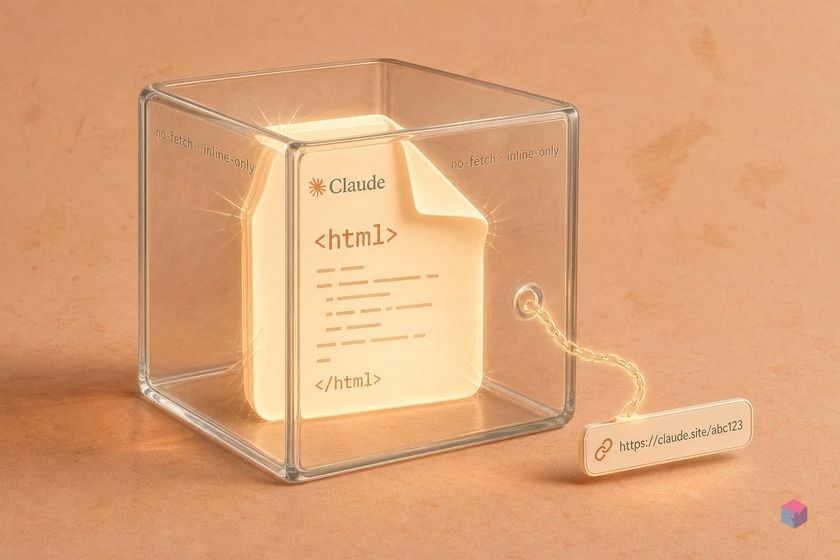
Two Anthropic features now answer to the name "artifacts," and they behave nothing alike: one renders inside the chat window, the other publishes a real web address from your terminal. Confusing them is the fastest way to waste an afternoon debugging output that was never going to appear where you were looking.
What's different: Claude.ai's split-pane renderer vs. the Claude Code publish output
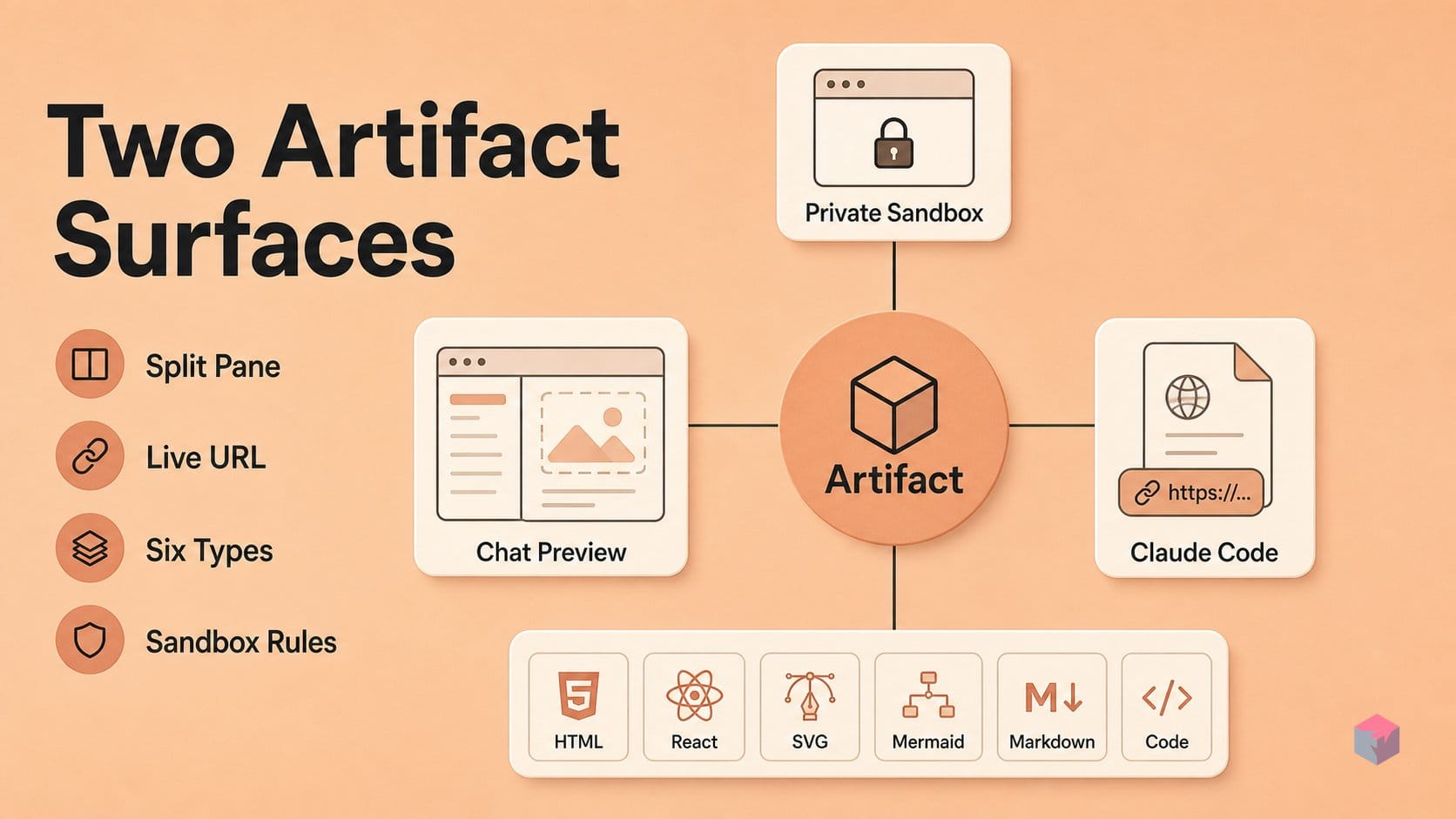
The Claude.ai chat artifact is an in-app split pane, while the Claude Code artifact is a private, shareable claude.ai URL — same word, two surfaces with separate triggers, accepted types, and sandbox rules. The chat version has existed since mid-2024 ; the Claude Code version shipped on June 18, 2026 across releases v2.1.178–v2.1.183 .
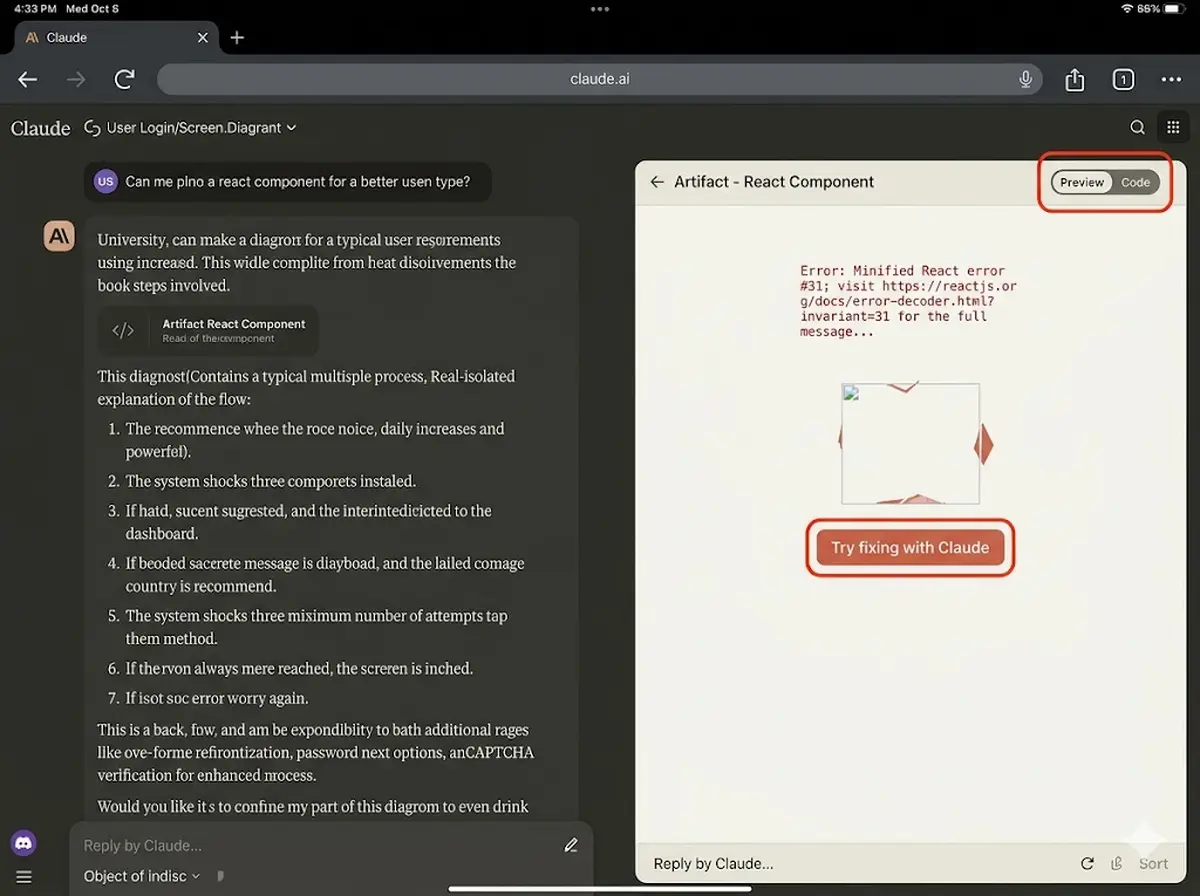
The chat artifact opens a side panel with a "Code" tab and a live "Preview" tab, and renders a fixed set of six output types — HTML pages, React/JSX components, SVG, Mermaid diagrams, Markdown, and plain code snippets . It runs locally in your browser's sandbox and never produces an address you can bookmark.
The Claude Code artifact does the opposite: Claude writes an .html, .htm, or .md file into your project, wraps it in an HTML shell, and publishes it to a private claude.ai URL that updates in place as the session continues . That URL is a real, shareable page — not an in-app pane.
Third-party guides routinely conflate the two, which matters most when debugging: if you asked for a shareable link and got a preview pane, you're driving the chat renderer; if you expected an inline React sandbox and got a URL prompt, you're on Claude Code. Knowing which surface you're on tells you which rules apply.
Supported types for both surfaces: what renders and what doesn't
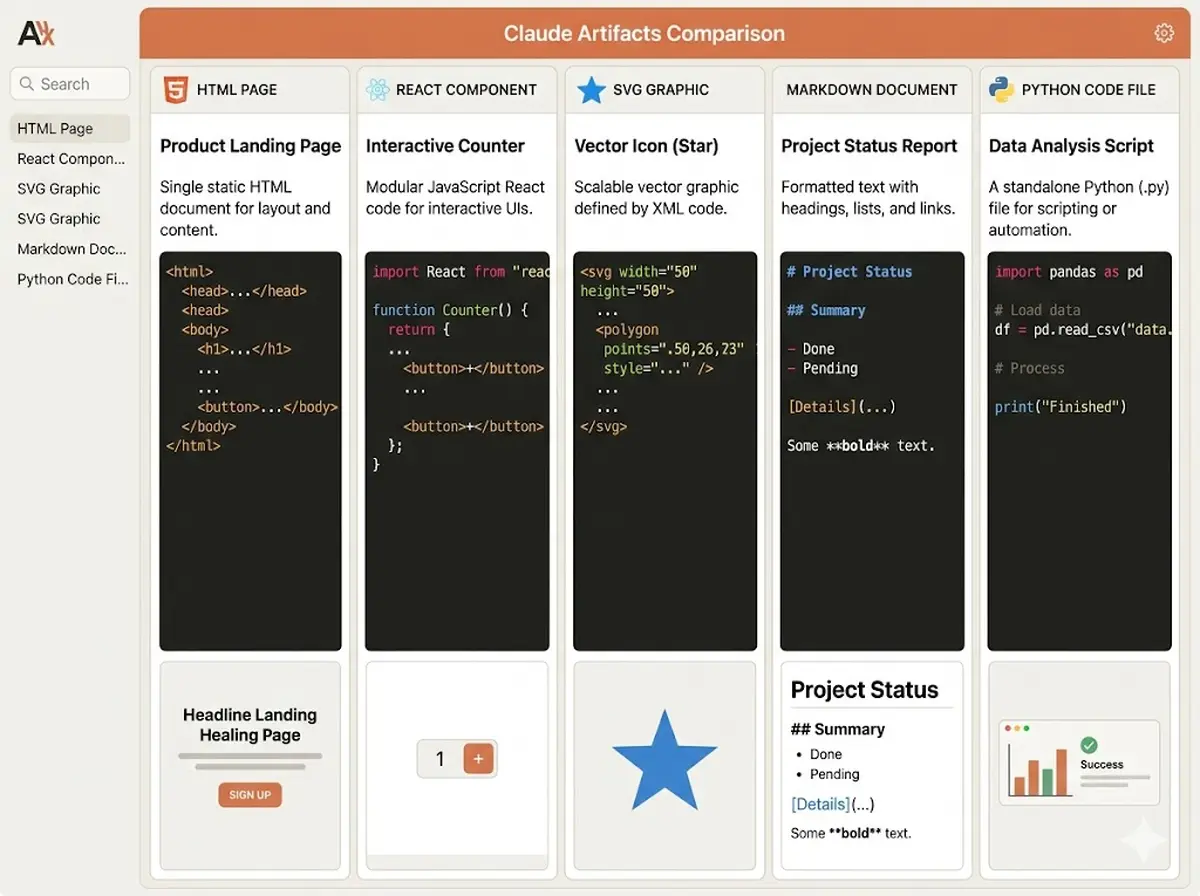
The two surfaces accept different inputs, and mixing them up is where most guides go wrong. The Claude.ai chat renderer live-renders five content types in its split-pane preview: HTML pages (text/html), React components (application/vnd.ant.react, i.e. .jsx), SVG graphics (image/svg+xml), Mermaid diagrams (application/vnd.ant.mermaid), and Markdown documents, according to Albato's artifacts guide. Claude Code, by contrast, accepts only three source types — .html, .htm, and .md — and renders Markdown as styled HTML, per the official docs.
The critical gap is execution. In the chat renderer, HTML, React, SVG and Mermaid render live, but Python, SQL, and shell code do not run — they appear as syntax-highlighted, copyable blocks only . To actually execute logic in the chat sandbox, request an HTML artifact with embedded JavaScript; that is the only path to running code inline. Claude Code sidesteps the language question entirely — its output is "a single HTML page, so anything you can express in HTML, CSS, and inline JavaScript is in scope" .
| Capability | Claude.ai chat renderer | Claude Code publish |
|---|---|---|
| Renders live | HTML, React (.jsx), SVG, Mermaid, Markdown | .html, .htm, .md (Markdown → styled HTML) |
| Runs code | HTML + inline JS only (Python/SQL/shell are copyable, not executed) | HTML, CSS, inline JS |
| Output shape | In-app split-pane preview | Single self-contained page at a claude.ai URL |
| Size limit | Single file, no explicit cap documented | ≤16 MiB rendered |
On Claude Code, watch the size ceiling: the rendered page must stay at or under 16 MiB total . Because the CSP blocks external images, Claude embeds raster images as data URIs — and those bytes count against the 16 MiB cap, which is the most common size-limit failure. Anthropic's guidance is to prefer SVG or HTML/CSS diagrams over embedded rasters and to summarize large datasets rather than inlining raw rows . Knowing which types each surface accepts tells you what will render before you spend tokens building it.
How to trigger Claude Code artifacts: prompting, approving, and reopening
Publishing a Claude Code artifact is prompt-driven, but eligibility is gated first. You need a claude.ai-authenticated session started with /login, a Pro, Max, Team, or Enterprise plan, and Claude Code CLI v2.1.183+ or Claude desktop v1.13576.0+ . The feature runs only on the Anthropic API provider — it is unavailable on Amazon Bedrock, Google Vertex, or Microsoft Foundry, and blocked when CMEK, HIPAA, or Zero Data Retention is enabled. Sessions authenticated with an API key, gateway token, or cloud-provider credential cannot publish at all .
Once eligible, the chat surface and Claude Code trigger differently. In Claude.ai chat, an artifact appears automatically when output is substantial (roughly 15+ lines), self-contained, and likely to be iterated on; you can also ask explicitly with "Build this as an artifact" or "Show me a live preview" . If artifacts never show up, enable them under Settings → Capabilities → Artifacts .
In Claude Code, you ask in natural language. Prompts like "Make an artifact that walks through this PR with the diff annotated inline" or "Build a dashboard of last week's deploy failures by service and keep it updated as you investigate" tell Claude to write the file and publish it. Claude also auto-publishes on its own when the output is page-shaped rather than terminal text .
Under default permissions, Claude asks before publishing a new artifact for the first time, naming the title and source file — for example, Claude wants to publish "Deploy failures by service" (deploy-failures.html) to a private page on claude.ai. Approve once and it prints the URL and opens your browser; republishing an already-approved artifact does not prompt again .
Two commands are worth memorizing. Press Ctrl+] to reopen the most recent artifact from the terminal, and set CLAUDE_CODE_ARTIFACT_AUTO_OPEN=0 to stop Claude from auto-opening the browser each time . Updates stay prompt-driven: ask Claude to revise, and it edits the backing file and publishes a new version to the same URL.
The cross-session behavior is the common trap. An artifact URL is tied to the session that created it, so updating from a different session only lands on the same address if you pass that session the existing artifact URL. Skip that step and Claude creates a fresh artifact at a new URL, leaving your original page stale .
Inline CSS, no fetch, SVG over raster: navigating the artifacts CSP
That stale-URL trap is one of several constraints that follow from how the page is sandboxed. Every Claude Code artifact runs under a strict Content Security Policy that blocks external scripts, stylesheets, fonts, images, and all network calls — fetch, XHR and WebSocket included . To make a page still work offline, Claude inlines all CSS and JavaScript and embeds images as data URIs. Raster images are the common size-limit failure mode against the 16 MiB cap, so Anthropic recommends SVG/HTML/CSS diagrams over embedded rasters and summarizing large datasets rather than inlining them .
"An artifact is a single HTML page, so anything you can express in HTML, CSS, and inline JavaScript is in scope." — Anthropic, Claude Code documentation (source: code.claude.com/docs/artifacts)
The single-page model also means no backend: there is no form-submission storage, no multiple routes, and relative links do not resolve — use in-page anchors instead . The one exception to the no-network rule is MCP connectors. On Claude Code v2.1.209+, a connector-backed artifact can call the viewer's own claude.ai account connectors — on load, on an interval, or via a refresh control — so two viewers can see different per-account data . On earlier versions the artifact still publishes, but only with the data the session gathered while building it.
To turn the feature off, set "disableArtifact": true in settings, export CLAUDE_CODE_DISABLE_ARTIFACT=1, or add a permission-deny rule . If you want the polish without wiring the publish flow yourself, the Anthropic-Verified /project-artifact plugin — 693 installs when crawled — generates a tabbed project-status page and redeploys the same URL with a delta summary on "refresh the artifact" .
The practical takeaway: design for the sandbox from the first prompt. Ask for SVG diagrams, inline data, and in-page anchors, keep the rendered page under 16 MiB, and reserve connectors for pages that genuinely need per-viewer data. Do that and the private claude.ai URL stays a durable, shareable surface rather than a page that quietly breaks.
Frequently asked questions
Do Claude Code artifacts work on Amazon Bedrock or Google Vertex?
No. Artifact publishing requires an Anthropic-hosted session authenticated through claude.ai via /login, and it runs only on the Anthropic API provider — it is unavailable on Amazon Bedrock, Google Vertex/Agent Platform, or Microsoft Foundry . Sessions using an API key, gateway token, or cloud-provider credential cannot publish, and the feature is also blocked when CMEK, HIPAA, or Zero Data Retention is enabled on the org .
Why isn't an artifact appearing when I ask for one?
The fix depends on which surface you mean. For a Claude.ai chat artifact, confirm it is turned on under Settings → Capabilities → Artifacts . For a Claude Code artifact, check that you are on CLI v2.1.183 or later, the session is authenticated with /login on a qualifying Pro, Max, Team, or Enterprise plan, and that CLAUDE_CODE_DISABLE_ARTIFACT is not set . Also verify the source is .html, .htm, or .md — other file types will not publish .
Can a Claude Code artifact render a React component or execute Python?
No on both counts. A Claude Code artifact is a single HTML page built from .html, .htm, or .md source only, so React components are not supported there — React is a separate Claude.ai chat artifact type that renders in the split-pane sandbox . Python has no execution environment on either surface; non-visual code appears as a copyable, syntax-highlighted block that does not run . To run logic, embed inline JavaScript in an HTML artifact instead.
How do I update a Claude Code artifact from a different session?
Pass the existing artifact URL explicitly to the new session. Updates are prompt-driven — you ask Claude to revise, and it edits the backing file and republishes a new version to the same URL . Without that URL, a fresh session has no reference to the original and creates a new artifact at a new address. Republishing within the same already-approved session never re-prompts for approval .
What hits the 16 MiB rendered page cap and how do I avoid it?
The rendered page must stay at or under 16 MiB, and that limit covers everything inlined into the single file: CSS, JavaScript, and all images encoded as data URIs . Raster images are the fastest route to exceeding it, which is why Anthropic recommends SVG or HTML/CSS diagrams over embedded PNG or JPEG files, and summarizing large datasets rather than inlining raw rows . Designing for these constraints from the first prompt keeps the page within budget.
Enjoyed this article? Subscribe to get new stories by email whenever they're published.