

If you've ever asked Claude Code for a landing page and gotten back the same tasteful-but-anonymous layout you've seen a hundred times, Anthropic now ships a fix that runs before the first line of CSS.
What the Frontend Design Plugin Actually Enforces
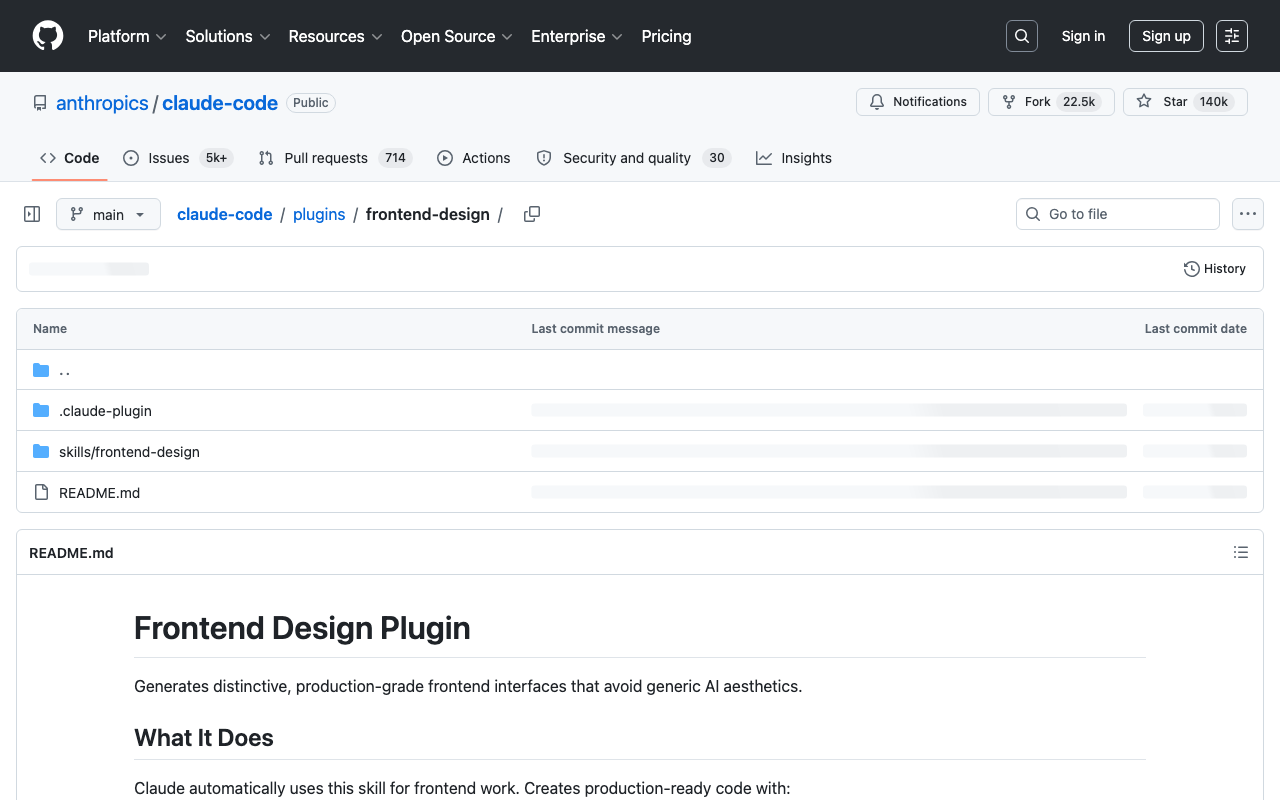
The Frontend Design plugin is a Claude Code skill that forces an explicit aesthetic commitment before Claude writes any styles. It ships as a compact SKILL.md inside the anthropics/claude-code repo under plugins/frontend-design, and it reframes the model's job: instead of generating markup on request, Claude first has to decide what the page should look like and defend that choice.
The skill casts the model in a specific role:
"The design lead at a small studio known for giving every client a visual identity that could not be mistaken for anyone else's" — from the plugin's SKILL.md (source: anthropics/claude-code).Before any CSS, it demands a compact token system: 4–6 named hex colors, at least two typeface roles (a characterful display face used with restraint plus a body face), one-sentence layout descriptions accompanied by ASCII wireframes, and a single "signature" element the page is remembered by . The root problem it targets is statistical: Claude defaults to aesthetics that dominate its training data, so the plugin forces deliberate deviation before that default fires.
Community trackers report the plugin was published November 12, 2025 and passed roughly 300,000 installs by late April 2026 — figures that are secondary and not independently confirmed by Anthropic.
How to Enable the Plugin and Interpret the Two-Pass Output
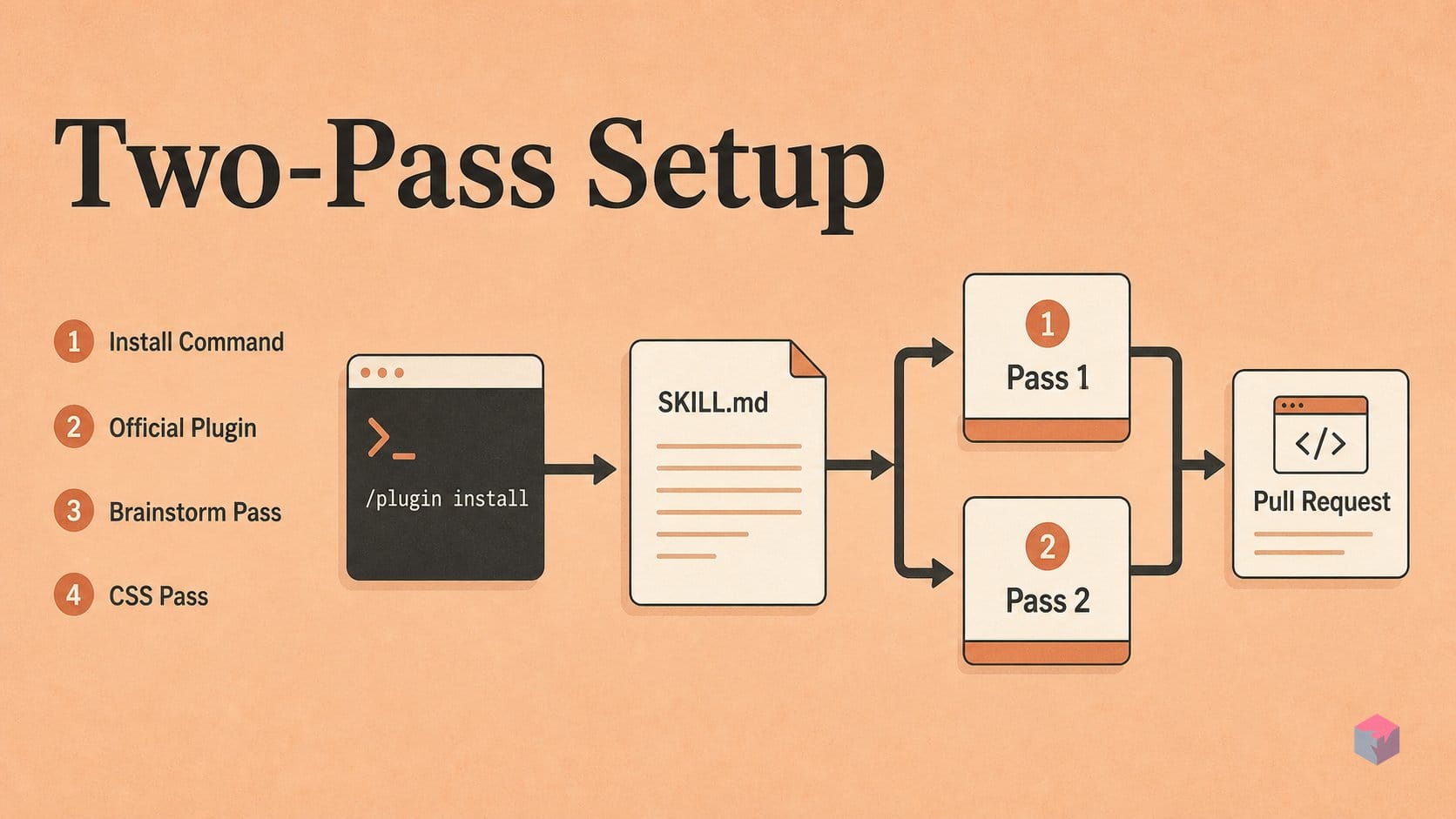
Enabling the plugin takes one command inside any Claude Code session: /plugin install frontend-design@anthropics/claude-code. It ships from the official anthropics/claude-code repository, so there is nothing to clone or build — the SKILL.md loads into your context and reshapes how Claude approaches any frontend request. Claude Code itself is bundled with paid Claude plans: Pro at $20/month, or $17/month billed annually, and Max from $100/month . No separate plugin fee applies.
Once installed, the plugin runs two passes before it writes a single line of CSS. Pass 1 — Brainstorm: Claude drafts a full token system first — a 4–6 color hex palette, typeface roles (a characterful display face used with restraint, a body face, an optional utility face), one-sentence layout descriptions with ASCII wireframes, and a single "signature" element the page is remembered by. All of this happens in the plan, not in your implementation files, so you can read the design intent before any code lands [2].
Pass 2 — Critique: Claude then reviews its own plan against your brief and rewrites any part that "reads like the generic default you would produce for any similar page" [3]. Only after that self-critique does it emit CSS. Treat the brainstorm-plus-critique block as a review checkpoint: if the palette or signature element still feels generic, correct it there rather than after implementation.
The final phase is a verify loop. After Claude implements, paste a screenshot of the running page and ask it to compare the output against your target. Anthropic recommends automated capture through the Puppeteer MCP or a simulator MCP so Claude can screenshot and iterate on its own [4], or you can grab a manual capture from the Browser pane in Claude Code Desktop. Claude performs measurably better when it has something concrete to verify against, so keep the loop tight — one dimension per revision.
The Aesthetic Clusters the Plugin Refuses
The Frontend Design plugin names three specific "AI-generated" looks it will not produce unless your brief explicitly asks for them, because each is a default the model reaches for when it has no stronger direction . The bans are conditional: the check targets blind default selection, not a client's deliberate choice, so a warm editorial palette that the brief calls for passes without complaint.
| Cluster | Signature ingredients | Why it's flagged |
|---|---|---|
| Artisanal / editorial | Warm cream background (~#F4F1EA), high-contrast serif headline, terracotta accent | The dominant default "hand-crafted" landing look |
| Developer-tool dark | Near-black dark mode, a single acid-green or vermilion accent | The prevalent SaaS "dark dashboard" template |
| Broadsheet / Bauhaus | Hairline rules, zero border-radius, dense monochrome text columns | The generic newspaper-grid fallback |
Two further guardrails sit alongside the palette bans. Numbered section markers (01 / 02 / 03) are flagged unless the content is a genuine sequence, and excess animation is called out directly: motion "contributes to the feeling that the design is AI-generated" . The plugin's summary directive is to "spend your boldness in one place" — commit to a single signature element rather than scattering effects across the page.
The mechanism is a keyword-style match against the requested aesthetic: cluster ingredients present with no brief-level justification get sent back for revision. The illustrative Python below (executed successfully, but a simplified stand-in — not the plugin's real rule set) shows the shape of that check, blocking prompts whose look matches a banned cluster while letting an intentional, distinctive request through:
"""Minimal demo: a Claude Code frontend plugin blocks repeated bad looks."""

BANNED_LOOKS = {
    "purple-gradient-hero": ("purple", "gradient", "hero"),
    "glassmorphism-cards": ("glass", "blur", "card"),
    "floating-orb-background": ("orb", "blob", "background"),
}


def banned_looks(prompt):
    text = prompt.lower()
    return [
        name
        for name, required_words in BANNED_LOOKS.items()
        if all(word in text for word in required_words)
    ]


for prompt in [
    "Make a SaaS page with a purple gradient hero",
    "Use glass blur card panels everywhere",
    "Add orb blob background decoration",
    "Build a dense, neutral dashboard",
]:
    blocked = banned_looks(prompt)
    print(f"{'BAN' if blocked else 'OK '} {prompt} -> {blocked or 'allowed'}")
How the Plugin Pairs with Claude Design and v0
That banned-cluster check fires at the Claude Code stage, which is only one layer of a realistic workflow. Anthropic's Claude Design is a separate canvas tool that builds a first version from a plain description and exports standard HTML with Tailwind or inline CSS and vanilla JavaScript, deployable to Vercel, Netlify, or GitHub Pages . It sits at the visual-prototype layer, ahead of production code, and reviewers note it produces more complete full pages than v0's component-level output .
The division of labor is practical:
- v0 wins time-to-first-screen for greenfield UI, with visual annotation and hosted preview; its February 4, 2026 update added Git integration, a VS Code-style editor, and a sandbox runtime .
- Claude Code plus the Frontend Design plugin wins time-to-production inside an existing repo — multi-file edits, git, and build/test loops, where the banned-cluster check applies .
Most teams run a hybrid: Claude Design or v0 to "make it look right," then Claude Code to "make it work right." Wire in the shadcn MCP server so Claude reuses existing components.json primitives instead of hand-rolling duplicates . The takeaway: whichever tool draws the first pass, both still emit empty headlines and placeholder testimonials — treat the output as draft and delete the fake proof by hand before shipping.
Frequently asked questions
How do I install the Frontend Design Plugin for Claude Code?
Run /plugin install frontend-design@anthropics/claude-code in any Claude Code session. It requires a paid Claude plan — Pro ($17/month billed annually or $20 monthly) or Max (from $100/month). The plugin adds a compact SKILL.md that fires before any CSS-generation task, so there is nothing else to configure after install. See the plugin source on GitHub.
What exactly are the three aesthetic clusters the plugin bans?
The skill refuses three clustered "AI-generated" looks unless the brief explicitly asks for them: (1) warm cream (~#F4F1EA) paired with a high-contrast serif and a terracotta accent; (2) near-black dark mode with a single acid-green or vermilion accent; and (3) the hairline-rule, zero-radius, monochrome "broadsheet" template. All three bans are conditional — they trigger only when the brief does not call for that direction, per the SKILL.md.
Does the two-pass design review happen automatically or do I trigger it?
Automatically. There is no separate command. The SKILL.md instructs Claude to run two passes before writing any CSS: first brainstorm a compact token system — 4–6 named hex colors, two or more typeface roles, one-sentence layout descriptions with ASCII wireframes, and a single "signature" element — then critique that plan and revise it "if any part of it reads like the generic default you would produce for any similar page" (Anthropic, 2025). The instruction fires the moment Claude starts a frontend task in the session.
How does Claude Code with this plugin compare to v0 for landing pages?
They win on different axes. v0 leads on time-to-first-screen, visual annotation, and hosted preview for greenfield UI; its quickstart is a web chat that generates from a description and defaults to shadcn/ui. Claude Code leads on time-to-production inside an existing repo — multi-file edits, git, and real build and test integration, documented in Anthropic's harness-design writeup. The banned-cluster check is a Claude Code-only feature. Most teams use both: draw the first pass in one, ship from the other.
Can the plugin's aesthetic restrictions be overridden?
Yes. The bans are conditional on the brief not specifying those aesthetics. If your brief explicitly requests, say, a dark mode with a green accent, the plugin will not refuse it — the guardrail targets blind statistical default selection, not an intentional client request. In practice, name the direction you actually want in the prompt and the two-pass review treats it as the target rather than the generic default it is trained to avoid (frontend-design SKILL.md).
Enjoyed this article? Subscribe to get new stories by email whenever they're published.