
Claude Code reads your CLAUDE.md and your in-session instructions — but reading is not obeying. The line that matters for anyone shipping with it is the one between what the tool suggests and what it enforces.
What Claude Code enforces vs. what it merely suggests
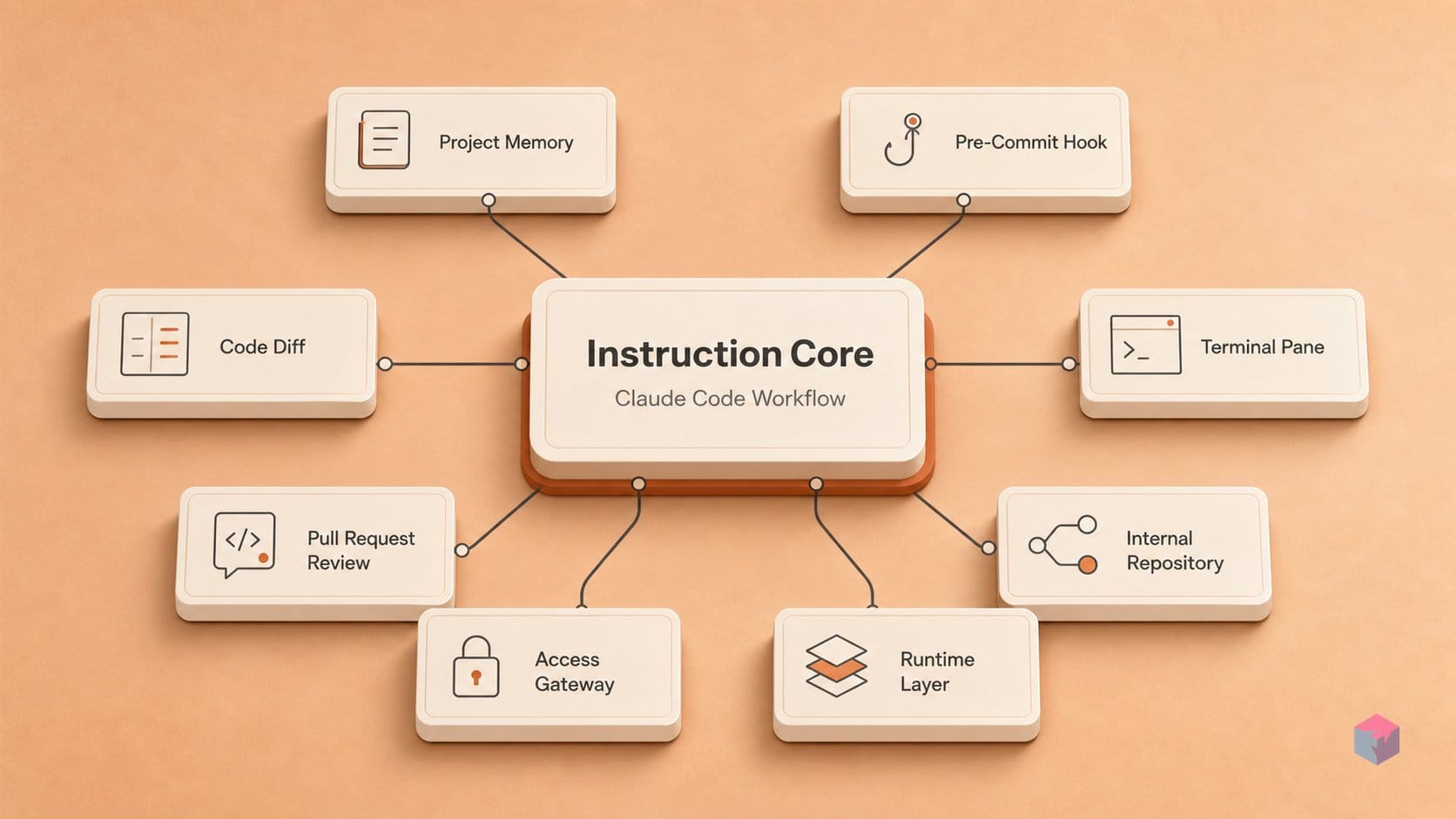
Most of what you tell Claude Code is advisory. CLAUDE.md and in-session prompts steer behavior but do not guarantee it — practitioners report roughly 80% compliance, not 100% . Anything that needs guaranteed behavior belongs in a deterministic mechanism, not a paragraph of instructions.
Two layers actually enforce. Hooks are deterministic shell commands, HTTP endpoints, MCP tools, or LLM calls that fire on lifecycle events — PreToolUse evaluates and can block a tool call before anything executes, PostToolUse runs after success, FileChanged reacts asynchronously, and a Stop hook can gate a turn until tests pass. Claude cannot talk its way past them . Permissions are the other hard layer: outcomes evaluate in the order deny → ask → allow, and neither CLAUDE.md nor any request can override that chain .
For teams, placement decides authority. Settings precedence runs managed settings > CLI arguments > local (.claude/settings.local.json) > project > user . Put shared rules in project scope, private overrides in local settings, and hard policies — including disabling bypassPermissions org-wide — in managed settings, where no individual config can undo them.
Hooks, subagents, and skills: how to wire them in
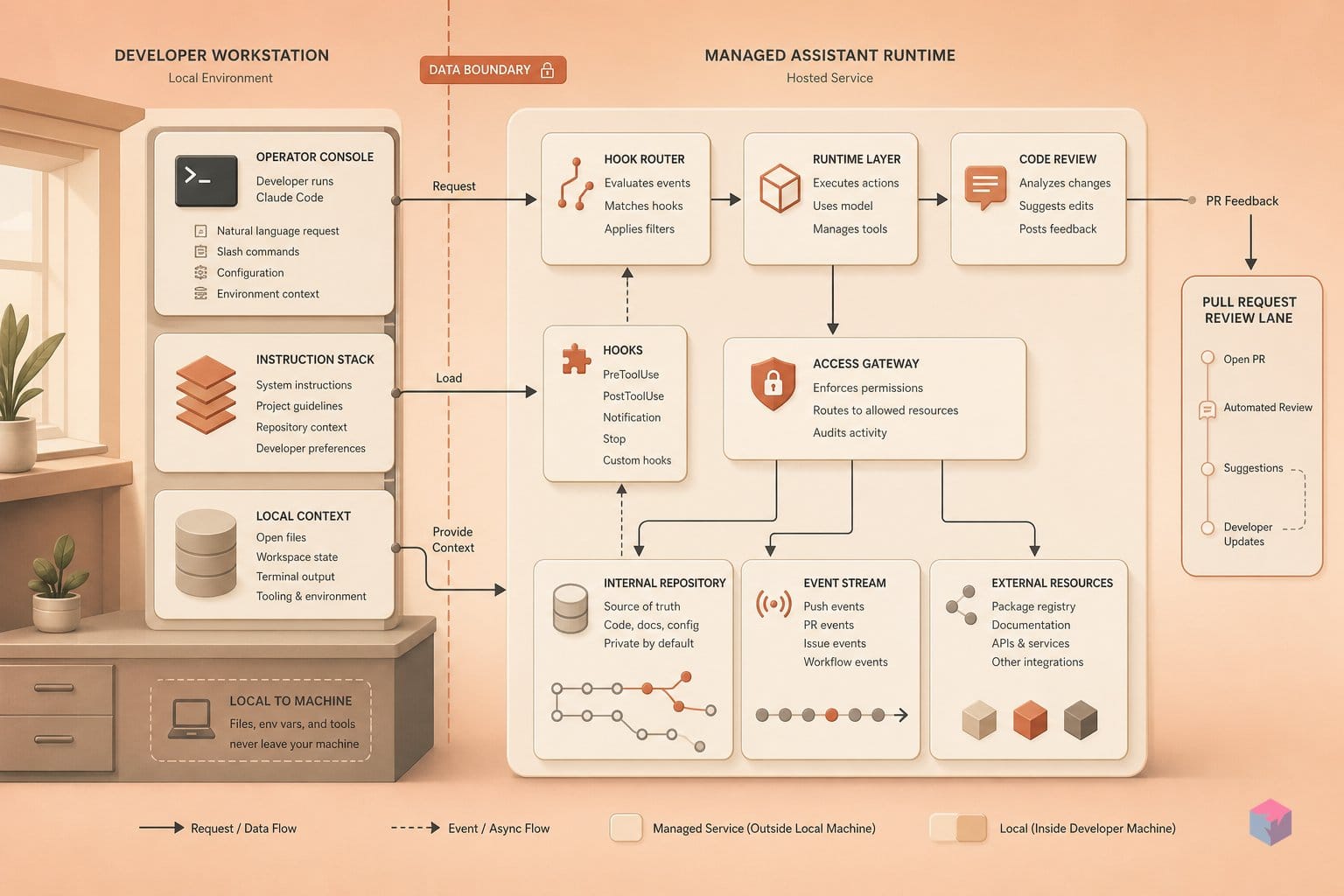
The wiring follows one principle: replace instructions Claude can reason around with mechanisms it can't. A PreToolUse hook is a deterministic gate — a shell command, HTTP endpoint, MCP tool, or LLM prompt that runs before a tool call and blocks it on a non-zero exit . Skills, scoped subagents, plan mode, and /verify layer on top. Below is a concrete, copy-paste path through the five extensibility surfaces.
Step 1 — Block dangerous tool calls with a PreToolUse hook. In .claude/settings.json, add a hooks entry keyed to the tool name (e.g., Bash) running a command that exits non-zero to deny. Anthropic recommends this exact pattern for guardrails like blocking rm -rf or writes to migration folders .
{
  "hooks": {
    "PreToolUse": [
      {
        "matcher": "Bash",
        "hooks": [
          { "type": "command",
            "command": "grep -qE 'rm -rf|/migrations/' && exit 2 || exit 0" }
        ]
      }
    ]
  }
}
Treat hooks as security-sensitive code — you can ask Claude to write them, but review them . As Anthropic's own guidance frames the trade-off:
"Use enforced permission rules, not instructions" — Anthropic, Best practices for Claude Code (source: code.claude.com).
Step 2 — Move procedures into skills. Create .claude/skills/<name>/SKILL.md and invoke it as /name. Unlike CLAUDE.md, which loads every session and is followed roughly 80% of the time , a skill loads only when called. Inline dynamic context — for example the output of git diff HEAD — so the model starts grounded without manual pasting .
Step 3 — Scope a subagent's tools. Define one in .claude/agents/<name>.md with an explicit allowed_tools list; subagents run in separate context windows and report back summaries, which the docs call one of the strongest tools against context bloat . For large migrations, /batch (v2.1.145+) decomposes work into 5–30 independent units, runs each in an isolated git worktree with a background subagent, executes tests, and opens PRs .
Step 4 — Plan before multi-file edits. /plan runs a read-only exploration via the Plan subagent, keeping that output out of your main context window; Ctrl+G opens the generated plan in your editor . Skip it for one-sentence diffs; use it for unfamiliar multi-file changes.
Step 5 — Confirm it runs with /verify. Tests can exit 0 while the app crashes on launch. /verify (v2.1.145+) builds, launches, and observes the running app to confirm it actually starts and behaves .
| Mechanism | File / command | Loads when |
|---|---|---|
| PreToolUse hook | .claude/settings.json | Before every matched tool call |
| Skill | .claude/skills/<name>/SKILL.md | Only when invoked as /name |
| Scoped subagent | .claude/agents/<name>.md | On delegation, in its own context |
| Plan mode | /plan | Before multi-file edits |
| Verify | /verify (v2.1.145+) | After build, to observe runtime |
Where hooks, subagents, and plan mode misfire
The same mechanisms that enforce policy have documented escape hatches, and trusting them as hard gates is where automated pipelines break. A Stop hook gates a turn until tests pass, but Claude overrides it after 8 consecutive blocks — so do not treat it as a wall for a long unattended run. Pair the hook with an explicit allow-list permission rule, which neither model instructions nor CLAUDE.md can override .
Permission mode choice is the next trap. bypassPermissions still prompts for root and home removals like rm -rf / and rm -rf ~, but skips prompts for sensitive directories including .git, .claude, .vscode, .husky, and .mvn . Anthropic recommends it only inside containers or VMs — not a shared dev box where a bad write to .git goes through silently.
Context loss is quieter. Auto-compaction fires in the low-to-mid 80%-full range and is lossy: a decision made early in a session can vanish between tool calls . Use /compact <instructions> to direct what survives, or Esc+Esc (/rewind) to restore a checkpoint from before compaction ran .
"Claude's context window fills up fast, and performance degrades as it fills." — Anthropic, Best practices for Claude Code (source: code.claude.com)
Two more silent failures: skill scope resolves enterprise > personal > project > plugin, so a personal skill can shadow a teammate's project skill of the same name — document scope ownership. And subagents return summaries they wrote themselves, not full transcripts . Wire verifiable checks — tests, lint, /verify — into completion rather than trusting the natural-language report.
What to wire up from here
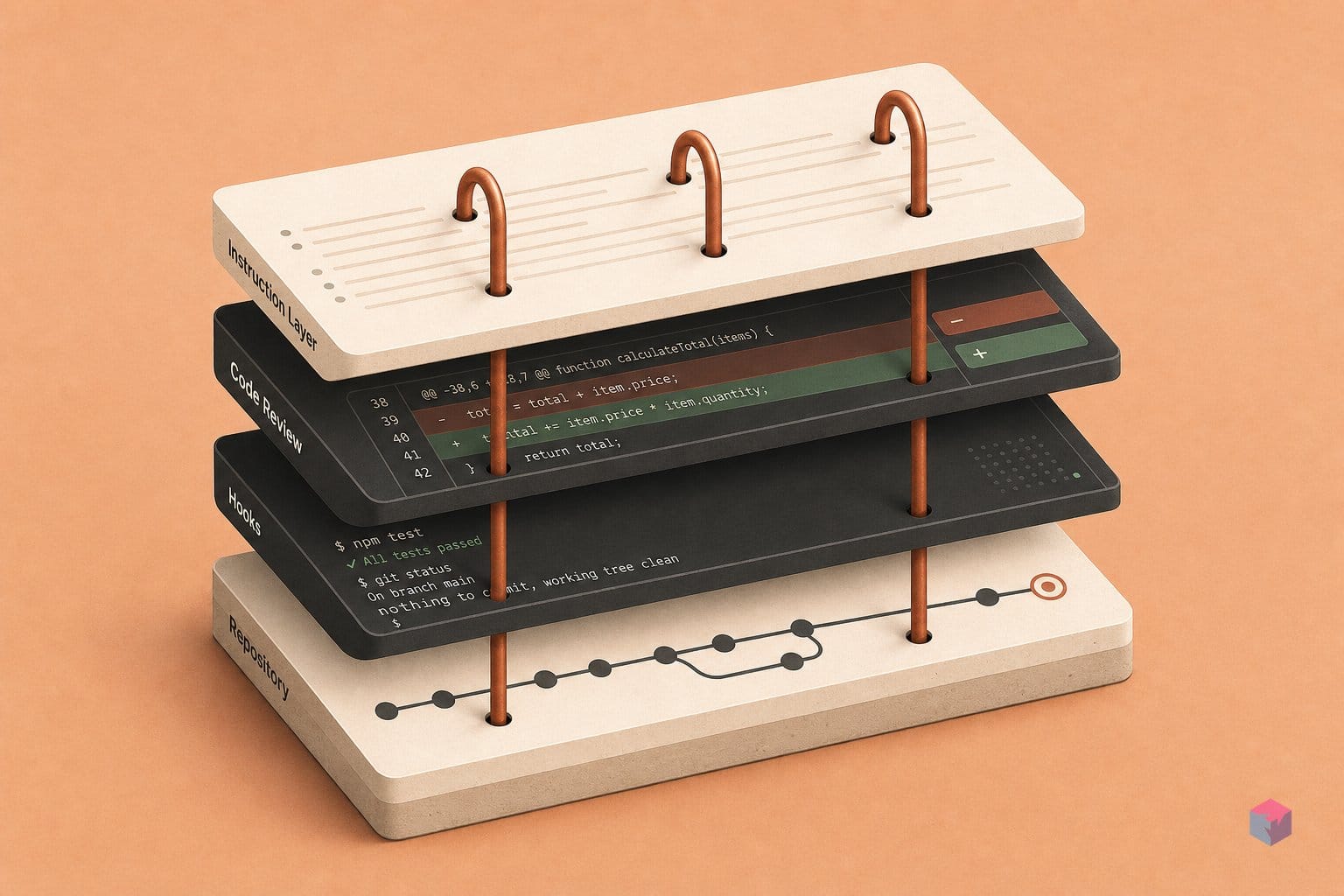
Start by running /run-skill-generator once per project (it requires v2.1.145+). It records your install commands, environment variables, and launch scripts so later /run and /verify invocations know exactly how to start the app without re-prompting you . That one-time setup turns /verify — which builds, launches, and observes the app, not just runs tests — into a reliable completion gate.
Add MCP servers with claude mcp add when Claude repeatedly asks you to paste issue, monitoring, database, or Slack context. Use HTTP transport (SSE is deprecated where HTTP exists), and note that connected servers expose their prompts as slash commands in /mcp__<server>__<prompt> form .
When a session burns context faster than expected, /usage is the first diagnostic — it breaks consumption down by skill, subagent, plugin, and MCP server on Pro, Max, Team, and Enterprise plans .
The single highest-leverage habit: an adversarial diff pass. Spawn a fresh subagent that receives only the diff and PLAN.md, and ask it to grade adherence. Claude's self-assessment misses drift that an isolated read catches — especially after lossy auto-compaction. Configure once, verify always.
Frequently asked questions
What is the difference between a Claude Code hook and a CLAUDE.md instruction?
A hook is deterministic; a CLAUDE.md instruction is advisory. Hooks run as shell commands, HTTP endpoints, or MCP tools regardless of the model's judgment, and a PreToolUse hook can block a tool call before it executes . CLAUDE.md, by contrast, is guidance Claude can reason past — practitioners report it is followed roughly 80% of the time . For anything that must not happen — say, blocking rm -rf or writes to a migration folder — use a PreToolUse hook, not a sentence in CLAUDE.md.
When should I use a skill instead of adding steps to CLAUDE.md?
Use a skill for any procedure; reserve CLAUDE.md for facts. A SKILL.md is invoked directly as /skill-name and only loads when used, consuming zero context otherwise, whereas CLAUDE.md loads every session and eats into the context budget . Move deploy steps, migration recipes, and code-review checklists into skills under .claude/skills/<name>/SKILL.md. Keep CLAUDE.md for the handful of facts Claude genuinely needs on every single task — this matters because Claude's context window fills fast and performance degrades as it fills .
What does /verify do that running tests doesn't?
/verify builds and launches the app, then observes it running — confirming actual startup and basic runtime behavior, not just that unit tests exit 0 . A common failure mode is tests passing while the app crashes on launch because of a missing environment variable or a misconfigured entrypoint. /verify catches that gap, which is why it pairs with /run-skill-generator to record install commands, env vars, and launch scripts. It requires v2.1.145 or later .
How does auto-compaction affect long Claude Code sessions?
Auto-compaction is lossy and can silently erase earlier decisions. It fires in the low-to-mid 80%-full range and summarizes conversation history, so architectural decisions or constraint discussions from early in a session can disappear without warning . Two mitigations: run /compact with explicit instructions about what to preserve, or use /rewind (Esc+Esc) to restore a checkpoint from before compaction ran . Use /context to watch window usage and /clear between unrelated tasks.
Can subagents run in parallel, and how do results come back?
Yes. /batch decomposes a task into 5–30 independent units, spins up one background subagent per unit in its own isolated git worktree, runs tests, and opens a PR for each . Results come back as summaries, not full transcripts, because subagents run in separate context windows and report back condensed output . Since summaries can omit failures, pair /batch with a verifiable completion check — tests passing or /verify succeeding — before you merge.