
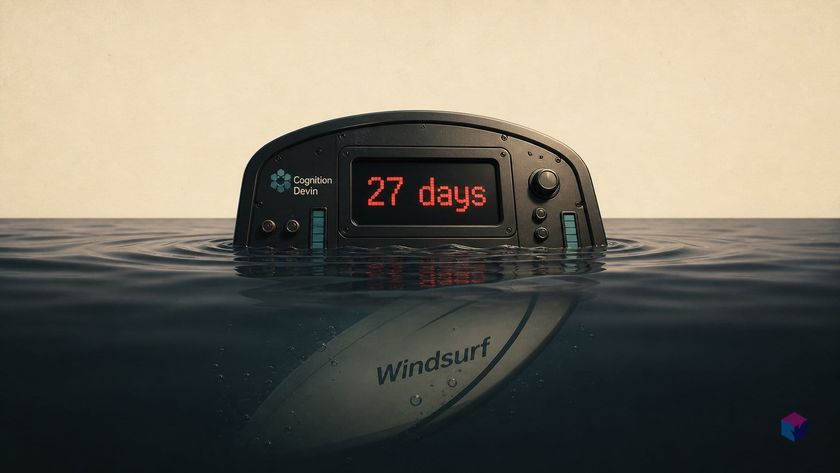
On June 2, 2026, the Windsurf IDE you may have left open overnight quietly became something else. Cognition shipped the rename as an over-the-air update — no migration, no reinstall, just a new name on the binary and a new screen when you open it.
Windsurf to Devin Desktop: Cockpit-First, Not Editor-First
Devin Desktop is Cognition's June 2, 2026 rebrand and successor to the Windsurf IDE, repositioning the editor as a single cockpit for managing local and cloud coding agents . Existing Windsurf users received it automatically as an OTA update — plan, pricing, extensions, settings, and in-progress work all carried forward — shipped as stable build v3.0.12 . The app itself is renamed to Devin.app on macOS, Devin.exe on Windows, and devin on Linux, so MDM, endpoint-security, and allowlist rules may need updating.
The headline change is the default surface. Instead of opening to the code editor, Devin Desktop opens to the Agent Command Center — a Kanban-style board grouping every session, local and cloud, by status: In Progress, Blocked, and Ready for Review . The editor is one click away, not the home screen. A second primitive, Spaces, bundles local sessions, cloud Devin sessions, PRs, files, and shared context in one container, so new sessions inside a Space inherit that context without restating the ticket.
Underneath, the on-machine harness changed too. Devin Local — rewritten from scratch in Rust — replaces the legacy Cascade agent, claiming up to 30% fewer tokens on most tasks plus OS-level sandboxing with filesystem isolation and network allow/deny lists . And the cockpit is deliberately agent-neutral: the Agent Client Protocol lets external agents such as Codex CLI, Claude Code, Gemini CLI, OpenCode, and Junie run inside it on Pro, Max, and Teams tiers, treated identically to first-party agents. Co-founder Russell Kaplan framed the stance plainly: Cognition is "the Independent Agent Lab," noting you can run Claude Code or Codex directly from the app (source: Russell Kaplan).
Supported Platforms and What Carries Over
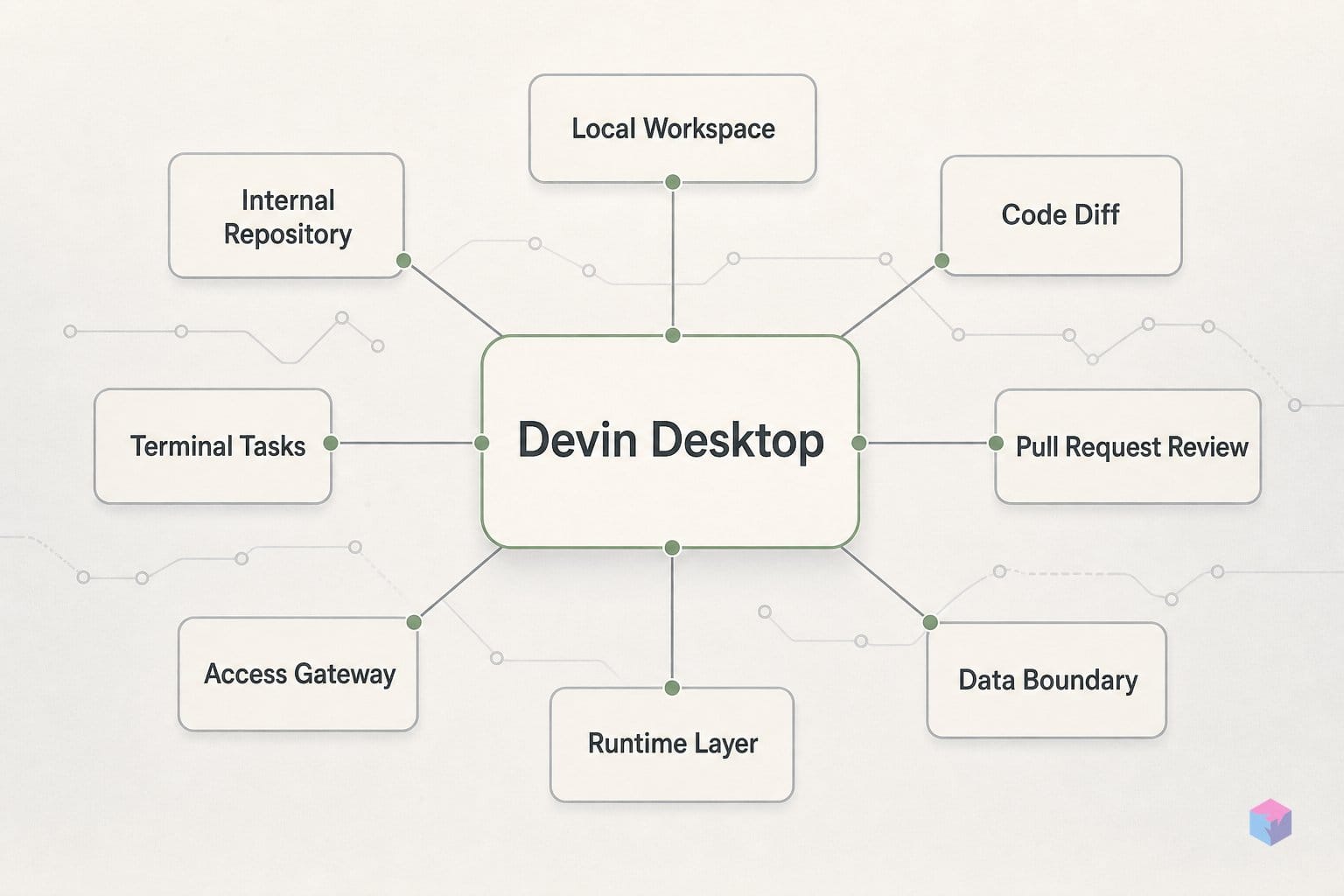
Devin Desktop ships builds for every platform Windsurf supported, and existing settings move across with no manual migration. The download page offers macOS (Apple Silicon and Intel), Windows 10 64-bit (x64 and arm64), and Linux requiring glibc ≥ 2.28 and glibcxx ≥ 3.4.25 — Ubuntu 20, Debian 10, Fedora 36, and RHEL 8 are cited as compatible baselines .
| Platform | Architectures | Minimum requirement |
|---|---|---|
| macOS | Apple Silicon, Intel | — |
| Windows | x64, arm64 | Windows 10 64-bit |
| Linux | x64 | glibc ≥ 2.28, glibcxx ≥ 3.4.25 |
Existing Windsurf users get it as an automatic over-the-air update: extensions, keybindings, LSPs, terminal configs, in-progress sessions, and your plan all carry forward . One operational gotcha — the binary itself is renamed to Devin.app, Devin.exe, or devin, so MDM, endpoint-security, and allowlist rules referencing Windsurf.app or windsurf.exe need updating (the code-signing chain is unchanged) .
Tier access splits cleanly: the Free tier runs Devin Local on-machine, autonomous Devin Cloud VMs require Pro at $20/month or above, and Teams Desktop seats cost $40/month each with Pro-equivalent quota .
Practical Walkthrough: Downloading, Importing, and Sending a Dispatch
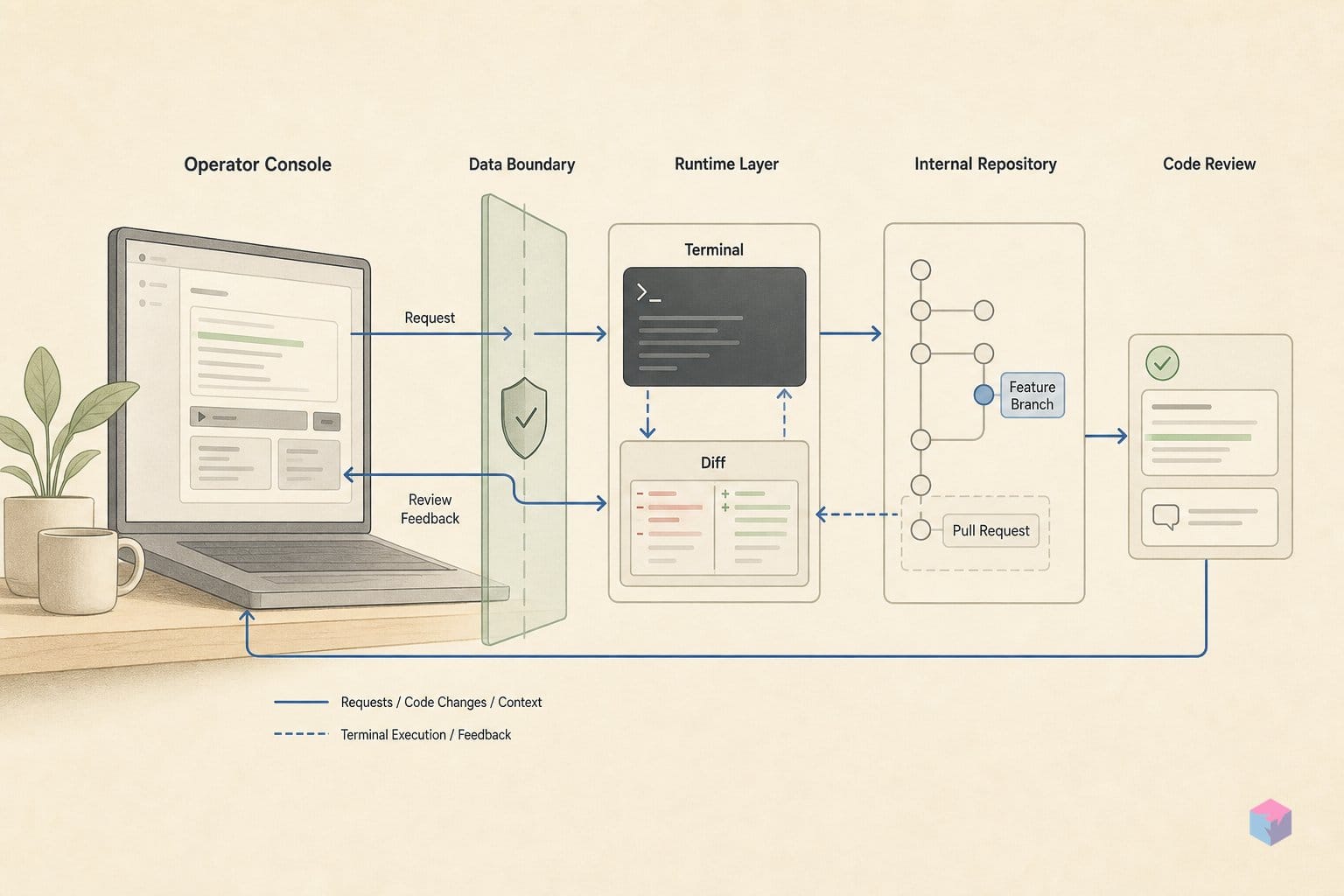
Getting onto Devin Desktop takes one download and one import step. Existing Windsurf users don't even need that — the rebrand ships as an automatic over-the-air update that carries plan, settings, extensions, and in-progress work forward . New users grab a build from the devin.ai download page, which offers macOS (Apple Silicon and Intel), Windows (x64 and arm64), and Linux .
On first launch you choose Import from VS Code / Cursor or Start fresh, pick VS Code or Vim keybindings, choose a theme, then sign in or create a free account . Skipped the import? Run it later from the Command Palette — Cmd+Shift+P on macOS, Ctrl+Shift+P elsewhere (getting started docs).
Next, create a Space for one ticket. You can drag one session onto another, open a session in a split pane, or press Cmd/Ctrl+T inside the current Space; context is shared across every session in that Space automatically, so you don't restate the task .
- Local dispatch: open the target repo in the Space, ask Devin Local to inspect the relevant files and propose a plan, review that plan in the editor, and approve or iterate before it writes anything (Cognition).
- Cloud dispatch: click the Devin icon and describe the change in natural language. An isolated VM with its own browser and shell picks it up and keeps running while your laptop is closed, then returns a pull request for Devin Review (feature breakdown).
For day-to-day editing: Tab gives inline suggestions, Cmd+I / Ctrl+I makes targeted edits without consuming premium model credits, Cmd+Shift+Click on a symbol returns a DeepWiki explanation, and selecting terminal output then pressing Cmd/Ctrl+L sends it to the active session .
One quick sanity check after install — this snippet ran successfully (exit 0):
message = "Windsurf is Devin Desktop now. Cascade has 27 days left."
print(message)
# Windsurf is Devin Desktop now. Cascade has 27 days left.
Devin Local: What's Incomplete Before July 1
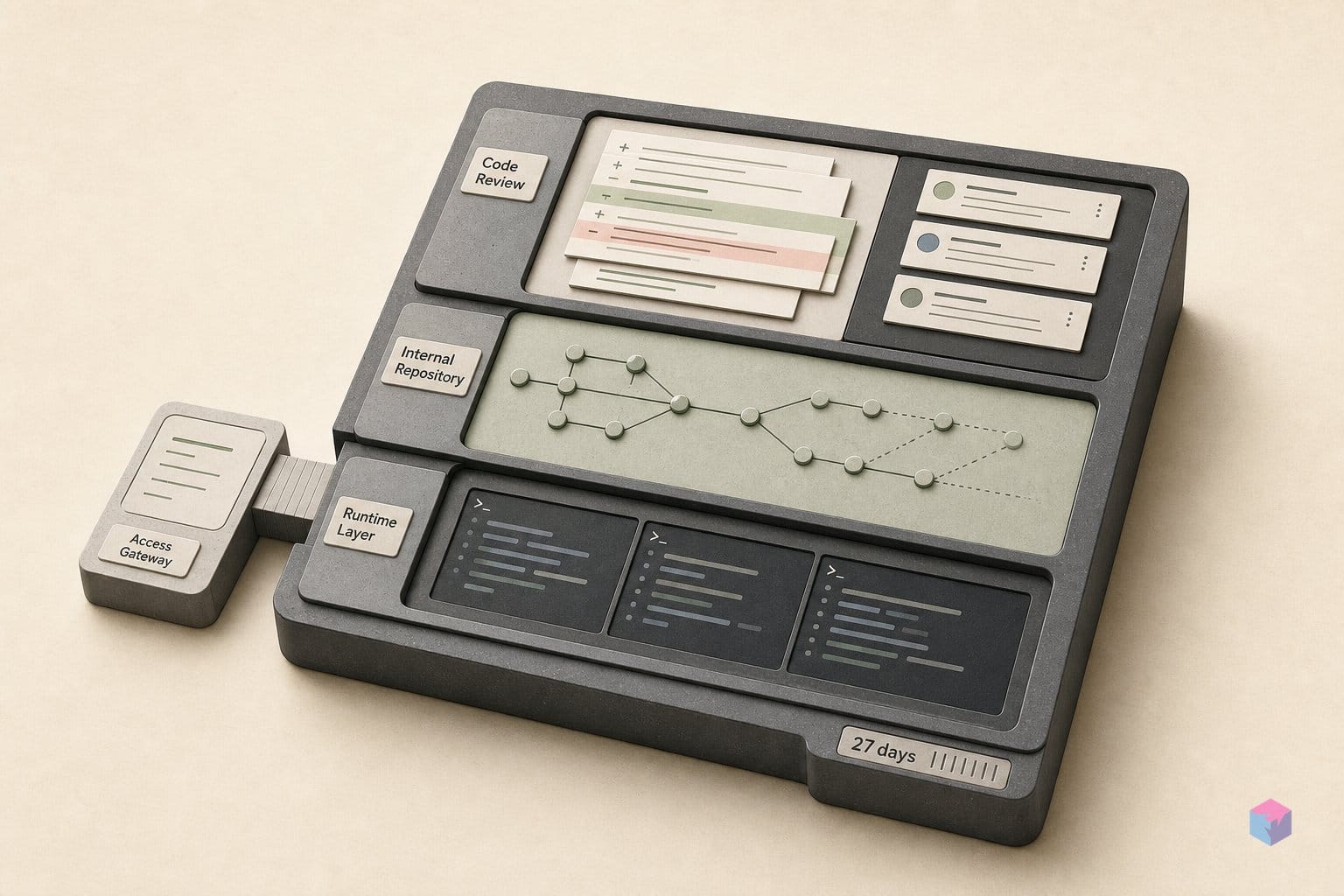
Devin Local — the Rust-rewritten on-machine harness that replaces Cascade — is still preview software, and as of June 2, 2026 its documented gaps are worth checking before you commit a long session to it. The limitations list still flags missing memories, saved workflows, codemaps, code lenses, the Fast Context UI, app deploys, and conversation sharing . Cascade stays available as a fallback through July 1, 2026 — 27 days from today — after which only Devin Local is supported, gaps and all .
A few feature and pricing edges matter for planning:
- Quick Review — the agent that reviews local diffs — is Devin Local-only. SWE-check is free across tiers, while GPT 5.5 and Opus 4.7 run on token-based pricing, so confirm your model before a long run .
- Adaptive routing's introductory rate — $0.50 / $2.00 / $0.10 per 1M tokens for input, output, and cache-read — expires June 7, 2026, three days from today .
- Cloud Devin may not surface in every self-serve account immediately; Cognition's documented fix is to log out and log back in .
Net for developers: treat the next 27 days as a migration window, not a hard cutover, and verify model selection and the missing-feature list before betting a critical task on Local.
Further Out: ACP External Invitations and Devin Review
Beyond Cognition's own agents, Devin Desktop opens to any tool that speaks the Agent Client Protocol (ACP) — an open standard that lets a third-party agent run inside the editor and be managed exactly like Devin Local or Cloud . To wire in a custom binary, add an entry — path plus label — to ~/.windsurf/acp/registry.json (or ~/.windsurf-next/acp/registry.json on the Next channel), open User Settings from the Command Palette, toggle the agent on in the Agents tab, and restart (video: Tina Huang). One caveat that bites: the binary must already be installed locally — Devin Desktop does not fetch it from the registry URL — and external agents run under their own privacy, legal, and billing terms, not Cognition's . ACP is limited to Pro, Max, and Teams; Enterprise must contact their account team.
Co-founder Russell Kaplan frames this openness directly: "Cognition is the Independent Agent Lab — you can run Claude Code or Codex directly from the app," he wrote (source: Russell Kaplan).
The same context container follows you across surfaces. The JetBrains plugin (IntelliJ, PyCharm, WebStorm, GoLand, RubyMine, Rider) and the Devin CLI (curl -fsSL https://cli.devin.ai/install.sh | bash) share the Devin Local harness, and Devin Review lets you approve, request changes, or merge a Cloud-run PR without leaving the IDE — no GitHub tab-switching . Concrete takeaway: enable ACP first if you already lean on Claude Code or Codex, and route Cloud PRs through Devin Review to keep the merge loop inside one window.
Frequently asked questions
Do I need to reinstall anything if I was already on Windsurf?
No. Devin Desktop arrives as an automatic over-the-air update, and your plan, pricing, extensions, settings, keybindings, and in-progress sessions all carry forward . The one thing that needs manual action is infrastructure: the app is renamed to Devin.app on macOS, Devin.exe on Windows, and Devin/devin on Linux, so any MDM, endpoint-security, or allowlist rules that reference the old Windsurf binary must be updated to the new name .
What happens to Cascade on July 1, 2026?
Cascade is retired on July 1, 2026, leaving Devin Local as the only on-machine agent harness; Devin Local already became the default on June 2, 2026 . Devin Local is preview software at launch, with documented gaps as of June 2: no memories, workflows, codemaps, code lenses, Fast Context UI, app deploys, or conversation sharing yet . Plan accordingly if your workflow depends on those features before July.
Is Devin Local free, and how does it differ from Devin Cloud?
Devin Local runs on your own machine and is available on every tier, including the Free plan . Devin Cloud runs on an isolated VM in Cognition's infrastructure with its own desktop, browser, and shell, so it keeps working after you close your laptop and returns a pull request for review. Cloud requires Pro ($20/month) or above and is described as the most expensive component to run .
Can I run Claude Code or Codex CLI inside Devin Desktop?
Yes, through the Agent Client Protocol (ACP) on the Pro, Max, and Teams tiers . Add the agent's binary path to a local registry at ~/.windsurf/acp/registry.json (or ~/.windsurf-next/acp/registry.json), open User Settings from the Command Palette, toggle the agent on in the Agents tab, then restart. The binary must already be installed locally — Devin Desktop will not download it from a registry URL, and third-party agents use their own privacy, legal, and billing terms .
What is a Space and when should I create one?
A Space is a shared-context container that bundles local sessions, cloud Devin sessions, PRs, files, and task context, so any new session opened inside it inherits the context instead of restating the task . Create one per ticket or feature branch. You can spin up a Space by dragging one session onto another, opening a session in a split pane, or pressing Cmd/Ctrl+T inside the current Space .