

Google's demo reel for Gemini Omni looks effortless: ask for a video, then keep talking to it until the shot is right. The question for developers is whether that conversational loop holds up outside a stage demo — and what it actually changes versus the Veo workflow it replaces.
What Does Omni Add That Veo Couldn't?
Omni's core addition is state. Veo produced one-shot renders — each prompt generated a fresh clip with no memory of the last. Gemini Omni holds context across turns, so changing the camera angle on turn three preserves the characters and lighting established on turn one without restarting the scene . Announced at Google I/O on May 19, 2026, the first shipped model, Gemini Omni Flash, replaces Veo as the video-generation surface in the Gemini app .
Product director Nicole Brichtova framed it as "the next step towards combining the intelligence of Gemini with the rendering capabilities of our media models" — DeepMind's informal pitch is a "Nano Banana for video," extending conversational image editing to motion footage.
Two claims deserve a skeptical read. Google advertises "intuitive understanding of forces like gravity, kinetic energy, and fluid dynamics," but those physics behaviors currently rest on Google demos and creator footage, with no third-party benchmarks published at launch . And on raw output, independent reviewers put Omni's generation quality on par with Veo 3.1 rather than clearly above it . The differentiation is the iterative editing loop and Gemini-grounded reasoning — not a new render engine.
Before Starting: Paid Membership, Region, Age
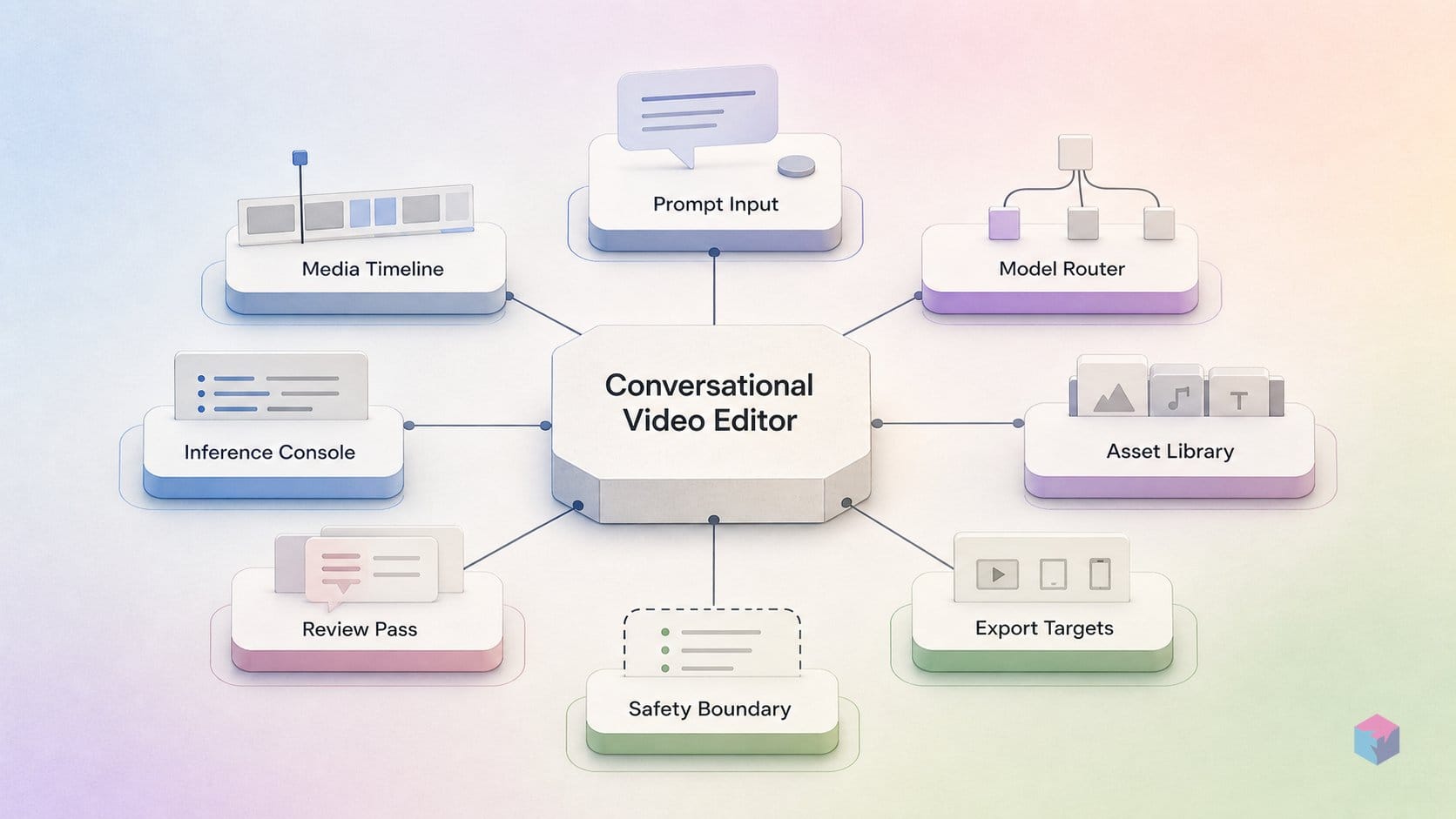
Omni access is gated behind a paid Google AI plan and a few hard eligibility rules, so confirm these before you open a prompt. Gemini Omni Flash unlocks in the Gemini app and Google Flow for Google AI Plus, Pro, and Ultra subscribers, with Plus starting at $7.99/month . If you want to test it for free, generation is available at no cost on YouTube Shorts and the YouTube Create App at launch .
Two constraints catch builders off guard:
- Age and account type. You must be 18 or older, and avatar creation requires a personal Google Account (not Workspace) and is currently English-only .
- Region. Uploaded-video editing — and avatar creation — are unavailable in the EEA, Switzerland, the UK, and some unspecified US states .
There is no programmatic path yet. The developer/enterprise API is listed as "coming weeks" post-launch, so no stable public model ID exists to pin in code . For now, you build through the Gemini app or Flow on a paid plan.
Creating and Refining a Clip in Omni, Turn by Turn
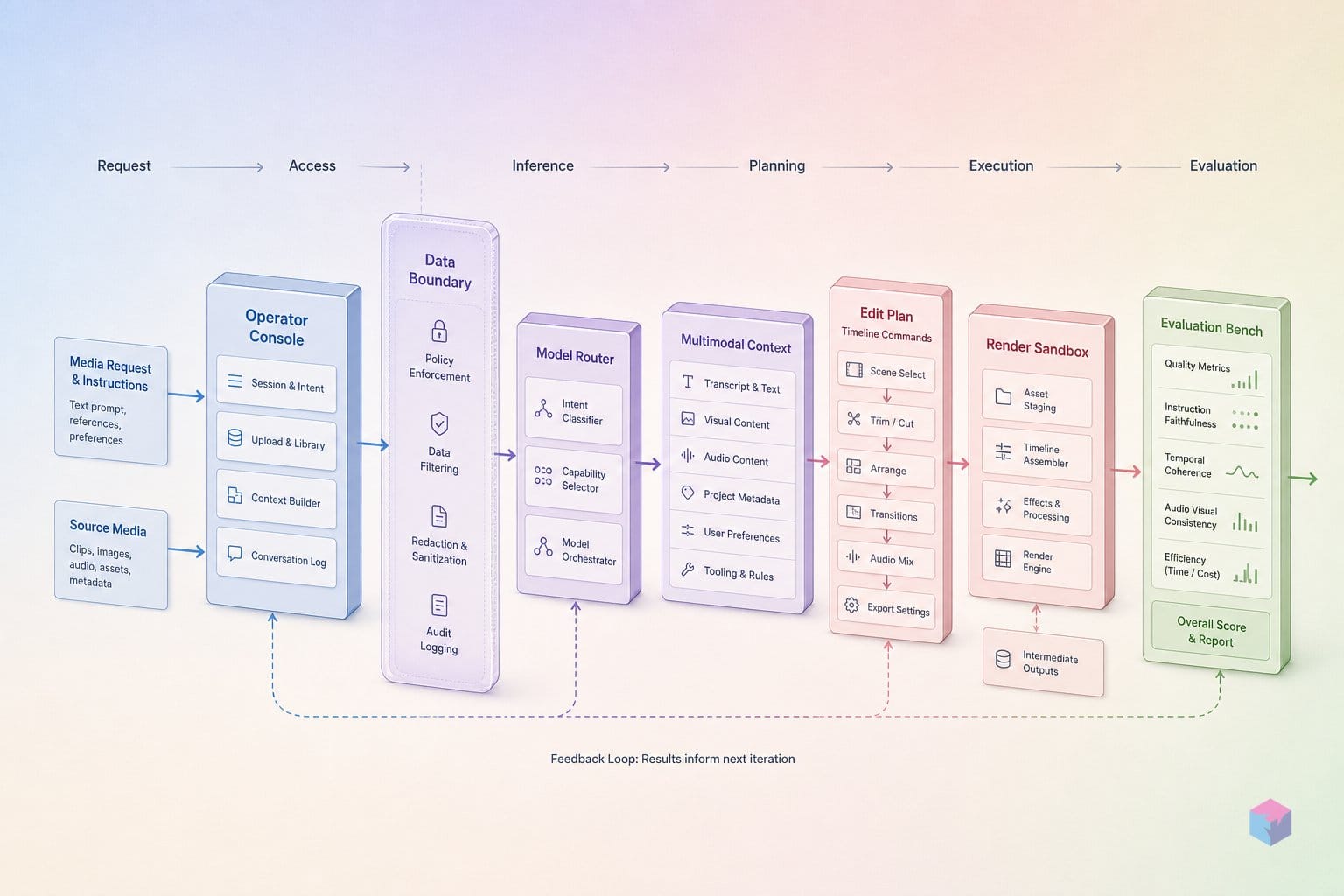
Building a clip in Omni follows six concrete steps: pick a surface, open video creation, write a production-brief prompt, attach references, refine one turn at a time, and — in Flow — lock characters and chain shots. The workflow is the same conversational loop on every surface; what changes is cost and control. Here is the runnable path.
Step 1 — Choose a surface. Three options exist today. YouTube Shorts and the YouTube Create App run Omni at no cost and spend no Flow credits, which makes them the right place to learn the prompt loop . The Gemini app (Google AI Plus and up) gives you the standard conversational editor. Google Flow (also Plus and up) adds character locking, voice locking, and an agent mode for power users .
Step 2 — Open video creation. On desktop, click Add Files → Create video; on mobile, tap Add Files → Videos. You can optionally select a template before prompting (video: Google).
Step 3 — Write a production-brief prompt. Treat the prompt like a shot list, not a sentence. Google's prompt guide recommends naming shot framing, motion, style, lighting, location, and action with concrete videography terms — close-up, wide-angle, locked off, push in, dolly zoom, natural smartphone zoom . Specific terms consistently outperform vague descriptions (video: Google).
Step 4 — Attach references. A Gemini app video prompt accepts one uploaded video and up to five images . Text-only prompts default to landscape; once you attach an image or video, the output aspect ratio inherits automatically from the upload.
Step 5 — Refine conversationally. This is Omni's core difference. Send one narrow instruction per turn without restating the scene — "swap the butterfly for a bee", "cut to over-the-shoulder", "sync the lights to the music" — and Omni carries forward character, lighting, and temporal continuity from prior turns .
Step 6 (Flow only) — Lock and chain. In Flow, build a character from a text prompt or reference image, lock its appearance and voice, then feed video, audio, and images through Ingredients and set first/last frames (video: King Charles Tv). Agent mode plans and chains the ≤10-second clips into longer sequences, with a setting to auto-generate or wait for your approval .
Credit Spend, Clip Length Caps, and Watermark Behavior
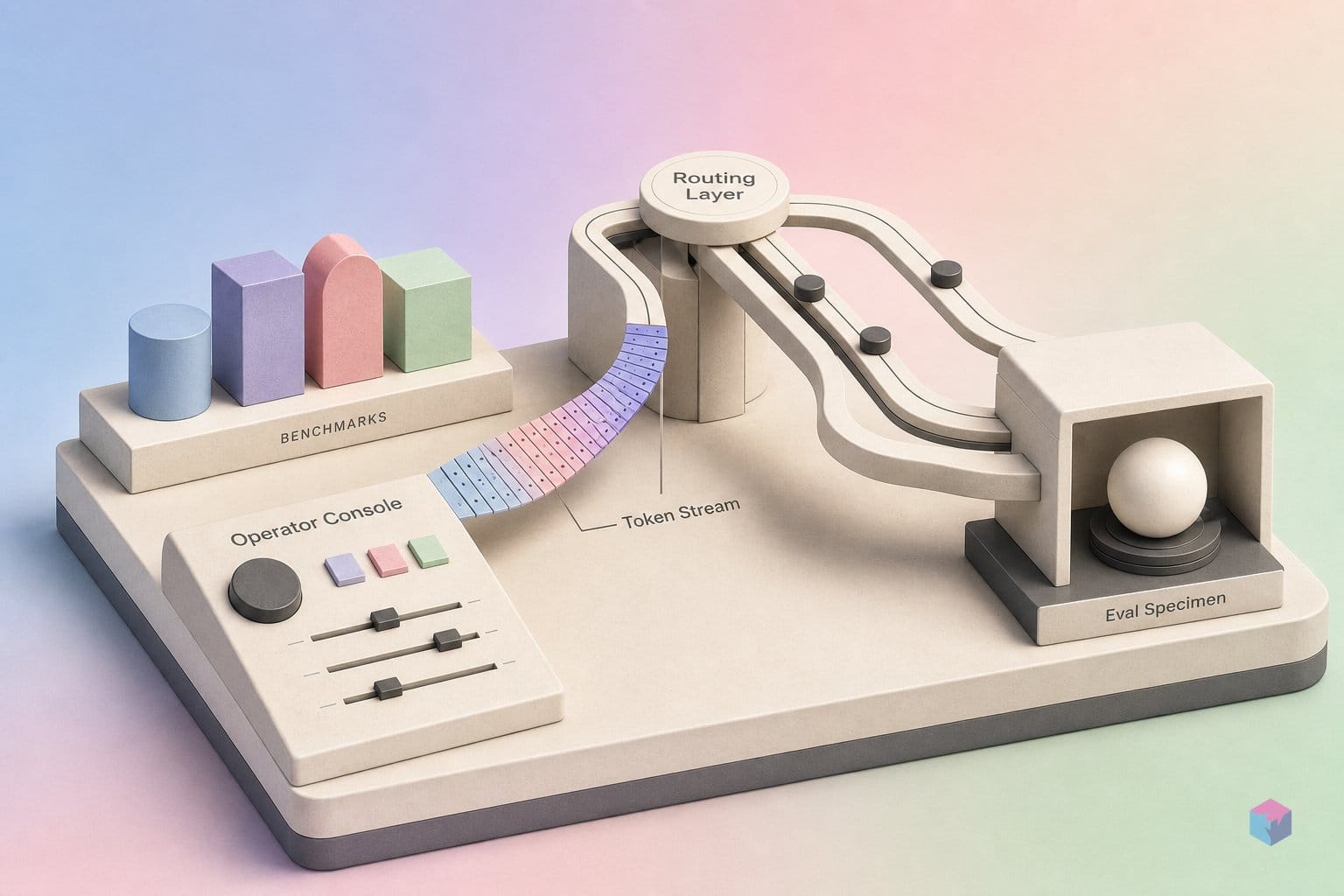
Omni's economics are denominated in Flow credits, and editing always costs more than generating. A fresh generation runs 15 credits for a 4-second clip, 20 for 6s, 25 for 8s, and 30 for 10s — but editing an uploaded or generated video of any length is a flat 40 credits . So a conversational edit pass costs more than producing the base shot, which matters when you iterate across many turns.
Your monthly budget depends on tier:
| Plan | Credit allocation |
|---|---|
| Free (no subscription) | 50 / day |
| Google AI Plus | 200 / month |
| Pro | 1,000 / month |
| Ultra ($100) | 10,000 / month |
| Ultra ($200) | 25,000 / month |
Upscaling is metered separately: 1080p upscaling is free on Plus, Pro, and Ultra, while 4K upscaling is Ultra-only and costs 50 credits per clip . At 30 credits per 10-second generation, a Plus user's 200 monthly credits buys roughly six full-length clips before edits — budget accordingly.
The 10-second cap is the other constraint to plan around. TechCrunch reports it is a deliberate consumer-adoption choice, not a technical ceiling, with longer durations planned but unscheduled . For now, chain clips in Flow's agent mode rather than waiting on a higher cap.
On provenance: every Omni output embeds Google's SynthID — an invisible, machine-verifiable watermark — plus C2PA Content Credentials across Gemini, Flow, and YouTube . Note one gotcha: files you download directly also carry an additional visible watermark on top of the invisible SynthID layer , so plan for that if the footage is destined for a clean edit.
Where to Take Your Experiments From Here
The pattern that compounds is simple: generate or upload a base clip, make one small change per turn, and export only once the scene is locked. Restarting from scratch throws away both credits and the conversational context Omni uses to keep characters, lighting, and motion consistent. For multi-shot work, Flow's agent mode can write a script and auto-generate images and video in sequence, with a setting to make each step wait for approval before continuing .
To gauge whether the demos match your footage, score your own runs the way this small harness does — it's illustrative, but it ran clean (exit 0):
from dataclasses import dataclass


@dataclass
class Trial:
    task: str
    asked: int
    completed: int
    manual_fixes: int


trials = [
    Trial("cut filler words", 18, 17, 1),
    Trial("insert b-roll from prompt", 8, 6, 2),
    Trial("reframe speaker shots", 12, 9, 3),
    Trial("sync captions", 10, 10, 0),
]

score = sum(t.completed - t.manual_fixes for t in trials) / sum(t.asked for t in trials)
print(f"real-world score: {score:.0%}")
print("verdict:", "demo-like" if score >= 0.85 else "promising, but verify on your footage")
Two things to watch next. Google says the developer API is "coming weeks" away, and the model cards for T2VA, I2VA, R2VA, and video-editing evals publish when it opens — so hold off on hard-coding a public model ID. An Omni Pro tier is in development with no announced date, while 4K upscaling and longer clips beyond the current 10-second cap are the most-signaled near-term additions . The honest takeaway: the conversational workflow is the real upgrade — test it on your own clips before trusting the reel.
Frequently asked questions
How is Gemini Omni different from Veo?
Omni is stateful and multi-turn: each instruction builds on the scene already established, so changing a camera angle or swapping an object preserves the prior characters, lighting, and composition without restarting the render . Veo produced one-shot outputs you regenerated from scratch. Omni replaced Veo in the Gemini app's video-generation experience as of May 19, 2026 . Independent reviewers put raw generation quality on par with Veo 3.1 rather than clearly ahead — the real difference is the iterative editing loop, not pixel quality .
Is there a Gemini Omni API developers can call today?
No. There is no public developer or enterprise API at launch; Google says it is coming "in the coming weeks," and the model card states T2VA, I2VA, R2VA, video-editing, and image-generation evaluations will publish when the APIs roll out . There is no stable public model ID to pin yet, so avoid hard-coding one . Until the API ships, builders reach Omni through the Gemini app or Google Flow on a paid plan.
What does a 10-second Omni clip cost in Flow credits?
A 10-second Gemini Omni Flash generation costs 30 credits in Flow; shorter clips cost 15 (4s), 20 (6s), and 25 (8s) . Editing that clip — or any uploaded video of any length — costs 40 credits, and 4K upscaling adds 50 credits and is Ultra-only, while 1080p upscaling is free for Plus, Pro, and Ultra . Free, no-subscription accounts get 50 Flow credits per day .
Can I use Gemini Omni if I'm based in Europe?
Partly. Generating video from text or image prompts is available in many countries, including much of Europe . However, editing uploaded video and creating avatars are blocked in the EEA, Switzerland, and the UK . Some unspecified US states also block uploaded-video editing, and Google has not said which . English is recommended, though prompt languages also include Korean, Japanese, Chinese, Hindi, French, German, Spanish, and Portuguese.
Does Gemini Omni watermark everything it generates?
Yes, in two machine-verifiable layers. Every Omni output embeds Google's invisible SynthID watermark plus C2PA Content Credentials across Gemini, Flow, and YouTube, and provenance can be checked via the Gemini app, Gemini in Chrome, and Google Search . Files you download also carry a visible watermark on top of SynthID . Google reported SynthID verification had been used over 50 million times globally by May 19, 2026 .