
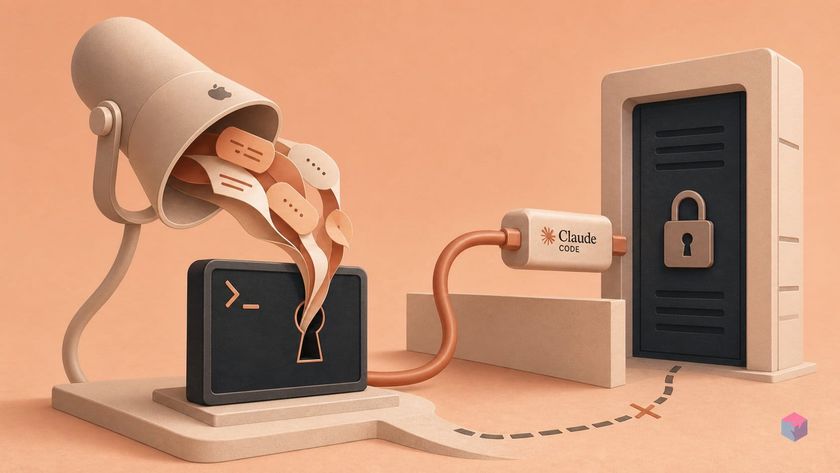
Your Mac already has a usable voice path for Claude Code. The useful trick is not a new plugin: it is ordinary macOS Dictation pointed at the terminal prompt.
Can you dictate Claude Code prompts on a Mac?
Yes: macOS Dictation can insert spoken text anywhere typing is supported, which means it can fill a Claude Code terminal prompt without a third-party dictation app. Apple documents Dictation as system-wide text entry, while Claude Code exposes prompt entry through terminal surfaces such as interactive claude, one-shot prompts, and print mode .
Quick Answer: Mac users can dictate Claude Code prompts with built-in macOS Dictation: focus the terminal prompt, start Dictation, speak the task, review the inserted text, and submit. Apple says Dictation stops after 30 seconds without speech .
The workflow is simple: click or tab into the Claude Code prompt, start macOS Dictation, speak the task brief, inspect the transcript, correct file paths or flags, then press Return when the prompt says what you intended. The original discovery came from a developer video noting that macOS users can enable Dictation and speak prompts instead of typing them into Claude Code .
This matters because useful Claude Code prompts are often closer to spoken engineering briefs than shell commands. Anthropic describes Claude Code as an agentic coding tool that can read a codebase, edit files, run commands, work with git, and automate development workflows . In practice, that means prompts often include intent, constraints, affected modules, test expectations, and acceptance criteria.
"For a lot of my prompts, I won't hand type them into Claude Code," says the creator in the source video, pointing Mac users to built-in Dictation rather than a separate app (source: YouTube).
The timing behavior is worth knowing before you rely on voice for longer prompts: Apple says macOS Dictation stops automatically after 30 seconds without speech, while Anthropic says Claude Code tap-to-record voice mode stops after 15 seconds of silence or two minutes total . That makes review essential, especially when prompts contain identifiers, package names, paths, or destructive operations.
What do you need before speaking prompts?
You need either macOS Dictation enabled at the operating-system layer or Claude Code’s built-in /voice mode on a supported local setup. The macOS path starts in System Settings > Keyboard > Dictation, while the Claude Code path requires version 2.1.69 or later for /voice and version 2.1.116 or later for tap-to-record .
For the built-in Mac route, turn on Dictation in Keyboard settings, then place the cursor in the Claude Code terminal prompt and start dictation with the Microphone key, your configured Dictation shortcut, or Edit > Start Dictation, according to Apple’s macOS Dictation guide. This is standard text entry, so there is no Claude-specific integration to install.
| Path | What you need | Main caveat |
|---|---|---|
| macOS Dictation | Dictation enabled in System Settings > Keyboard > Dictation | Works as local text entry, but terminal behavior and microphone permissions can still vary by app. |
Claude Code /voice |
Claude Code 2.1.69+; tap-to-record needs 2.1.116+ | Requires a Claude.ai account and is not available with direct Anthropic API key, Amazon Bedrock, Google cloud provider integrations, or Microsoft Foundry setups, according to Anthropic’s voice dictation docs. |
The environment distinction matters before you debug the wrong thing. Anthropic says /voice needs a local microphone and does not work in SSH or remote environments, because the audio capture happens on the local machine . macOS Dictation is different: it targets local text fields, so it can still help when you are typing into a local terminal window connected to a remote shell.
How do you use macOS Dictation for prompt entry?
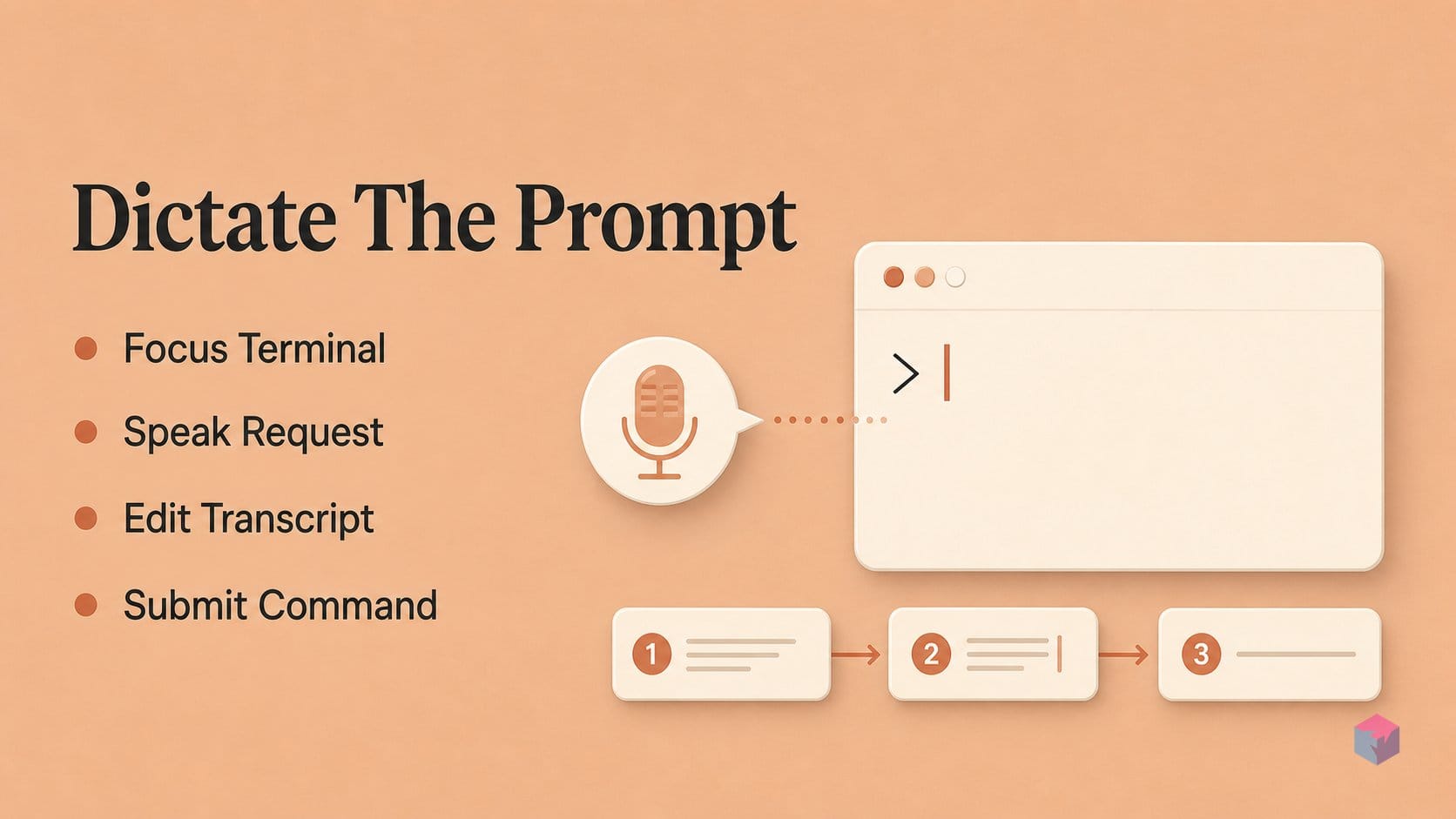
Use macOS Dictation for Claude Code prompt entry by treating the terminal as any other Mac text field: open the Claude Code surface you already use, focus the prompt, dictate the request, edit the transcript, then submit it. Claude Code supports interactive claude, initial-prompt claude "query", and print-mode claude -p "query" workflows according to Anthropic’s CLI usage docs , while Apple says Dictation can enter text anywhere you can type .
- Open the Claude Code terminal surface you already use. For a normal back-and-forth session, start interactive
claude. For a one-shot task, you can begin with an initial prompt. For scripting or automation, Anthropic documents print mode withclaude -p "query". Dictation is most comfortable in the interactive prompt because you can review the transcript before pressing Return. - Place the cursor where Claude Code accepts input, then start Dictation. Apple documents several start paths: the Microphone key, a configured Dictation shortcut, or Edit > Start Dictation in apps that expose that menu item . In a terminal, the practical version is simple: click or focus the prompt line, trigger Dictation, speak the request, then stop Dictation before submitting.
- Speak structure, not just words. Apple’s Dictation help documents spoken punctuation, plus commands such as “new line” and “new paragraph” for readable text entry . That matters for Claude Code because a useful coding prompt often has intent, constraints, file names, and acceptance criteria. Auto-punctuation can add commas, periods, and question marks in supported languages and regions, but Apple’s feature-availability matrix shows support varies by language and region .
- Correct the transcript before you submit. Review file paths, flags, package names, symbols, branch names, and proper nouns manually. Apple says supported Apple silicon Macs can use modeless Dictation, which allows typing and dictating in the same flow . That is the useful habit: speak the prose, type the brittle tokens, then send the prompt only after the transcript matches your intent.
Where do Dictation and /voice diverge?
macOS Dictation and Claude Code /voice diverge at the product boundary: Dictation is operating-system text entry, while /voice is a Claude Code prompt feature. Apple documents Dictation as a way to enter spoken text wherever you can type ; Anthropic documents /voice as live transcription inside Claude Code, with speech inserted into the CLI prompt input . For developers, the practical split is simple: use macOS Dictation when you want the same voice-to-text behavior across Terminal, iTerm2, Ghostty, VS Code, and other text fields; use /voice when you specifically want Claude Code’s integrated recording controls.
The privacy model is also different. Apple says Mac users can check Keyboard settings to see whether Dictation requests are processed on-device or sent to Siri servers . Apple’s Siri and Dictation privacy notice says dictated content may be sent to Apple when requests are not processed on-device, and that transcripts and related request data may be associated with a random identifier for up to two years . Anthropic’s Claude Code documentation is more direct for /voice: recorded audio is streamed to Anthropic servers for transcription and is not processed locally .
"Recordings are streamed to Anthropic servers for transcription and are not processed locally," — Anthropic, Claude Code documentation at Claude Code Voice Dictation
Control is where /voice has the narrower but richer interface. Anthropic says Claude Code voice supports hold-to-record and tap-to-record modes, defaults to Space for the voice:pushToTalk keybinding, allows that binding to be changed in ~/.claude/keybindings.json, and can optionally auto-submit finalized transcripts when they contain at least three words . The same page says Claude Code voice requires version 2.1.69 or later, while tap mode requires version 2.1.116 or later .
The maturity signal is worth reading as operational context, not as a warning to avoid the feature. Anthropic’s March 2026 changelog lists several voice-related fixes: version 2.1.71 added a rebindable voice:pushToTalk keybinding and fixed a CoreAudio startup freeze after wake; version 2.1.74 added the macOS audio-input entitlement; version 2.1.75 fixed fresh-install activation; version 2.1.79 fixed Windows npm audio capture; and version 2.1.81 improved retry and WebSocket recovery behavior . In practice, macOS Dictation is the dependable fallback when Claude Code voice is unavailable, policy-restricted, or too tightly scoped to the CLI.
What should you try after the first dictated prompt?
After the first dictated Claude Code prompt, keep the workflow simple: use standard macOS Dictation when you only need spoken text inserted into the terminal, and switch to Accessibility Voice Control only when you need broader hands-free Mac navigation, clicking, dictation, and editing . That split matters because prompt entry and full Mac control are different jobs.
The most reliable next pattern is hybrid input. Dictate the task narrative: what changed, what you want Claude Code to inspect, what constraints matter, and what acceptance criteria count as done. Then type exact file paths, CLI flags, package names, branch names, and symbols by hand. Apple documents Dictation as system-wide text entry, but code-adjacent tokens are still where transcript cleanup can cost more time than typing .
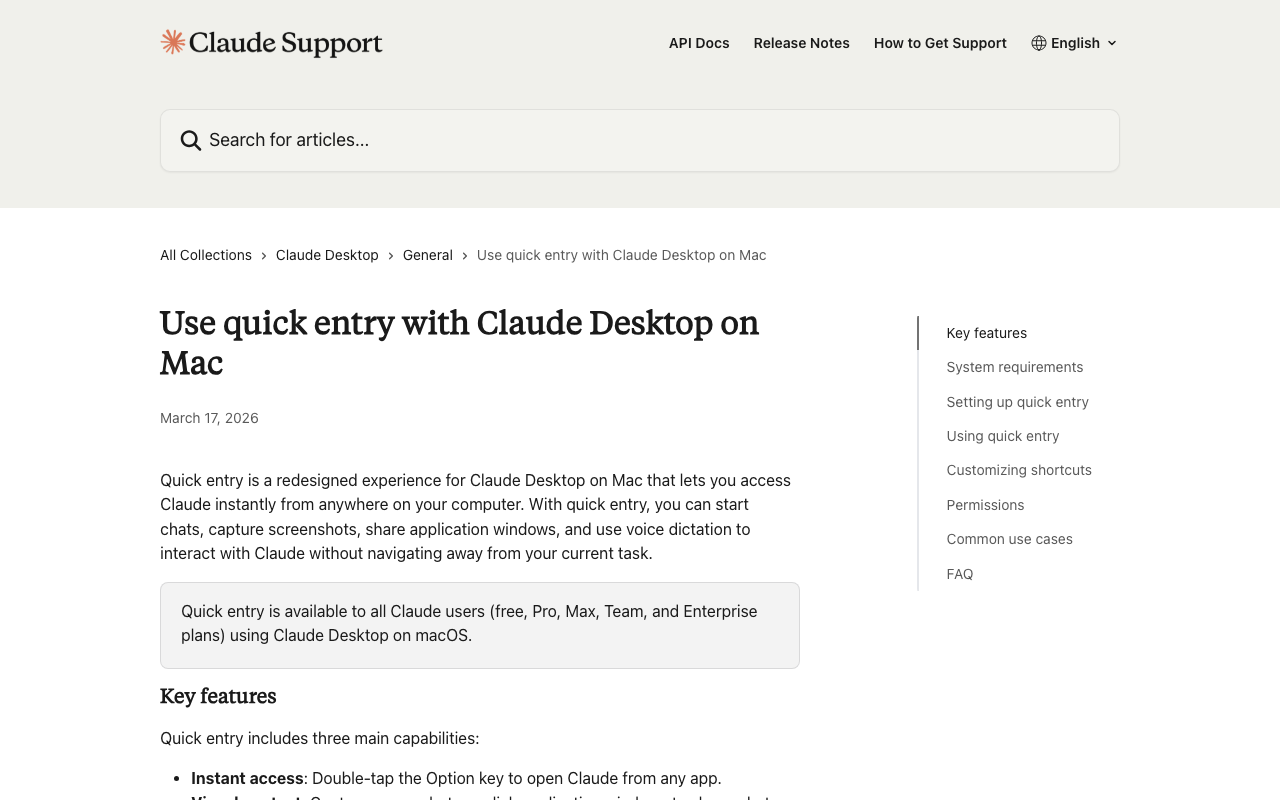
Keep Claude Desktop Quick Entry in a separate mental bucket. Anthropic says Quick Entry on macOS can capture thoughts into the desktop app, requires macOS 12+ for quick entry and macOS 14+ for voice dictation, and uses double-tap Option for quick entry with optional Caps Lock voice input . Useful, but it is not the same as speaking into a live Claude Code terminal prompt.
If Claude Code /voice feels uneven, check the version trail before debugging your microphone. Anthropic’s March 2026 changelog includes fixes for a 5-8 second CoreAudio startup freeze after wake in v2.1.71, macOS audio-input entitlement behavior in v2.1.74, fresh-install activation in v2.1.75, Windows npm audio capture in v2.1.79, and retry plus WebSocket recovery in v2.1.81 . The practical takeaway: dictate prose, type precision, review before Enter.
Frequently asked questions
Do I need a third-party app to dictate Claude Code prompts on a Mac?
No. macOS Dictation is built into the operating system and can enter spoken text anywhere text entry is supported, including a local terminal prompt running Claude Code, subject to the terminal app’s input behavior. Apple documents Dictation as system-wide text input in Mac settings, and Anthropic documents Claude Code as a terminal-based coding tool with prompt-entry surfaces such as interactive CLI usage. See Apple’s Mac Dictation guide and Anthropic’s Claude Code CLI usage docs.
Is Claude Code /voice the same as macOS Dictation?
No. macOS Dictation is operating-system text entry, while Claude Code /voice is Anthropic’s built-in transcription mode inside the Claude Code CLI. Anthropic says /voice requires Claude Code v2.1.69 or later , with separate behavior for recording, authentication, keybindings, and server-side transcription. Apple Dictation is configured in macOS settings; Claude Code /voice is configured inside Claude Code.
Which option is more private for prompt dictation?
It depends on your settings and threat model. Apple says Dictation may be processed on-device or sent to Apple servers depending on language, device, and settings; Apple’s privacy notice also says transcripts and related request data may be retained for up to two years when server processing applies . Anthropic states that Claude Code /voice streams recorded audio to Anthropic servers for transcription and is not processed locally, so teams with strict data-handling rules should review the Claude Code voice documentation before enabling it.
Can I dictate code symbols and file paths accurately?
Yes, but expect manual correction. Dictation works best for the natural-language part of a Claude Code prompt: intent, context, constraints, expected behavior, and test instructions. For exact symbols, file paths, flags, package names, branch names, and destructive commands, a safer workflow is to speak the brief, type the precision-sensitive tokens, then review the whole prompt before pressing Enter.
Does Claude Code /voice work over SSH?
No. Anthropic documents that Claude Code /voice does not work in SSH or remote environments because it requires access to a local microphone. If you are connected to a remote machine, use macOS Dictation to enter text into your local terminal input, or type the prompt manually before sending it to the remote Claude Code session.
Enjoyed this article? Subscribe to get new stories by email whenever they're published.