
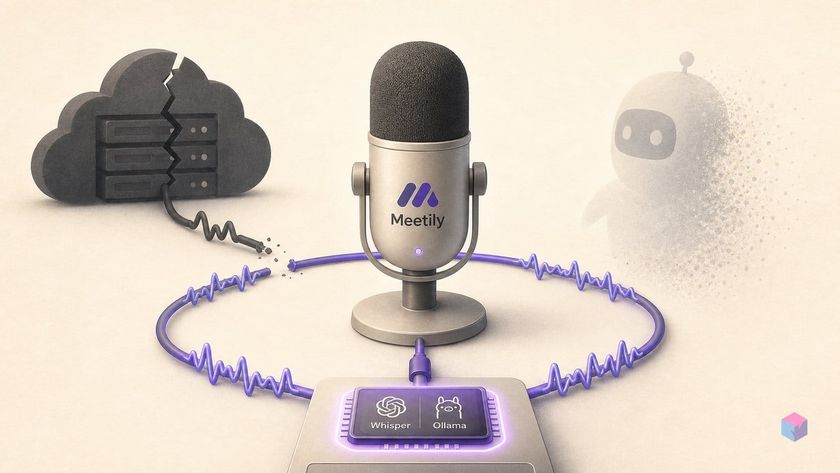
Meetily's June release turns a promising local meeting recorder into something you can leave running in the tray all day. Version 0.4.0 sharpens transcription accuracy and doubles down on a privacy stance most cloud note-takers can't match.
What 0.4.0 introduced: Qwen 3.5, Parakeet repair, opt-in analytics
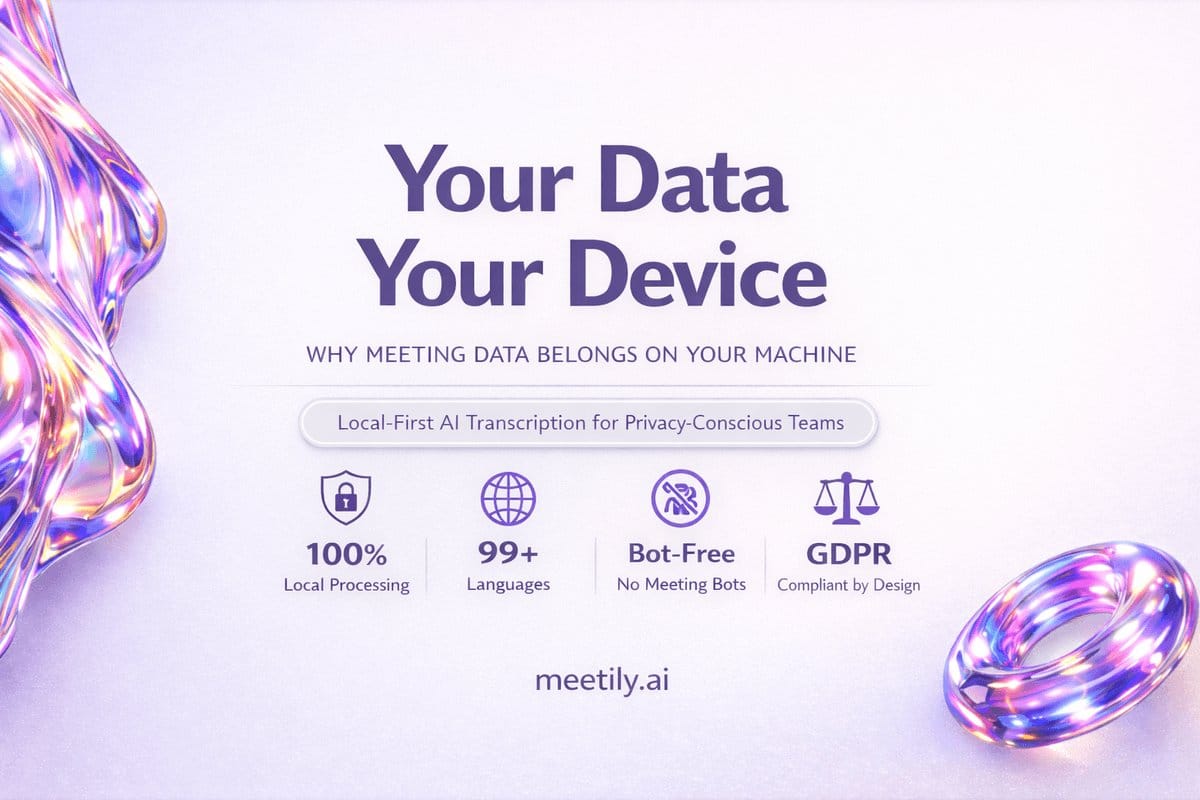
Meetily v0.4.0 is the latest stable release, shipped June 5, 2026 from commit 0281737 . It adds multi-language summary generation across all configured LLM providers and bundles Qwen 3.5 as a built-in offline summary model, so you get a working local summarizer without a separate Ollama pull. A Parakeet decoder fix resolves an accuracy regression introduced in an earlier release, and the Vulkan GPU path was patched for AMD and Intel hardware on Windows and Linux .
The privacy-facing change is the headline. PostHog analytics are now opt-in and off by default on fresh installs, and meeting content, transcripts, audio, and participant names are excluded from analytics regardless of your choice . As the project frames it in its privacy policy, "analytics are optional and off by default," with meeting recordings never transmitted to external servers — a signal that the default path is meant to stay on-device.
Two smaller changes make it tray-native: single-instance enforcement and hide-to-tray on window close, so Meetily now behaves as a persistent tray-resident process rather than a foreground window. At the time of research the project carried 27.9k GitHub stars, 2.9k forks, 556 commits, and 369k+ reported downloads .
Before the installer
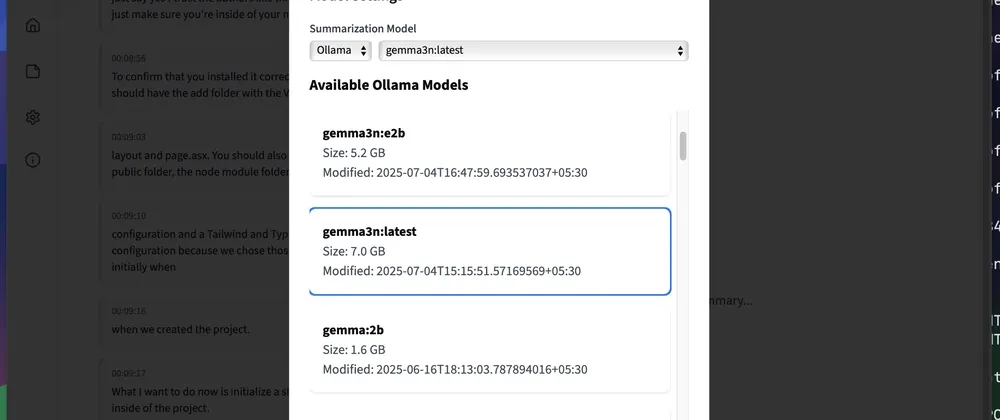
Meetily ships native installers for macOS and Windows on its GitHub Releases page; Linux users build from source while a native package is still in progress . If you want on-device summaries, start Ollama on http://localhost:11434 before Meetily's first launch — lightweight picks are Gemma 3n, Meta LLaMA 3, or Mistral 7B . Prefer no pull? Qwen 3.5 is available as a built-in offline model . FFmpeg has been bundled since v0.2.1, so no separate install or PATH entry is needed . GPU acceleration is auto-detected — Metal/CoreML on Apple Silicon, CUDA on NVIDIA, Vulkan on AMD/Intel — and Parakeet is the fallback lane for Windows machines without a supported GPU .
Grant OS permissions up front: microphone access plus a system-audio loopback (macOS Screen Recording permission; Windows WASAPI loopback) so Meetily records both sides of a call at once .
| Engine | Size / params | Languages | Manual language | GPU |
|---|---|---|---|---|
| Whisper (tiny–large-v3) | ~150 MB – 1.5 GB | 99 languages, auto-detect | Yes | Recommended |
| Parakeet 0.6B | ~600M params | English + 24 European | No | Not required |
Configuring Meetily from installer to first transcript
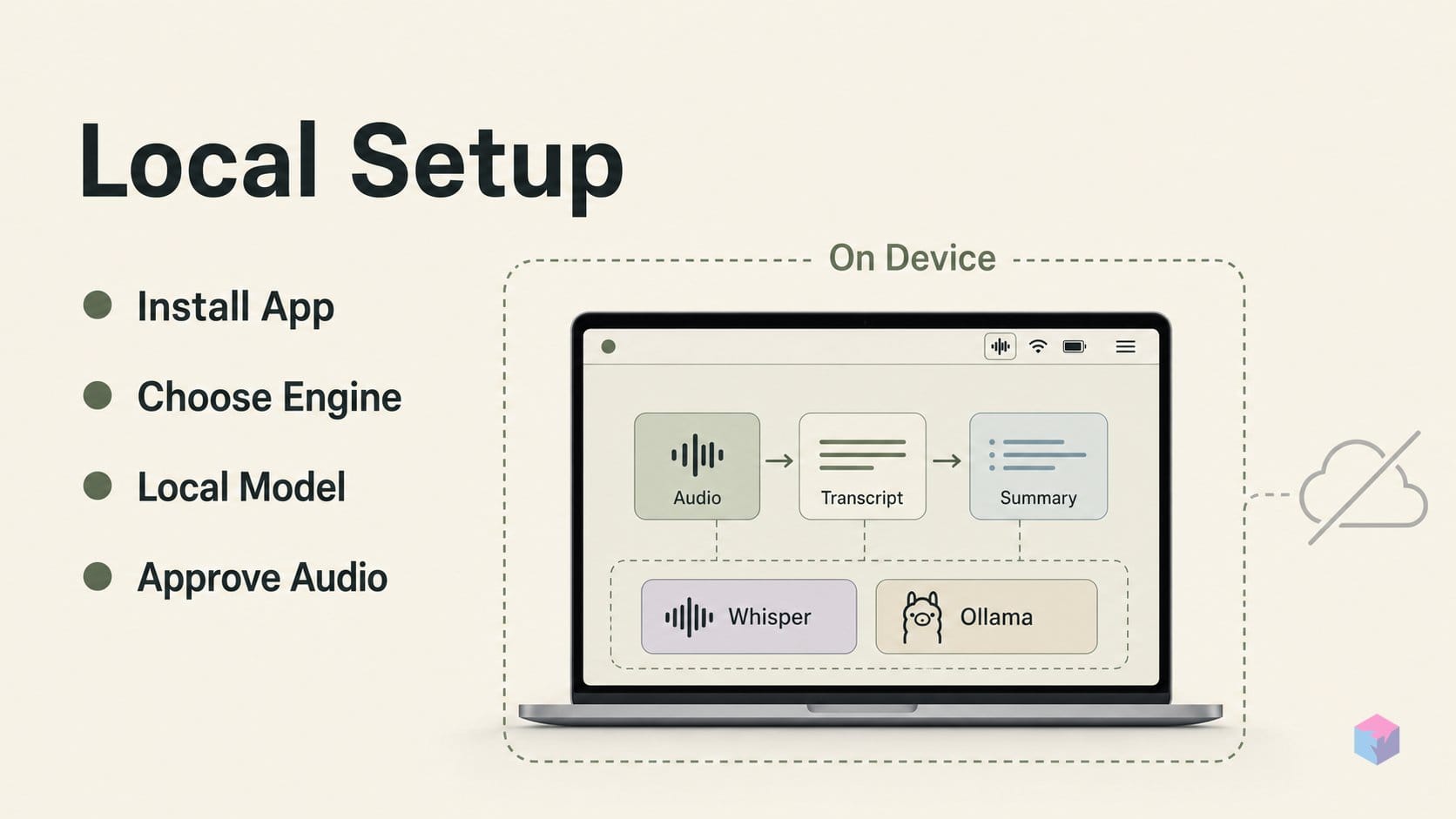
Getting from download to first summary takes five steps. Grab the installer, pick a transcription engine, point Meetily at a local Ollama model, approve the OS audio permissions, and hit record. The default path keeps audio, transcript, and summary on-device — the Whisper sidecar and Ollama both run on localhost, so nothing leaves the machine unless you deliberately select a hosted provider .
- Install. Download the
.dmg(macOS) or.exe(Windows) from the releases page and run it. Linux still requires building from source . - Pick an engine. On first open, choose Whisper — a larger model size raises accuracy but demands more VRAM — or Parakeet, which is English-first and skips the GPU gate on Windows machines without supported acceleration .
- Wire up the LLM. Go to Settings → LLM Provider → Ollama, set Base URL to
http://localhost:11434, and enter a model such asgemma:latestorqwen3.5. Since v0.2.1 Meetily auto-fetches installed Ollama models, so if the daemon is already running you can just select one . - Grant permissions. Approve the microphone and system-audio prompts. Meetily mixes both channels with intelligent ducking and clipping prevention, capturing both sides of a call — no bot attendee joins the meeting .
- Record. Click Record; closing the window hides Meetily to the system tray, where you can pause, resume, or stop. On stop, the Whisper sidecar on
localhost:8178transcribes the file, then Ollama onlocalhost:11434writes the summary .
Transcripts and summaries persist in a local SQLite database inside the app's data directory. The two-hop flow — local Whisper, then local Ollama — is easy to reproduce in a script. The illustrative Python below (not executed here; it needs the whisper package) mirrors exactly what the app does under the hood:
from pathlib import Path
from urllib import request
import json
import os

import whisper


audio = Path(os.getenv("AUDIO", "meeting.wav"))
whisper_model = os.getenv("WHISPER_MODEL", "base")
ollama_model = os.getenv("OLLAMA_MODEL", "llama3.1")

text = whisper.load_model(whisper_model).transcribe(str(audio))["text"]
payload = json.dumps({
    "model": ollama_model,
    "prompt": f"Summarize these meeting notes:\n{text}",
    "stream": False,
}).encode()

req = request.Request(
    "http://127.0.0.1:11434/api/generate",
    data=payload,
    headers={"Content-Type": "application/json"},
)
summary = json.loads(request.urlopen(req, timeout=120).read())["response"]

print("Whisper: local Python model")
print("Ollama: local localhost API")
print(summary)
Shortcomings and workarounds
Meetily's biggest gaps are speaker labeling and Linux packaging. Speaker diarization — labeling who said what — lives in the paid Meetily Pro tier and is still maturing in beta, so the MIT-licensed Community Edition produces unlabeled transcripts . The practical workaround is the in-app transcript editor added in v0.3.0, which lets you annotate speakers by hand after the fact . Linux has no native package yet; you compile from the repo's README, and Tauri's Rust build toolchain is the main friction point .
Watch the accuracy claims. Parakeet's advertised 6.05 average WER is a model-card figure on curated test sets, not a consumer-mic number . For noisy rooms or non-European languages, Whisper large-v3 is the safer pick, at the cost of a ~1.5 GB download and GPU headroom . The privacy boundary is also narrow and configuration-dependent: local Whisper or Parakeet plus local Ollama keeps data on-device, while selecting Groq, OpenAI, or any hosted provider sends audio or transcript out — the Settings panel documents this plainly . Finally, open code and an opt-in privacy policy are transparency signals, not compliance credentials — no BAA, SOC 2 attestation, or audit exists, which regulated teams should treat as a gap .
What to explore from here
With a first transcript captured, a few features extend Meetily beyond live meetings. Since v0.3.0 you can drag a .mp4 or .wav into the app and re-run Whisper on it offline — useful for clearing backlogged recordings. The BlockNote editor ships seven meeting templates (standup, interview, review, plus custom) for structured notes, added in v0.1.1 . Since v0.2.0, the LLM provider accepts any OpenAI-compatible URL — Azure OpenAI, self-hosted vLLM, or OpenRouter . Speaker diarization for multi-speaker recordings remains the main gap in the MIT Community Edition; it sits behind Meetily Pro at $10/user/month after a 14-day trial . Before filing a bug, scan the 207 open issues and 114 pull requests as of August 2, 2026 — an active contribution surface worth checking first.
Frequently asked questions
Does Meetily work without an internet connection?
Yes, when configured for local inference. Choose Whisper or Parakeet for transcription and Ollama or the Built-in AI for summaries, and every step runs on-device — no network required. The docs are explicit that Whisper and Parakeet process audio locally, while selecting Groq or OpenAI sends audio off-device . Meetily's privacy policy adds that recordings are never transmitted to external servers under a local setup . A hosted provider is opt-in and requires connectivity.
Which Ollama model should I start with for meeting summaries?
Start with a lightweight model. Meetily's docs list Gemma 3n, Meta LLaMA, and Mistral as the lighter local options that run on consumer hardware, configured under Settings → LLM Provider with Base URL http://localhost:11434 . Since v0.4.0 (released June 5, 2026) Qwen 3.5 ships as a built-in offline summary model, so you can summarize without a separate Ollama pull . Larger models produce richer summaries but demand more RAM.
Can Meetily transcribe languages other than English?
Yes. Whisper supports multilingual transcription with automatic language detection and manual language selection on macOS and Windows devices with supported GPU acceleration . The underlying model was trained on 680,000 hours of multilingual, multitask data . Parakeet is the alternative lane: it covers English plus 24 European languages but has narrower coverage and no manual language choice .
Is the Community Edition genuinely MIT-licensed and free?
Yes. The Zackriya-Solutions/meetily repository is MIT-licensed, free, and open source, with no usage cap or API key requirement when configured for fully local inference . Meetily Pro adds enhanced-accuracy features such as speaker diarization at $10/user/month, billed yearly at $120, after a 14-day trial . Diarization remains the main capability still maturing in the free edition.
How does Meetily's privacy posture compare to Otter or Granola?
Meetily's local configuration removes the vendor cloud-custody layer entirely. Otter routes customer data through AWS and lists Anthropic and OpenAI as subprocessors for service functions . Granola records on-device but stores all data on AWS in the US with no regional residency and may retain notes indefinitely unless configured . Meetily's privacy policy states meeting content stays on the user's infrastructure . It provides no BAA or SOC 2 report, so regulated industries still have compliance gaps to evaluate.
Enjoyed this article? Subscribe to get new stories by email whenever they're published.