
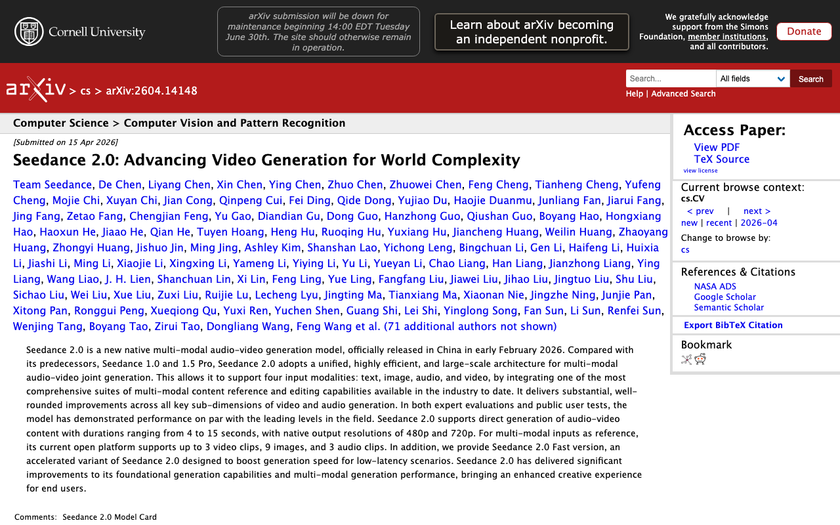
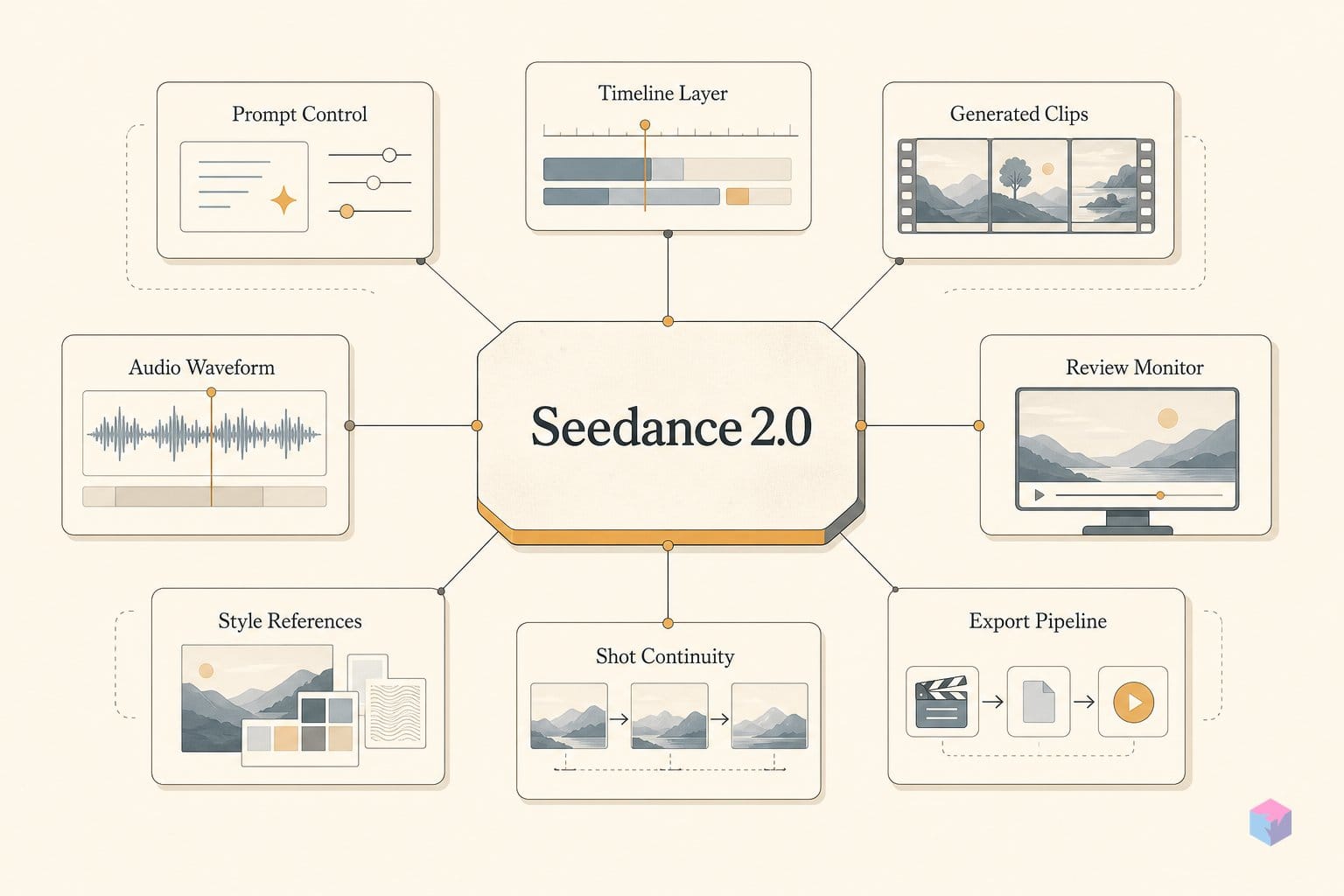
ByteDance Seed shipped Seedance 2.0 on February 12, 2026, and if you've only used Seedance 1.x, the prompt workflow you know is now mostly out of date. Two architectural shifts — joint audio-video generation and automatic multi-shot camera planning — change what you write and what you upload.
How Seedance 2.0 Differs from 1.x
Seedance 2.0 is ByteDance Seed's unified multimodal audio-video model, released February 12, 2026 . The single change that matters most: audio and video are generated in one render pass with frame-level awareness, not as separate stages, producing synchronized dual-channel stereo . One gotcha up front — audio is often off by default and must be toggled on before you submit .
Second, the model now does automatic camera planning from natural language, sequencing positions, movements, and transitions across a clip — making it a multi-shot generator rather than a single-take one . The operating envelope: 4–15 second clips, native 480p and 720p output, with the 15-second ceiling up from 1.5's 12 seconds .
The third shift is input handling. Instead of text alone, you upload up to 9 images, 3 video clips, and 3 audio files, then bind each inside the prompt with an @-mention — @Image 1, @Video 1, @Audio 1 — with the UI surfacing a media picker on the @ keystroke . The model ID is doubao-seedance-2-0-260128 on Volcano Engine, Doubao, and Jimeng, and a "Seedance 2.0 Fast" variant exists for low-latency preview iterations .
What to Gather Before You Prompt
Before writing a single prompt, pick a host and stage your reference assets — Seedance 2.0's quality depends more on what you upload than on prose. International access runs through third-party platforms: Higgsfield (full plus "Seedance 2.0 Fast," with a Cinema Studio 3.0 director panel for batch reference pinning and start/end-frame control), getimg.ai (from about $8/month on paid tiers with commercial rights), PiAPI and Morphic. The @ media-picker UI differs per host, so confirm yours.
Prepare your identity anchors first: generate front, profile, three-quarter, and back-view images of your subject in a separate image model, then feed them as @Image references to hold a consistent character across shots (video: Dan Kieft). For motion, cut 2–4s reference clips that demonstrate the camera movement or action rhythm you want — Seedance reads these for camera behavior, not story content .
Budget for iteration. Credit cost scales with both duration and quality mode, so validate identity and camera at 4–8s and 480p before committing a full 15s, 720p render .
Crafting Seedance 2.0 Prompts by Layer
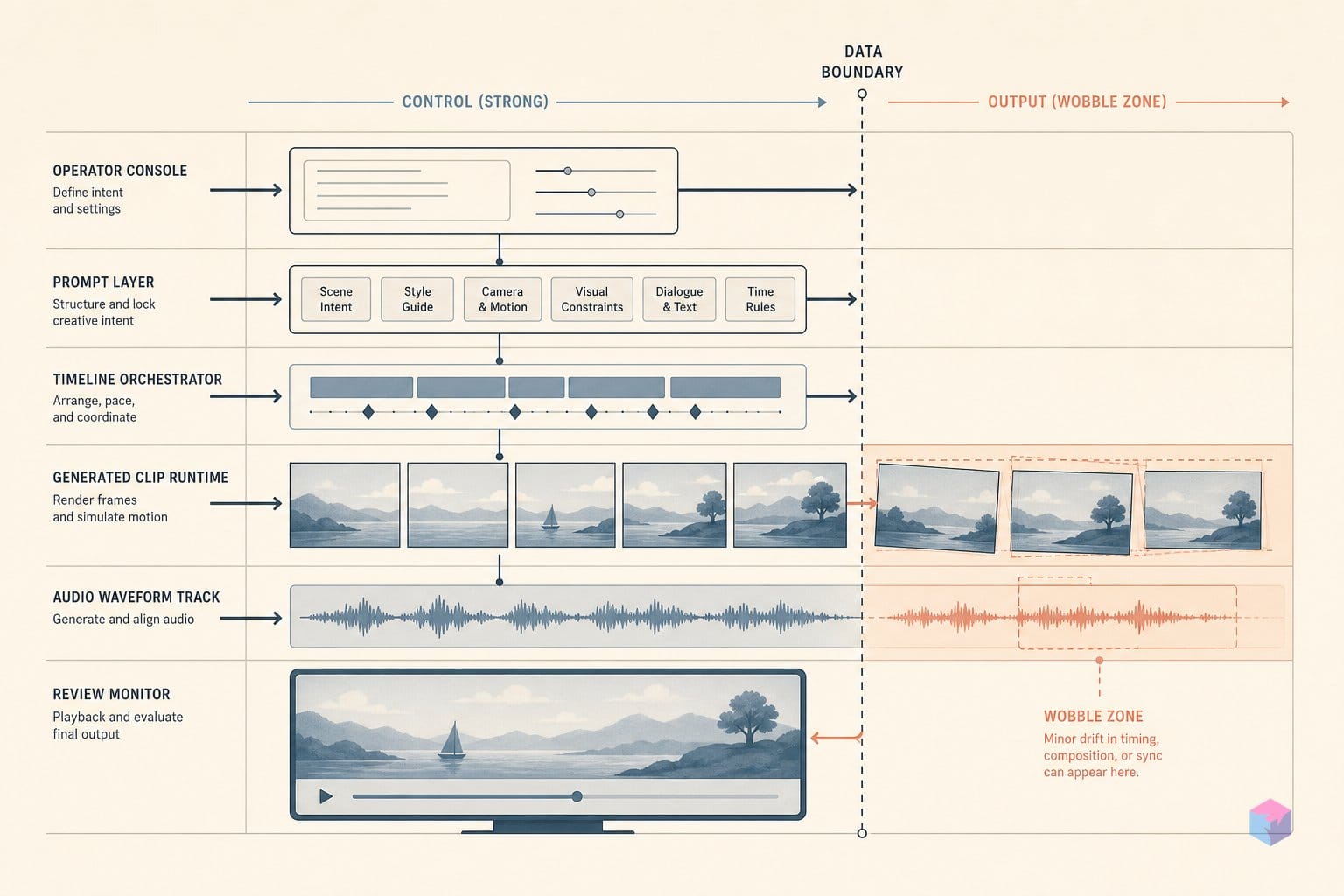
The most controllable Seedance 2.0 prompts stack five layers in order, because the model scores subject fidelity, prompt following, and audio-visual sync as separate dimensions on ByteDance's SeedVideoBench 2.0 . Writing each layer explicitly gives the model fewer reasons to improvise.
Layer 1 — Subject. Describe the character or object specifically enough to lock appearance. For image-to-video, lead with the preservation instruction because image preservation is scored on its own axis: "preserve the person's face, outfit, composition, and color palette from reference image; animate only the scarf and background crowd; slow dolly-in" .
Layer 2 — @-reference conditioning. Label every uploaded asset by role before invoking it, then state what may change: "Reference video A = motion rhythm, Image B = character identity, Audio C = ambience." Bind each asset in the prompt with the "@" mention system — "@Image 1," "@Video 1," "@Audio 1" — which the platform UI surfaces as a media picker .
Layer 3 — Timeline beats. Mark events with bracket timestamps so the model paces the shot:
| Marker | Beat (10s clip) | Each beat = |
|---|---|---|
| [0s] | Establish scene | timestamp + shot type + camera move + scene/lighting note |
| [3–4s] | First camera move or action | |
| [6–7s] | Second beat or emotional shift | |
| [8–10s] | Hold or exit |
Compress to [0s] [2s] [4s] for a 5-second clip .
Layer 4 — Cinematography vocabulary. The model responds to real terms — "slow dolly in," "pan left/right," "tracking shot," "rack focus," "shallow depth of field." Spell out physical cause-and-effect for audio so sync holds: "door closes; sound muffles," "light source moves left; shadows shift right" .
Layer 5 — Global style line. Append one consistent style statement to every shot in a chained sequence: "Cinematic 4K, film grain, anamorphic aspect ratio, warm shadows and cool highlights" .
AV Physics Failures and Prompt Workarounds
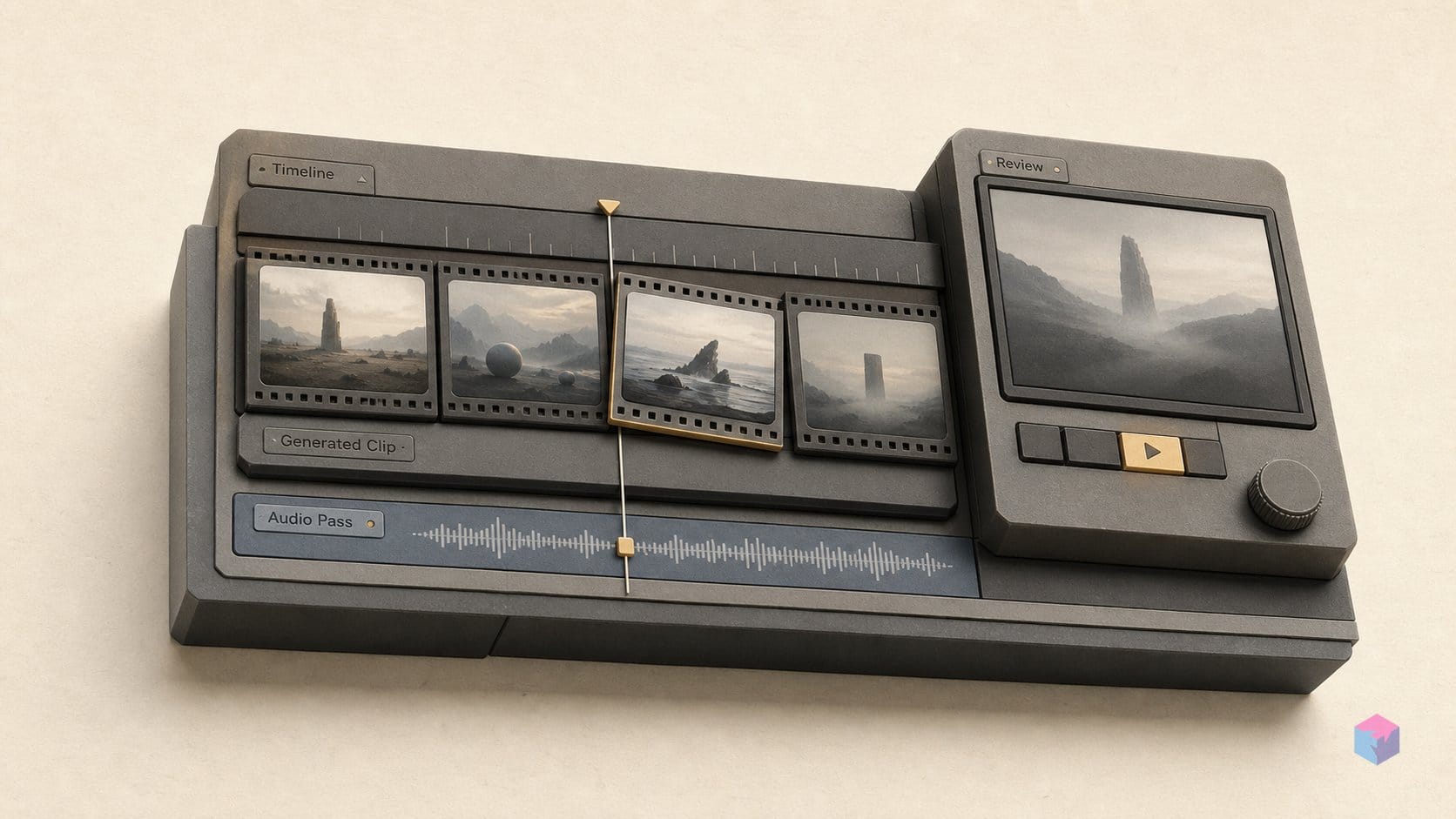
Seedance 2.0's biggest weakness is physical reasoning, not picture quality. Independent AV-Phys Bench research evaluated seven joint audio-video models and ranked Seedance 2.0 first overall, yet concluded that all models tested "remain far from robust physical understanding" . Event-driven and environment-driven audio-visual transitions fail reliably across every model — the moment when a sound should track a physical event is where sync breaks (video: Dan Kieft).
The fix is to stop letting the model infer cause-and-effect from scene context. Write the chain explicitly: "the glass hits the floor and shatters; a sharp crack precedes silence," or "a door closes; the ambient sound muffles." Vague motion descriptors produce desynchronized audio, so assign each event a trigger and a sonic consequence in the prompt text itself .
A second hard limit: no scene cuts. The model renders smooth in-shot progression and camera transitions but will not cut between unrelated scenes. For multi-scene sequences, generate each shot separately and chain them by feeding the previous clip's final frame as the next clip's start frame .
On the leaderboard side, ByteDance's paper reports Arena.AI Elo of 1450 ±15 (T2V) and 1449 ±11 (I2V) as of April 8, 2026 . That is a self-reported snapshot, not a continuously maintained third-party ranking; live standings shift weekly, so verify at Arena.AI before citing it.
Beyond the Basics: Chaining Shots and Upscaling
To build sequences past the 15-second ceiling, treat each shot as a unit: generate it at 4–8 seconds to lock identity, motion, and camera, then feed that clip's final frame as the next prompt's start frame . Higgsfield's Cinema Studio 3.0 exposes start-frame and end-frame pinning in its director panel, which is the practical substitute for the native scene-cut support Seedance 2.0 lacks (video: Dan Kieft).
For 4K delivery, generate at native 720p and pass the result through Higgsfield's bundled Topaz Video upscaler, which supports 4K output and frame-rate interpolation; asking for "4K" in the prompt has no documented effect on native output resolution (video: Creating with Conor).
One operational caveat: the Motion Picture Association sent ByteDance a cease-and-desist with a February 27, 2026 response deadline alleging unauthorized training data use . Keep prompts clear of recognizable IP — character names, studio franchises, trademarked aesthetics — and build your own reference sheets instead.
Frequently asked questions
What is the maximum clip length in Seedance 2.0?
Direct audio-video generation runs from 4 to 15 seconds . The 15-second ceiling is up from the 12-second maximum in Seedance 1.5, and credit cost scales with both duration and quality mode . If you need longer output, do not prompt for a single longer clip — generate separate shots and chain them by feeding the previous clip's final frame as the next clip's start frame.
How do I enable audio generation in Seedance 2.0?
Audio is off by default on most hosts, including Higgsfield, so you must toggle it on in the platform UI before submitting your prompt . The setting applies across text-to-video, image-to-video, and reference-to-video modes. If you forget to enable it, the model returns silent output with no error message — so check the toggle rather than the prompt when sound is missing.
Does Seedance 2.0 support negative prompts?
No. There is no documented dedicated negative-prompt field . Use explicit constraint language inside the positive prompt instead — for example, "replace only the background sky; keep character pose, lip movement, and foreground lighting unchanged." Naming the regions that must stay fixed is more reliable than listing what you want excluded.
How do I keep a character consistent across multiple chained clips?
Generate a multi-angle reference sheet — front, profile, three-quarter, and back — then upload those frames as @Image references in every prompt that features the character . Higgsfield's Cinema Studio 3.0 director panel adds batch reference pinning and start-frame/end-frame controls not present in the standard interface. Chain clips with start-frame pinning so visual continuity carries from one shot into the next.
Is the Arena.AI #1 ranking an independent result?
Not exactly. The Elo scores — 1450 ±15 in T2V and 1449 ±11 in I2V — appear in ByteDance's own paper as a snapshot dated April 8, 2026, not as an independently maintained figure . Independent AV-Phys Bench research, evaluating seven joint audio-video models, confirmed Seedance 2.0's overall lead but flagged significant physical-reasoning gaps . Check Arena.AI directly for current standings.