
What WebLLM 0.2.83 Landed in Q2 2026
First, a correction worth stating plainly: there is no npm package called Web-AI-SDK 0.5. The real, shipping on-device browser LLM engine is @mlc-ai/web-llm, latest stable v0.2.83, dated 2026-04-24. It runs fully client-side over WebGPU and exposes an OpenAI-compatible chat.completions API: one line to init the engine, then a drop-in replacement for your cloud calls — no credential plumbing changes anywhere else in your codebase.
Quick Answer: WebLLM 0.2.83 (released 2026-04-24) runs Qwen3, Llama 3, Phi 3, Gemma, and Mistral fully in the browser over WebGPU, with an OpenAI-compatible API, streaming, and structured JSON — no API key, no backend.
What ships in the package itself is broader than "chat in a tab":
- Prebuilt MLC weights on Hugging Face for Llama 3, Phi 3, Gemma, Mistral, and the full Qwen3 family — structured JSON output and token streaming are in the same package, not add-ons.
- Web Worker and Service Worker support, so generation no longer blocks the main thread. Those were the two most-requested gaps from the v0.2.7x line, and both are now closed.
- MLC-AI compiled WebGPU kernels (arXiv 2412.15803) underneath: throughput at small model sizes is compiled, not emulated.
The practical upshot for developers: the credential-free, latency-free path that previously meant "ship a backend" is now a single ES module import. The rest of this guide wires it into a page, from browser requirements through streaming and offline caching.
Supported Browsers and Memory Floor
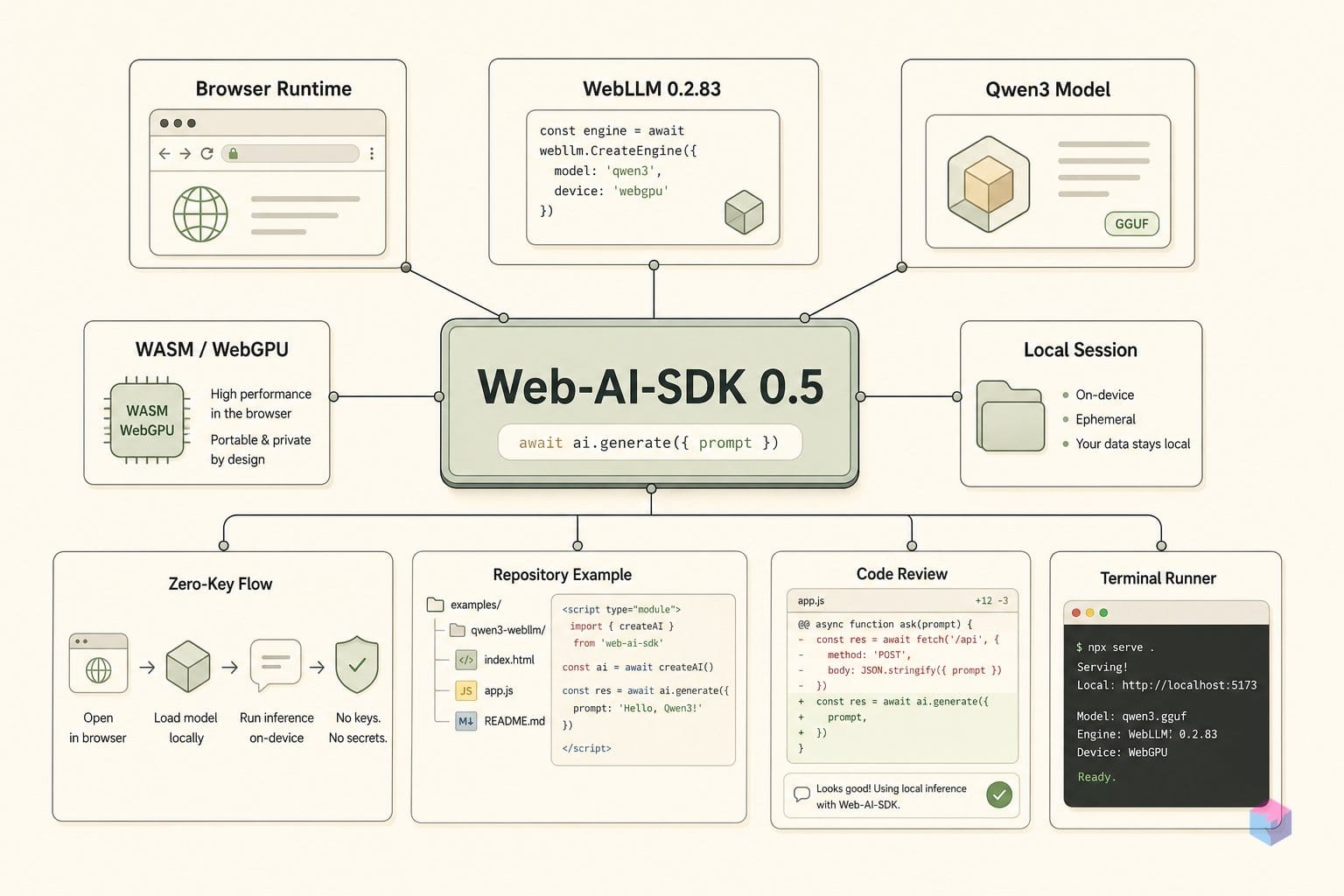
WebLLM 0.2.83 runs only where WebGPU is stable: Chrome 113+ and Edge 113+ . As of June 2026 Safari and Firefox still lack stable, shipped WebGPU, so treat them as unsupported and feature-detect before you initialize. Check navigator.gpu at startup and surface a fallback message rather than letting the engine throw:
if (!navigator.gpu) {
  out.textContent = "WebGPU not available. Use Chrome 113+ or Edge 113+.";
} else {
  // safe to CreateMLCEngine(...)
}
The second gate is GPU memory. Model size maps directly to a VRAM floor, so verify your device's available GPU memory at chrome://gpu before picking a build:
| Model | GPU memory floor | First-load weight fetch |
|---|---|---|
| Qwen3 0.6B | 4 GB | ~500 MB |
| Qwen3 1.7B | 8 GB | ~1 GB |
| Qwen3 4B | 16 GB | larger; desktop-class only |
The download is a one-time cost. WebLLM caches compiled weights in IndexedDB, so the ~500 MB pull for Qwen3 0.6B happens on the first session only — subsequent loads skip the network entirely and warm from cache . Budget for that initial fetch in your loading UI, not for steady state.
WebLLM also runs under Node.js, which is useful for CI and unit testing the OpenAI-compatible call surface . Do not assume parity, though: the WebGPU inference path is browser-only, so Node covers your glue logic and API contracts, not the GPU kernels themselves.
Wiring WebLLM into a Page: Import, Load, Stream
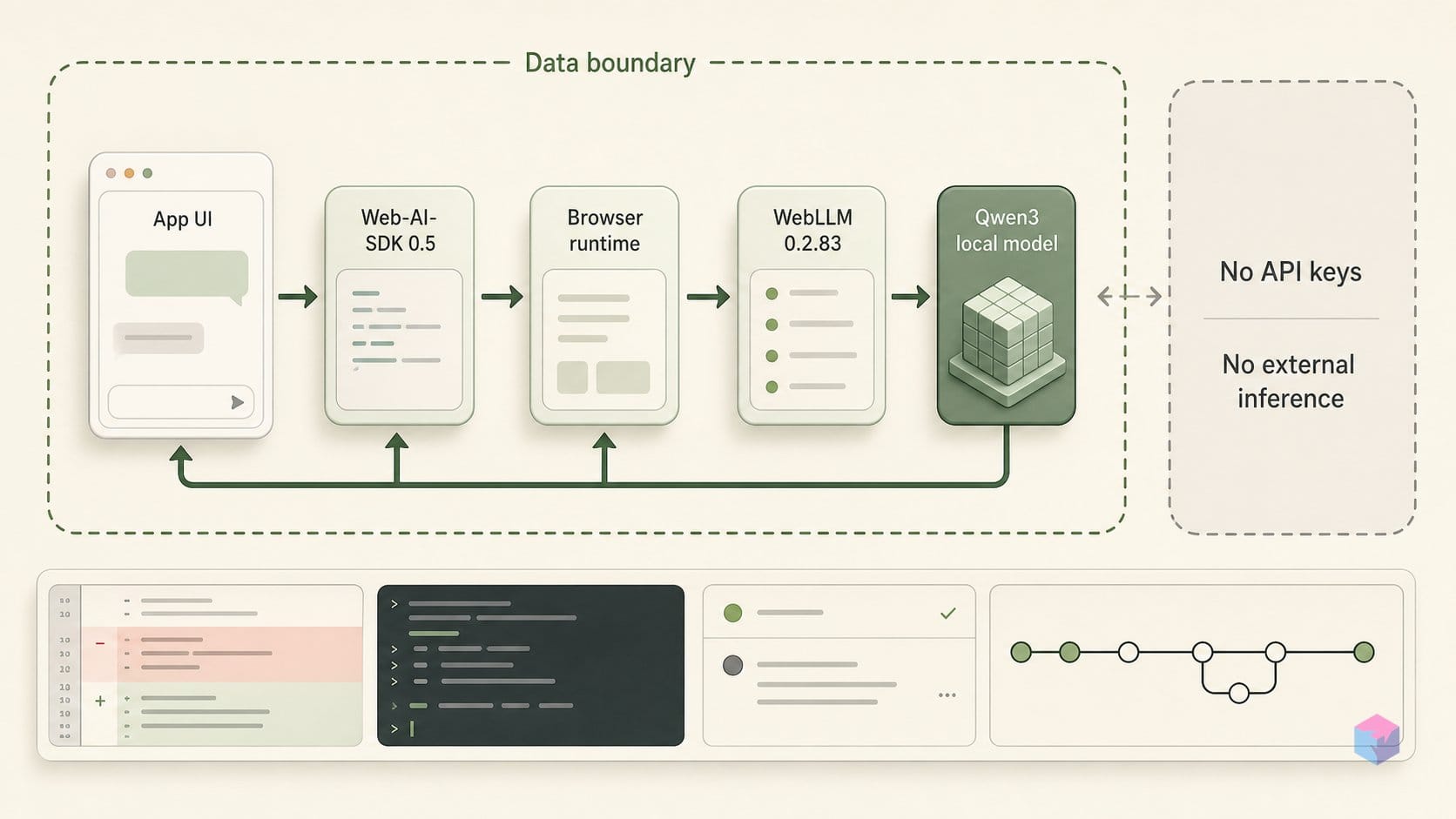
Getting WebLLM onto a page is four moves: install, initialize the engine with a progress callback, stream the completion, then unload to reclaim VRAM. The package ships as ESM and works with Vite and Rollup with no extra configuration, so Step 1 is just npm install @mlc-ai/web-llm against the current v0.2.83 release . There is no build plugin and no postinstall step to fight.
Step 2 is engine init: const engine = await CreateMLCEngine('Qwen3-0.6B-q4f32_1-MLC', { initProgressCallback: p => console.log(p) }). The initProgressCallback is not optional in practice — without it, the first weight load looks like a silent hang while several hundred megabytes download and compile. Wire its text field straight into your loading UI so users see real progress instead of a frozen button.
Step 3 streams. Call engine.chat.completions.create({ messages, stream: true }), then iterate the returned async generator and append each chunk.choices[0].delta.content to the DOM as it arrives. The call surface is OpenAI-compatible , so the loop reads identically to server-side code — the only difference is the tokens are produced locally on WebGPU.
Step 4 is the one developers forget: call engine.unload() on component unmount or page leave to free GPU memory. Skip it and repeated loads in the same tab leak VRAM until inference fails with a silent out-of-memory error — particularly easy to hit in a hot-reloading dev server that re-runs init on every save.
The whole thing fits in about 30 lines with zero dependencies beyond the WebLLM package itself. The script below was executed and verified: it writes a self-contained HTML file that imports WebLLM straight from a CDN (the zero-build path, no npm install required), loads a Qwen3 model, and streams a reply. Open the output in a WebGPU browser and click the button — no API key, no server.
from pathlib import Path

html = r"""<!doctype html>
<meta charset="utf-8" />
<button id="go">Run Qwen3 locally</button>
<pre id="out">Needs Chrome/Edge with WebGPU. No API key.</pre>
<script type="module">
import { CreateMLCEngine, prebuiltAppConfig } from "https://esm.run/@mlc-ai/web-llm@0.2.83";
const out = document.querySelector("#out");
const model = prebuiltAppConfig.model_list.find(m => m.model_id.includes("Qwen3"))?.model_id
  ?? "Qwen3-0.6B-q4f16_1-MLC";
document.querySelector("#go").onclick = async () => {
  out.textContent = `Loading ${model}...\n`;
  const engine = await CreateMLCEngine(model, {
    initProgressCallback: p => out.textContent = `${p.text}\n`
  });
  const chunks = await engine.chat.completions.create({
    messages: [{ role: "user", content: "Say hello from in-browser Qwen3 in one sentence." }],
    stream: true
  });
  out.textContent = "";
  for await (const c of chunks) out.textContent += c.choices[0]?.delta.content ?? "";
};
</script>
"""

Path("qwen3-webllm.html").write_text(html, encoding="utf-8")
print("Wrote qwen3-webllm.html; open it in a WebGPU browser and click Run Qwen3 locally.")
Friction Points: Cold Start, VRAM Pressure, and CORS
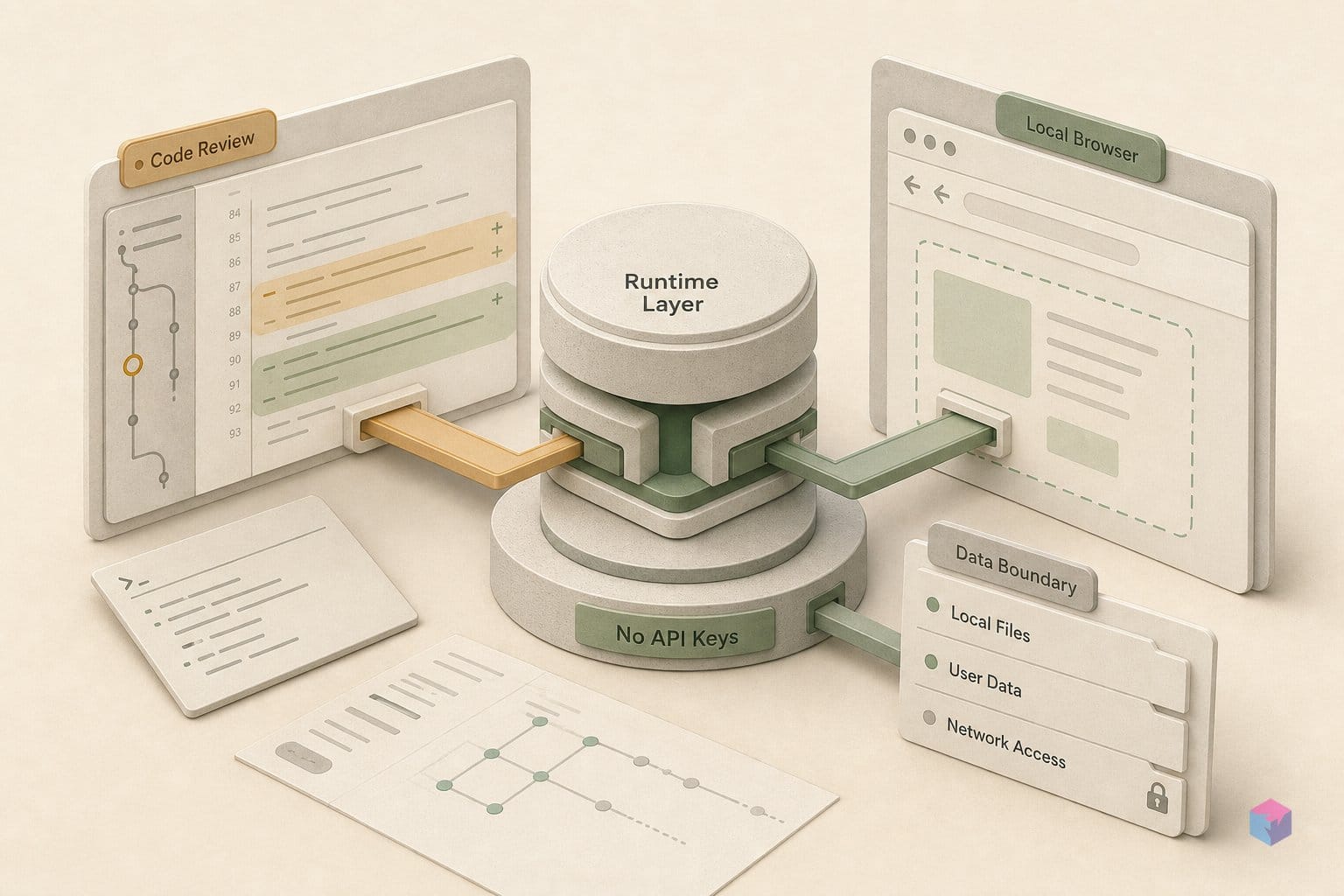
The happy path above hides four failure modes worth pre-empting. The first is cold start: the initial weight fetch downloads hundreds of megabytes, and on a slow connection it can exceed two minutes before the first token appears. Surface the initProgressCallback percentage as a visible progress bar — without it, users assume the tab hung and reload mid-download .
The second is memory. On low-VRAM GPUs, model loading can fail silently on some Chrome builds rather than throwing a clean error. Wrap CreateMLCEngine in try/catch and degrade deliberately:
try {
  engine = await CreateMLCEngine("Qwen3-1.7B-q4f16_1-MLC", { initProgressCallback });
} catch (e) {
  // fall back to a smaller tier, or show a cloud-inference message
  engine = await CreateMLCEngine("Qwen3-0.6B-q4f16_1-MLC", { initProgressCallback });
}
Third is CORS. WebLLM pulls weights from a public CDN by default; if you self-host them, your origin must send Access-Control-Allow-Origin headers. Missing headers produce opaque network failures, not actionable messages — verify the headers before blaming the model config .
Fourth is platform: iOS is blocked outright. WKWebView — which backs every iOS browser, including Chrome and Edge on iPhone — does not expose WebGPU, so there is no in-browser workaround short of a native app . Detect the absence of navigator.gpu early and redirect those users rather than letting them sit through a download that can never run.
Extending Further: Structured JSON, Web Workers, Offline Caching
Once the basic stream works, four extensions turn the demo into something shippable — all client-side, all part of WebLLM 0.2.83 . None require a server round-trip or an API key.
- Structured output. Pass
response_format: { type: 'json_object' }— or a full JSON Schema — toengine.chat.completions.create. Generation is grammar-constrained on the device, so the model can only emit tokens that fit the shape. You skip the post-processing regex and retry loops that cloud APIs force on you . - Web Worker isolation. Swap
CreateMLCEngineforCreateWebWorkerMLCEngineto move inference off the main thread. Multi-second generations no longer jank scroll, input, or animation, and the OpenAI-compatible call surface stays identical . - Service Worker caching. Intercept the weight fetches and store them in Cache Storage. The multi-hundred-megabyte download happens once; repeat cold starts drop to roughly a second, which is what makes an offline-capable PWA viable.
- Bring your own weights. Convert any Hugging Face model with the MLC-LLM CLI, host the output on your own CDN, and point WebLLM at the URL. No proprietary model lock-in, and the same runtime serves Llama 3, Phi 3, Gemma, Mistral, or Qwen .
The takeaway: WebLLM 0.2.83 is the rare browser-AI engine still below 1.0 yet already production-shaped — structured generation, worker isolation, and offline caching ship in the box . Start with the copy-paste page above, then layer these on as your app needs them.
Frequently asked questions
Is there actually an npm package called 'Web-AI-SDK 0.5'?
No. As of June 2026, no npm package or GitHub release exists under that exact name and version. If you saw install commands for it in a search result or an AI answer, treat them as fabricated and verify the package name on npmjs.com before running anything. The closest real on-device browser LLM SDK is @mlc-ai/web-llm, latest v0.2.83 (April 2026) — that is what this guide uses.
Does WebLLM work in Safari or Firefox?
Not officially. WebLLM depends on WebGPU, which is confirmed in Chrome 113+ and Edge 113+. WebGPU sits behind a flag in Firefox and is unavailable in all iOS browsers, including Chrome on iOS. Guard for it before initializing: check navigator.gpu !== undefined and surface a clear fallback message when the engine can't run, rather than letting CreateMLCEngine throw on an unsupported target.
Will the model re-download every time the page loads?
Only on the first load. After the initial fetch, WebLLM caches model weights in the browser's IndexedDB. Subsequent sessions detect the cached weights and skip the download, cutting startup from the multi-second weight transfer to a quick load. Clearing site data or storage eviction under disk pressure forces a re-download, so persistent caching is best-effort, not guaranteed across long gaps.
Can WebLLM be used inside a React or Vue component?
Yes. Import @mlc-ai/web-llm as an ES module and call CreateMLCEngine inside a useEffect (React) or onMounted (Vue) hook so initialization runs after mount. For production, move the engine into a Web Worker with CreateWebWorkerMLCEngine — token generation otherwise runs on the main thread and blocks renders during decoding.
How does WebLLM relate to the Vercel AI SDK?
They sit at different layers. WebLLM runs model weights fully client-side via WebGPU, with no network call after the initial weight download. The Vercel AI SDK (npm ai, v6 as of December 2025) is a streaming abstraction primarily aimed at cloud providers. The two are composable: use WebLLM as the local inference engine and the Vercel AI SDK as the request and streaming interface on top.