
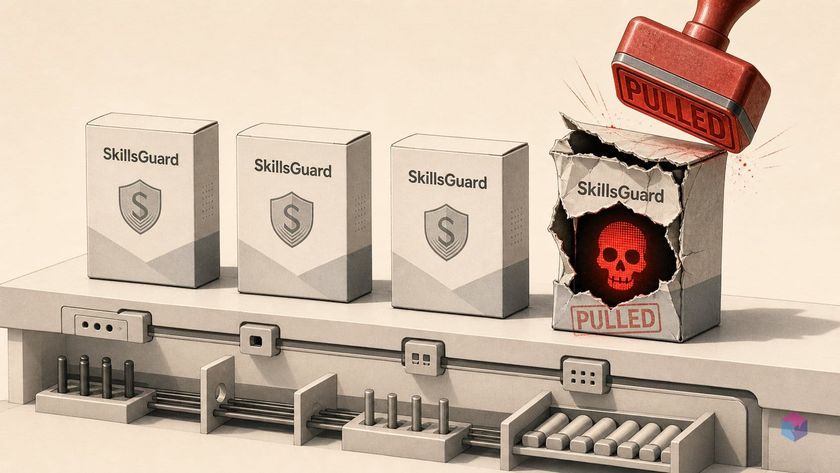
Search for "SkillsGuard" today and you'll find at least four different things wearing the name — one of which was pulled from a registry for shipping malware. Before you install anything that promises to secure your Agent Skills, you need to know exactly which package you're typing into npm install.
The 'SkillsGuard' Naming Mess, Resolved
"SkillsGuard" is not one product — it's a collision of at least four distinct efforts aimed at the same problem: securing Agent Skills before and while they run. They differ in everything that matters: whether code actually ships, who publishes it, and whether you can audit it. The table below disambiguates them.
Quick Answer: Four projects share the "SkillsGuard" name. Only AgentGuard by GoPlus Security is a verifiable, installable runtime guard — public GitHub, MIT-licensed, at v1.1.28 . A scanner named "SkillGuard" was flagged malicious and pulled from ClawHub, so verify the publisher before installing any of them.
| Name | What it is | Status |
|---|---|---|
| SkillGuard (paper) | arXiv:2606.03024, permission framework | Blueprint only — no shipped artifact |
| AgentGuard (GoPlus Security) | Runtime guard, npm, MIT | v1.1.28, actively maintained |
| @yangyixxxx/skill-guard | npm package (skillguard.vip) | Third-party |
| skills-guard | Engine bundled in SkillsHub registry | Registry-embedded |
The stakes are concrete. A tool called "SkillGuard" by user c-goro was flagged malicious and pulled from ClawHub — the scanner itself was the attack. Snyk reports that over 13% of marketplace skills contain critical vulnerabilities , so the tool you trust to audit others must itself be auditable and open-source.
Recommended path today: AgentGuard by GoPlus Security — public GitHub, MIT-licensed, fully documented at v1.1.28 . The arXiv SkillGuard paper is worth reading as an implementation blueprint, but it has no installable artifact yet .
What to Gather Before You Start
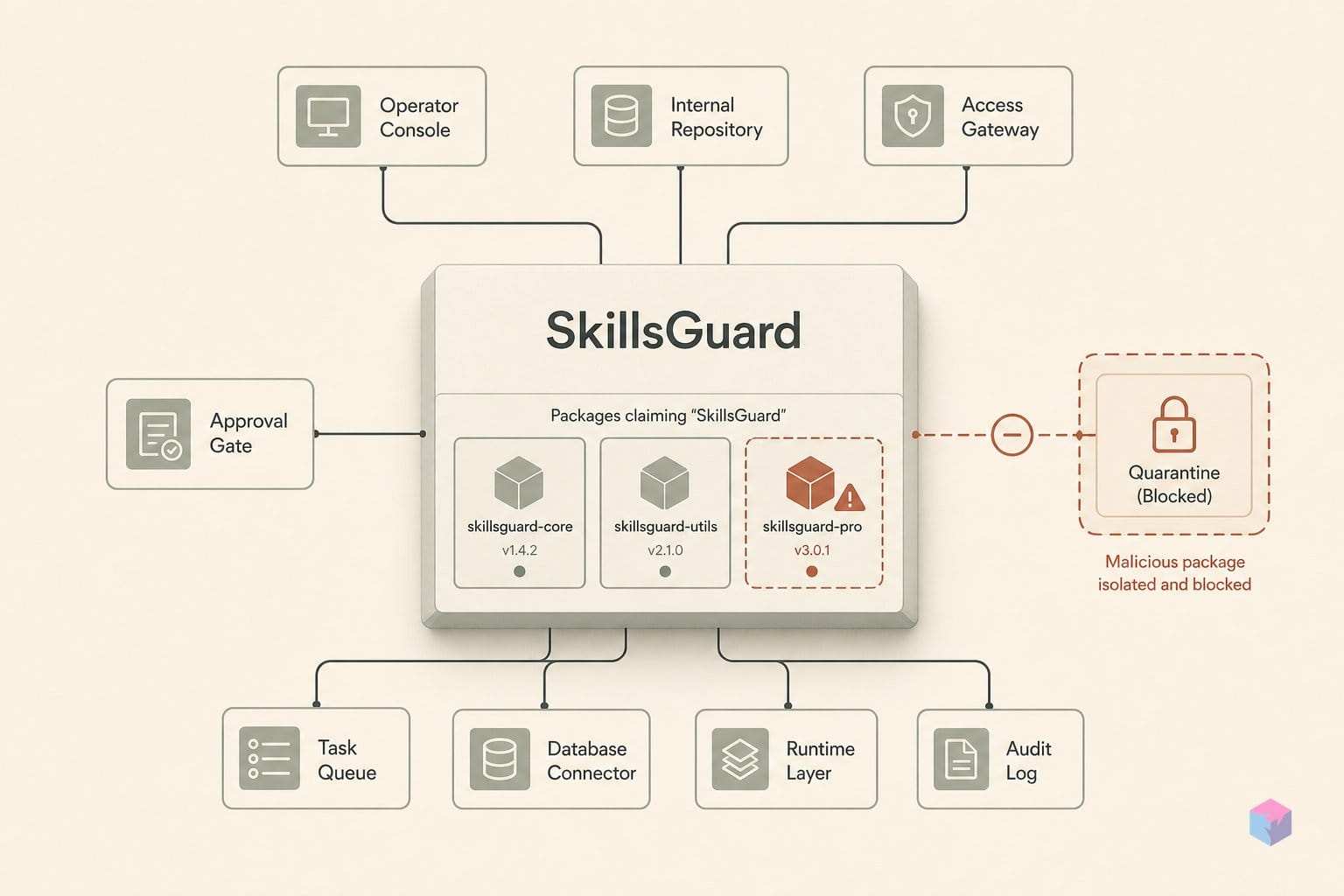
AgentGuard installs as a global npm package, so the setup is light: you need Node.js 18 or newer and npm. There is no Python interpreter or separate runtime to manage — the entire scanner ships through npm at v1.1.28 , MIT-licensed.
Next, line up a compatible agentic host. AgentGuard supports Claude Code and OpenClaw fully, including its automatic hook layer. Codex, Gemini, Cursor, and Copilot are covered in skill-only mode, which scans skill directories without wiring into the agent's live tool-call loop .
You also need something to point it at. Gather the following before running any command:
- Node.js ≥18 + npm — the only runtime dependency; verify with
node -v. - An agentic host — Claude Code or OpenClaw for full hooks; Codex/Gemini/Cursor/Copilot for skill-only scans.
- At least one Agent Skill directory — a folder containing
SKILL.mdplus any bundled scripts or assets. - Optional: a tool-call JSON payload — to pipe into
agentguard protectwhen you want to evaluate a single action rather than a whole skill.
Quickstart: Init, Scan, Protect
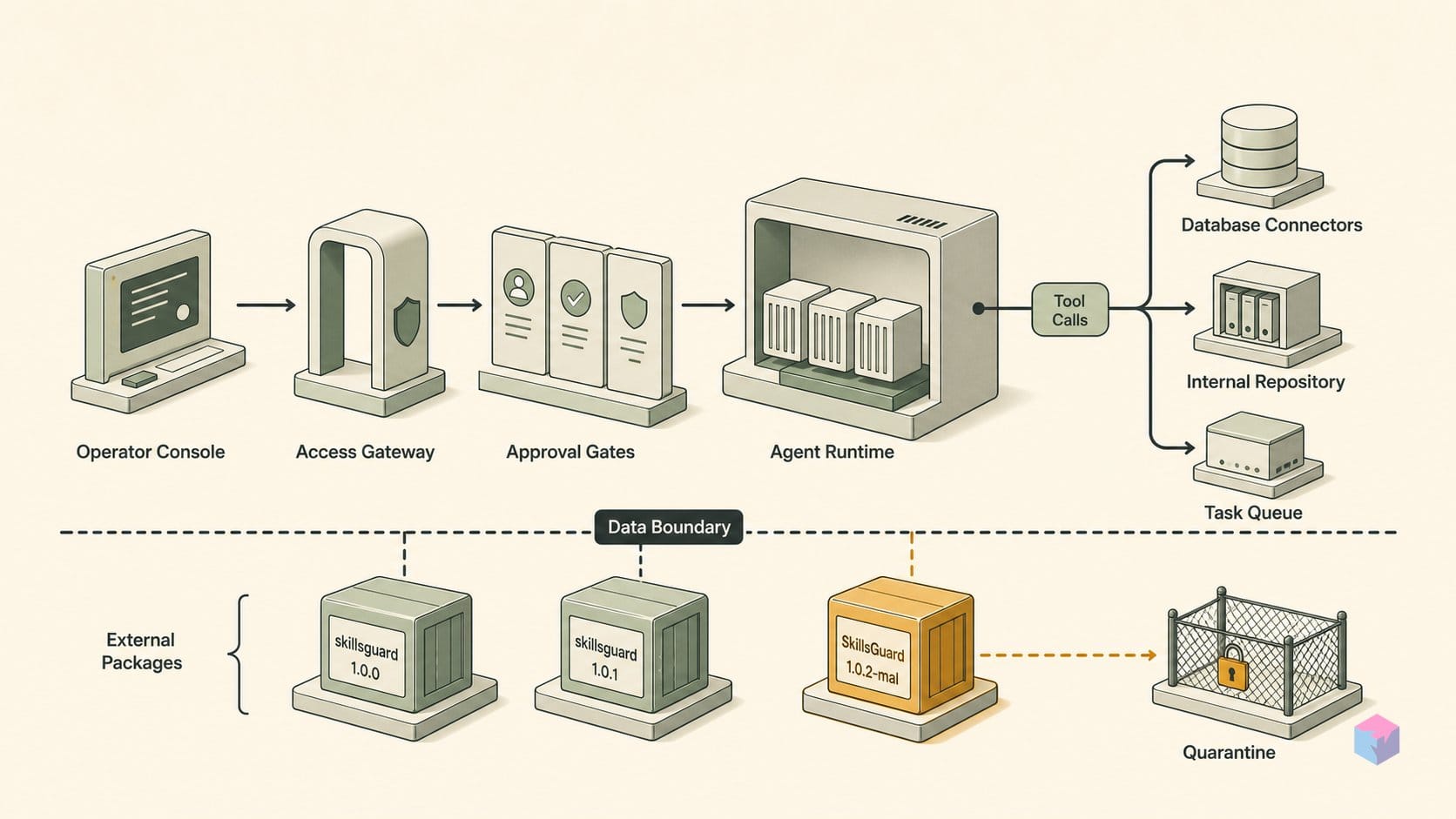
With Node and a skill directory in place, AgentGuard goes from install to active runtime guard in three commands. Install it globally, initialize hooks against your agentic host, then scan a skill folder or evaluate a single tool call. AgentGuard by GoPlus Security is verified on GitHub at v1.1.28 , MIT-licensed, and the most verifiable installable option of the packages sharing the "SkillsGuard" name.
Install globally and confirm the binary resolves before going further:
npm install -g @goplus/agentguard
agentguard --version   # expect 1.1.28+
Next, wire Layer 1. The --agent auto flag auto-detects Claude Code or OpenClaw and installs hooks that block destructive commands and writes to .env and .ssh/, plus webhook exfiltration detection :
agentguard init --agent auto
agentguard status   # active hook count + webhook monitoring state
Run agentguard status before you proceed — it confirms how many hooks are live and whether exfiltration monitoring is armed. Treat a zero-hook status as a failed init, not a clean one.
To audit a skill, point the on-demand deep scan at its folder. Layer 2 runs all 24 detection rules spanning Execution (SHELL_EXEC, REMOTE_LOADER), Secrets (READ_ENV_SECRETS, PRIVATE_KEY_PATTERN), Exfiltration (NET_EXFIL_UNRESTRICTED, WEBHOOK_EXFIL), Obfuscation, eight Web3 rules, and four Trojan/social-engineering rules, then prints a severity-ranked report :
agentguard scan ./path/to/skillFor a single action rather than a whole skill, pipe a tool-call JSON payload into agentguard protect. The default Balanced level blocks dangerous actions and confirms risky ones; add --level strict to block anything not explicitly declared in the manifest :
cat tool-call.json | agentguard protect --level strictWhy bother running all three layers? Because the threat is execution, not just text. Anthropic's own Skills documentation warns that a malicious skill can drive "data exfiltration, unauthorized system access," and instructs users to audit every bundled file for unexpected network or file activity . A scanner that only sees SKILL.md misses scripts that fire at runtime — Layer 1 hooks plus a Layer 2 scan close that gap before a skill ever touches your shell.
Where AgentGuard's Coverage Ends
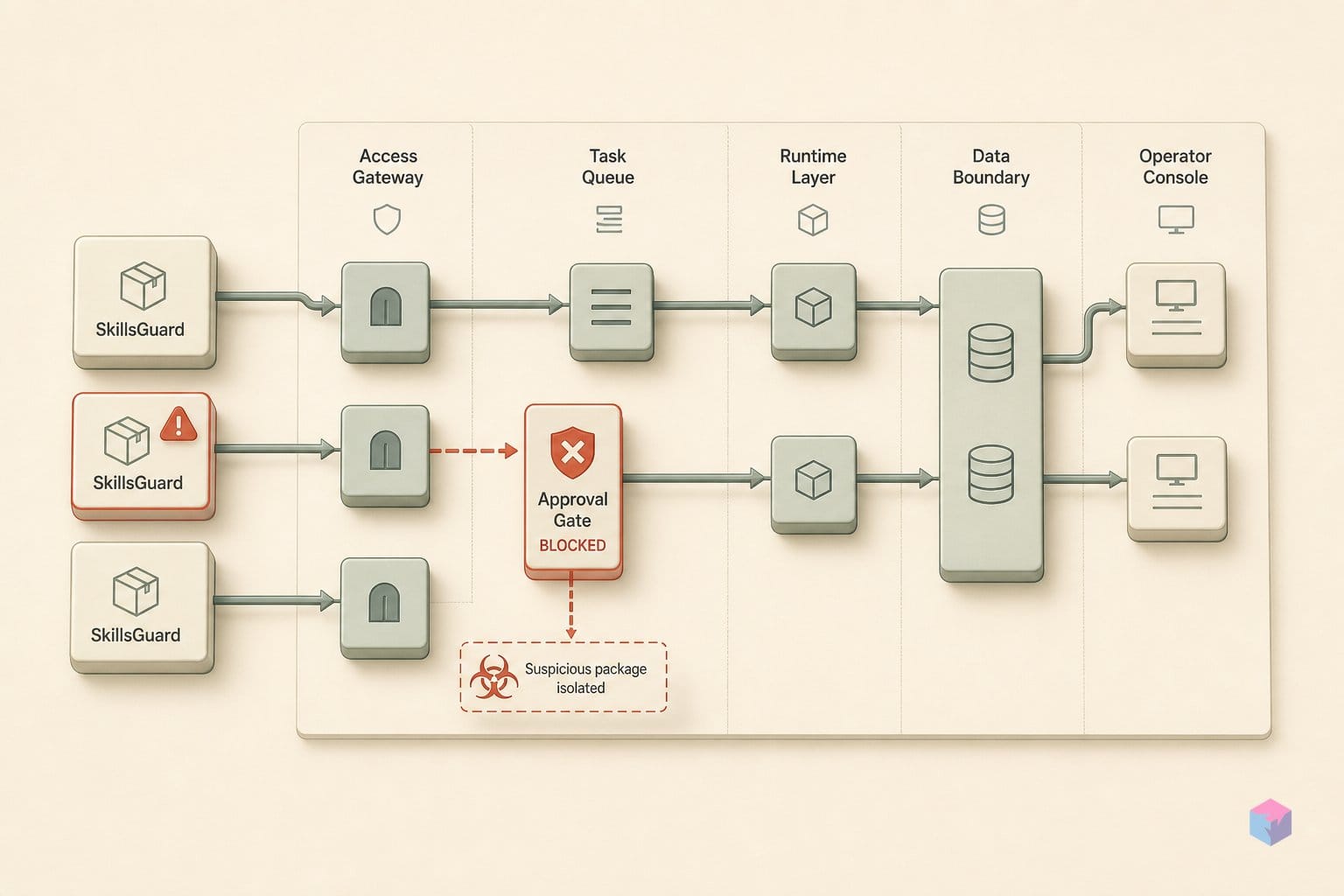
A scanner narrows the attack surface; it does not seal it. AgentGuard inspects SKILL.md and top-level scripts against 24 detection rules, but four gaps remain that no current rule set closes . Knowing them tells you when a clean scan is reassurance and when it is false comfort.
- Manifest generation is noisy and lightly tested. The SkillGuard paper's automated manifest generator was evaluated on just 23 clean skills, scoring 85.6% precision and 97.1% recall, but it over-declared at least one permission in 13 of 23 cases (56.5%) and under-declared in 4 (17.4%) . Expect false positives on legitimate skills.
- Bundled-library source is not analyzed. Malicious logic buried inside an imported dependency passes the scan if SKILL.md and the entry scripts look clean — the paper flags omitted bundled-script analysis as an open source of misses .
- Prompt-injection supply-chain attacks survive hardening. SKILL.md-only attacks still reach up to an 86% pairwise discovery win rate and 36.5%–100% governance evasion against scan-hardened hosts . Read-only skill mounts are the proposed mitigation — and AgentGuard does not provide them.
- Permission checks can't read intent. A skill with legitimate FETCH_WEB access can exfiltrate data after it passes the scan; granting a capability and policing its use are different problems.
Independent signal underlines the stakes. As Snyk's research team puts it, "over 13% of marketplace skills contain critical vulnerabilities," a finding from their analysis of why skill scanners can create false security . Treat AgentGuard as one layer that fails closed early — not as proof a skill is safe.
Going Beyond the Scanner: Manifest Sidecar
A scanner judges a skill once; a manifest governs it every time it acts. To close the gap, pair AgentGuard with a deny-by-default permission layer drawn from the SkillGuard paper . Drop a skillguard-manifest.json beside each skill, where every entry declares a capability, an effect (allow/confirm/deny), constraints such as workspace_only, time_window, and rate_limit, plus an expires_at so grants lapse instead of lingering.
{
  "capability": "POST_WEB",
  "effect": "confirm",
  "constraints": { "workspace_only": true, "rate_limit": "5/min" },
  "expires_at": "2026-07-25T00:00:00Z"
}
Then wire a PreToolUse hook: map each tool call to a canonical capability and evaluate the manifest before execution. If the capability is undeclared or rated dangerous, system, or redact, block or prompt the user. This matters because static scanning cannot stop a malicious sibling skill from mutating SKILL.md after activation — an attack class shown to reach up to 100% governance evasion in related work . Mounting skill directories read-only in a container neutralizes it.
Finally, let coverage refresh itself. Enable Layer 3 with agentguard status --schedule daily , so subsequent skill updates that introduce new bundled files or network-call patterns get caught without a manual re-scan.
The takeaway: declare what a skill may do, mount it read-only, check every call at the tool boundary, and patrol daily. No single tool proves a skill safe — but layered, fail-closed defaults make the gap between "scanned" and "trusted" something you control rather than assume.
Frequently asked questions
Is SkillsGuard an official Anthropic product?
No. Anthropic's Agent Skills specification, announced in October 2025 , documents the SKILL.md format and explicitly warns about risks such as data exfiltration and unauthorized system access, but it ships no scanner of its own. "SkillsGuard" is an ambiguous name that resolves to unaffiliated third-party efforts: AgentGuard by GoPlus Security, a research framework described in an academic paper, and two separately-published npm packages. None carry an Anthropic endorsement, so treat the name as a category, not a product.
What does agentguard scan actually check?
It runs a static deep scan with 24 detection rules across six categories . Those are: Execution (SHELL_EXEC, AUTO_UPDATE, REMOTE_LOADER); Secrets (READ_ENV_SECRETS, READ_SSH_KEYS, PRIVATE_KEY_PATTERN, MNEMONIC_PATTERN); Exfiltration (NET_EXFIL_UNRESTRICTED, WEBHOOK_EXFIL); Obfuscation (OBFUSCATION, PROMPT_INJECTION); eight Web3 rules such as WALLET_DRAINING and UNLIMITED_APPROVAL; and four Trojan/social-engineering rules. The scan inspects files and patterns without executing the skill, so it reports findings rather than granting or blocking access at runtime.
Can AgentGuard catch prompt injection inside SKILL.md?
Partially. AgentGuard's PROMPT_INJECTION rule flags known injection patterns, but pattern matching alone does not eliminate the risk. The SkillGuard paper's adversarial evaluation gives a sense of the ceiling: with full manifest enforcement, contextual injection success dropped from 32.37% to 23.02% and obvious injection from 25.56% to 16.67% . That is a meaningful reduction, not a guarantee — attacks that abuse already-granted permissions can still slip through, which is why a scanner should sit behind deny-by-default policy rather than stand alone.
How do I scan a skill without activating it in my host environment?
Run agentguard scan <skill-dir>, which performs static analysis only and never activates the skill in your host agent . Before granting any host permissions, evaluate the specific tool calls you expect the skill to make by piping a dry-run JSON payload into agentguard protect. This lets you see the decision (allow, confirm, or block) for each action in isolation, so a skill earns host access only after both its files and its expected behavior have been checked.
What is the difference between strict, balanced, and permissive protection levels?
Balanced is the default: it blocks dangerous capabilities and prompts you to confirm risky ones . Strict blocks anything not explicitly declared in the skill's manifest, so it suits a skill whose permissions you have already pinned down. Permissive logs activity without blocking, which is useful for baselining a new skill and discovering what it actually does. The practical path: start on Balanced, observe with Permissive while building the manifest, then move to Strict once you have a confirmed declaration to enforce against.