
Try to wire Gmail, Google Calendar, or Microsoft 365 into Claude Code as a local MCP connector and the OAuth flow dies on the callback — the token never lands. It is not your config. It is where Anthropic registered the redirect URI.
Registered redirect URI: why Gmail and Calendar stall on localhost
The stall is a provider-side registration constraint, not a protocol bug. Anthropic registered the OAuth callbacks for Microsoft 365, Gmail, and Google Calendar against claude.ai only, so the upstream identity provider rejects any redirect URI it has not pre-approved. Claude Code's local MCP client listens on a localhost callback the IdP was never told about, so the auth token has nowhere to return and the handshake never completes . No Claude-side flag overrides this — the approved URI lives in the provider's registration, outside your reach.
A second ceiling hits connectors that do authenticate. Claude Code warns above 10,000 tokens of MCP output and enforces a default 25,000-token hard cap unless overridden, even though an individual tool result can advertise up to a 500,000-character limit — the pipeline cap trips first, truncating large payloads . MCP itself, open-sourced by Anthropic on November 25, 2024, is transport-agnostic; these limits are Claude Code's runtime behavior .
| Failure category | Trigger | Symptom |
|---|---|---|
| Redirect lock-out | OAuth callback not registered for localhost | Auth never completes |
| Output overflow | Response exceeds ~25,000-token cap | Result truncated |
Both classes share a fix: an external wrapper that completes the auth or trims the payload before Claude sees it. That wrapper is where n8n comes in.
How the n8n MCP tool node sidesteps the redirect stall
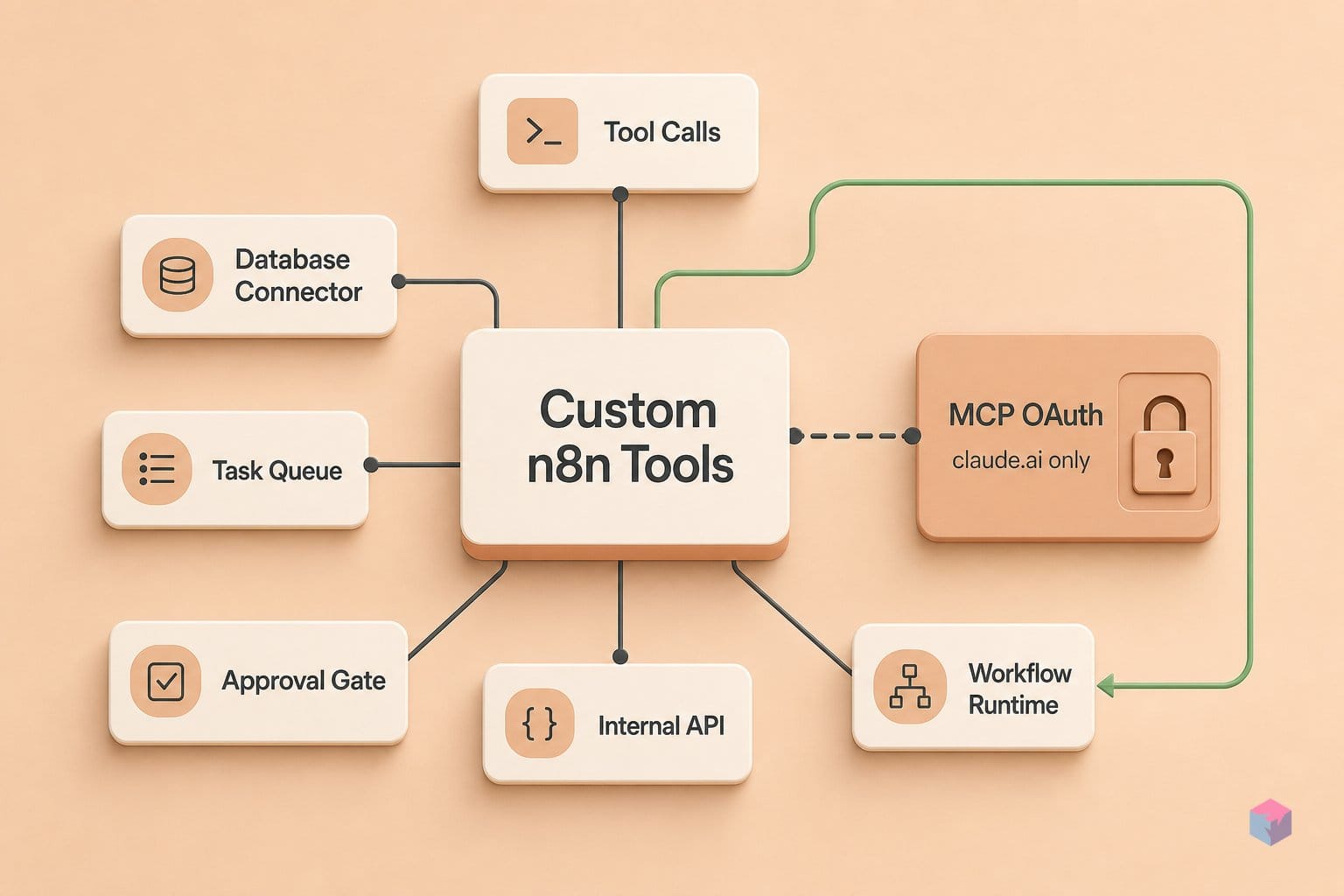
The fix works because n8n stores OAuth credentials internally after a one-time, in-UI authorization. When you connect Gmail or Google Calendar inside n8n, the upstream handshake completes against n8n's own registered redirect URL — Claude never initiates a redirect, so the localhost callback that stalls Claude Code's local OAuth simply never happens .
You then expose that credentialed work as a tool. The MCP Server Trigger turns your n8n instance into a discoverable MCP endpoint over SSE or streamable HTTP — stdio is not supported — and executes attached workflow tools rather than passing data through connected nodes . Claude Desktop reaches it through the mcp-remote gateway.
Bearer auth keeps Claude credential-free: you pass a shared secret in claude_desktop_config.json, not a provider OAuth token . Prerequisites are minimal:
- n8n v1.82.0+ (the AI Agent node runs as a Tools Agent and needs at least one connected tool sub-node)
- an exposed HTTPS address via ngrok or Tailscale
mcp-remoteinstalled locally
How to build your custom n8n MCP tool node
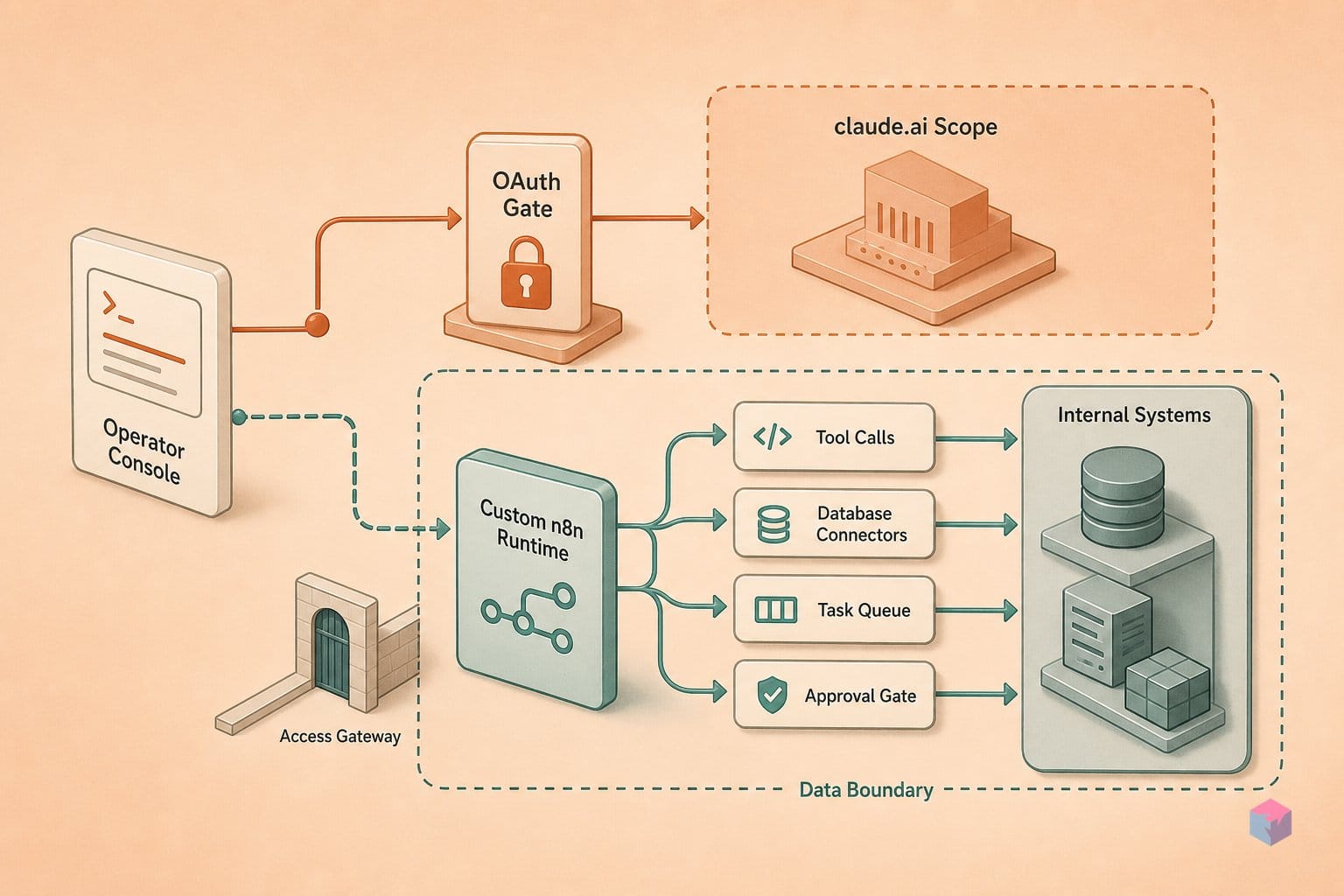
Building the tool node is a five-step path: create the action workflow, wrap it in an MCP Server Trigger, describe it precisely, expose it over authenticated HTTPS, then register it in Claude Desktop. The MCP Server Trigger does not pass data through connected nodes like an ordinary trigger — it only connects to and executes tool sub-nodes . Each step below is runnable in order.
- Build the action workflow. Add your Gmail or Calendar credentials in the n8n credentials manager — the native MCP server never stores them for you, so provider creds must be added in the UI . Construct the operation (for example,
create-calendar-event) and run a test execution to confirm the response JSON stays under Claude Code's 25,000-token default maximum . - Add the MCP Server Trigger. In a new workflow, drop in an MCP Server Trigger node and attach one or more Custom n8n Workflow Tool nodes. Each points to your action workflow by database ID or inline JSON, and each becomes a discoverable, invokable tool for the MCP client .
- Write a precise tool description. The description text is what Claude reads to decide when to call the tool, so keep it under two sentences and name the expected inputs. Use
$fromAI()for any model-populated parameter so Claude knows to fill it . A narrow, well-documented tool beats exposing many raw API tools. - Expose and authenticate. Activate the trigger workflow, copy the generated
/mcpURL, and set bearer token credentials in n8n. If self-hosted, disable gzip, buffering, and chunked transfer encoding on/mcp*paths in your reverse proxy — otherwise the connection fails . - Connect Claude Desktop. Add an
mcp-remoteentry inclaude_desktop_config.jsonwith your/mcpURL and bearer token, then restart Claude Desktop .
{
  "mcpServers": {
    "n8n-calendar": {
      "command": "npx",
      "args": [
        "mcp-remote",
        "https://your-n8n-host/mcp/<workflow-id>",
        "--header", "Authorization: Bearer YOUR_TOKEN"
      ]
    }
  }
}
Verify the tool name appears in Claude Desktop's available tool list before running a live call — if it shows up, the redirect stall is behind you and Claude can invoke the operation directly (video: Hasan Aboul Hasan).
What can trip your n8n MCP tool node unexpectedly
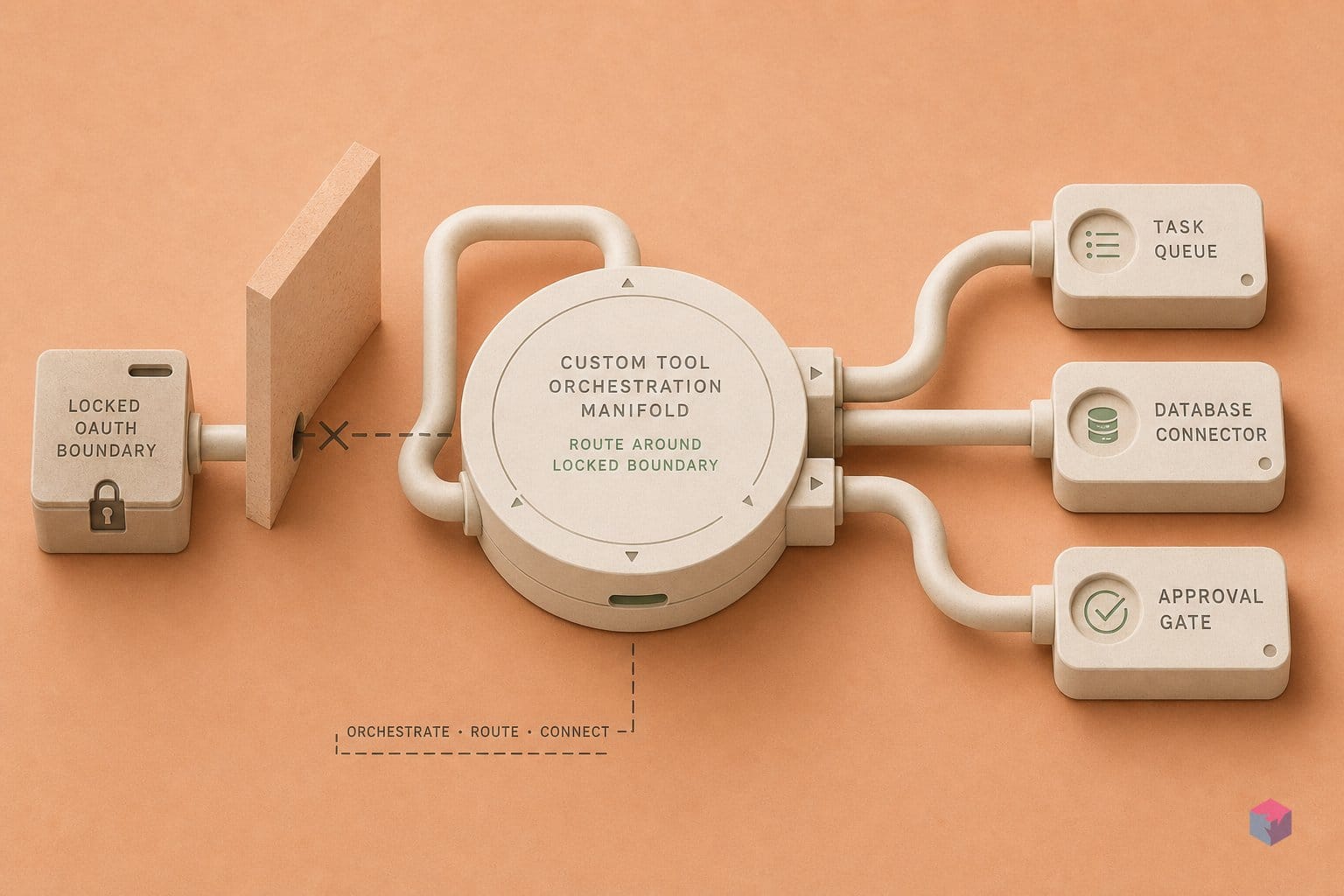
The most common surprise is that there is no per-client scoping: every MCP client connected to the same MCP Server Trigger endpoint sees all enabled tool nodes. You cannot expose Gmail tools to Claude while hiding them from another client on the same instance, so treat any enabled workflow as visible to all connected clients .
Infrastructure adds two sharper edges. In queue-mode deployments, all /mcp* requests must route to a single dedicated webhook replica — any other replica silently drops SSE connections mid-stream. Reverse proxies must also disable buffering, gzip, and chunked transfer encoding on MCP endpoints or connections fail outright .
If you generate workflows with n8n's native instance-level MCP server (Public Preview, April 29 2026 ), expect over-engineered branching on a first pass and clean it up before production. Credentials are never auto-stored — a generated Gmail workflow still needs its OAuth credential added manually in the UI before any execution succeeds.
"AI output is unpredictable — never let it edit production workflows directly," warns Piotr Czlonkowski, maintainer of the n8n-mcp project (source: czlonkowski/n8n-mcp).
The bigger picture: czlonkowski/n8n-mcp and the April 2026 instance MCP
Two layers now sit above the hand-built tool node. The community project czlonkowski/n8n-mcp (v2.63.0, shipped July 3 2026, ~22.1k GitHub stars) indexes 2,063 nodes and 2,352 templates across 23 exposed tools — most useful as a read-only node catalogue that helps Claude pick the right node without touching live data. Above that, n8n's instance-level MCP server (Public Preview since April 29 2026; Cloud, Enterprise, and free Community) lets Claude Desktop, Claude Code, and Codex CLI build, validate, test, and trigger workflows over one connection per instance, with per-workflow enablement required . On May 19 2026, Claude added one-click MCP connections for Apify, Linear, monday.com, Notion, and PostHog — no manual MCP Client node needed for those five .
The security floor holds across all of it: MCP's spec flags confused-deputy OAuth risks, SSRF via metadata discovery, and session hijacking . The takeaway: keep a narrow, explicit catalog of enabled tools, least-privilege credentials, and human review on every write-path action — then let the catalogue do the routing Claude's own OAuth can't.
Frequently asked questions
Can I use this n8n MCP tool bypass from Claude.ai in the browser, not just Claude Desktop?
No. As of mid-2026, Claude.ai in the browser does not support user-configured MCP servers, so the mcp-remote gateway and custom MCP endpoints only work with the local clients — Claude Desktop and Claude Code . That is not a coincidence: the OAuth redirect stall that pushed you to n8n in the first place is specific to those local clients, because the upstream provider only accepts claude.ai's registered redirect URL . The workaround and the problem live in the same place.
What is the difference between the MCP Server Trigger and n8n's native instance-level MCP server?
The MCP Server Trigger exposes only the specific tool nodes you attach manually to a single workflow — you wire up one or more Custom n8n Workflow Tool nodes and each becomes an invokable tool for a client like Claude Desktop . The native instance-level MCP server, which entered Public Preview on April 29, 2026, is far broader: it lets an MCP client search, trigger, test, create, and edit workflows across the whole instance, generating a TypeScript representation for type-checking before deployment . Wider scope, but still gated — workflows must be individually enabled and search returns a default and maximum of 200 .
How do I avoid hitting the 25k token output ceiling when a Gmail query returns hundreds of messages?
Truncate inside the n8n workflow before returning to Claude, not after. Claude Code warns above 10,000-token MCP outputs and defaults to a 25,000-token maximum unless overridden , and that ceiling is not configurable per call without a tool-level annotation. The n8n workflow is the correct truncation point: return only message IDs plus subject lines, or the N most-recent items, and let the agent request detail for a specific message on a follow-up call. Paginating or filtering server-side keeps every response well under the limit.
Is czlonkowski/n8n-mcp safe to run against a production n8n instance?
Only in read-only mode. The maintainer of czlonkowski/n8n-mcp — which reached roughly 22.1k GitHub stars and shipped v2.63.0 on July 3, 2026 — warns that AI output is unpredictable, says never to let it edit production workflows directly, and notes read-only deployment can be enforced via environment variables . Its 23 tools include 16 management tools that require N8N_API_URL and N8N_API_KEY and can modify workflows once write access is granted . Keep a separate non-production instance for any write-capable MCP access.
Enjoyed this article? Subscribe to get new stories by email whenever they're published.