

You wrote careful instructions into CLAUDE.md, yet Claude Code keeps ignoring them and improvising. The cause is rarely the wording — it is where the instruction lives, and whether the file ever loads at all.
Is CLAUDE.md Enough? Claude Code's Mid-2026 Instruction Hierarchy
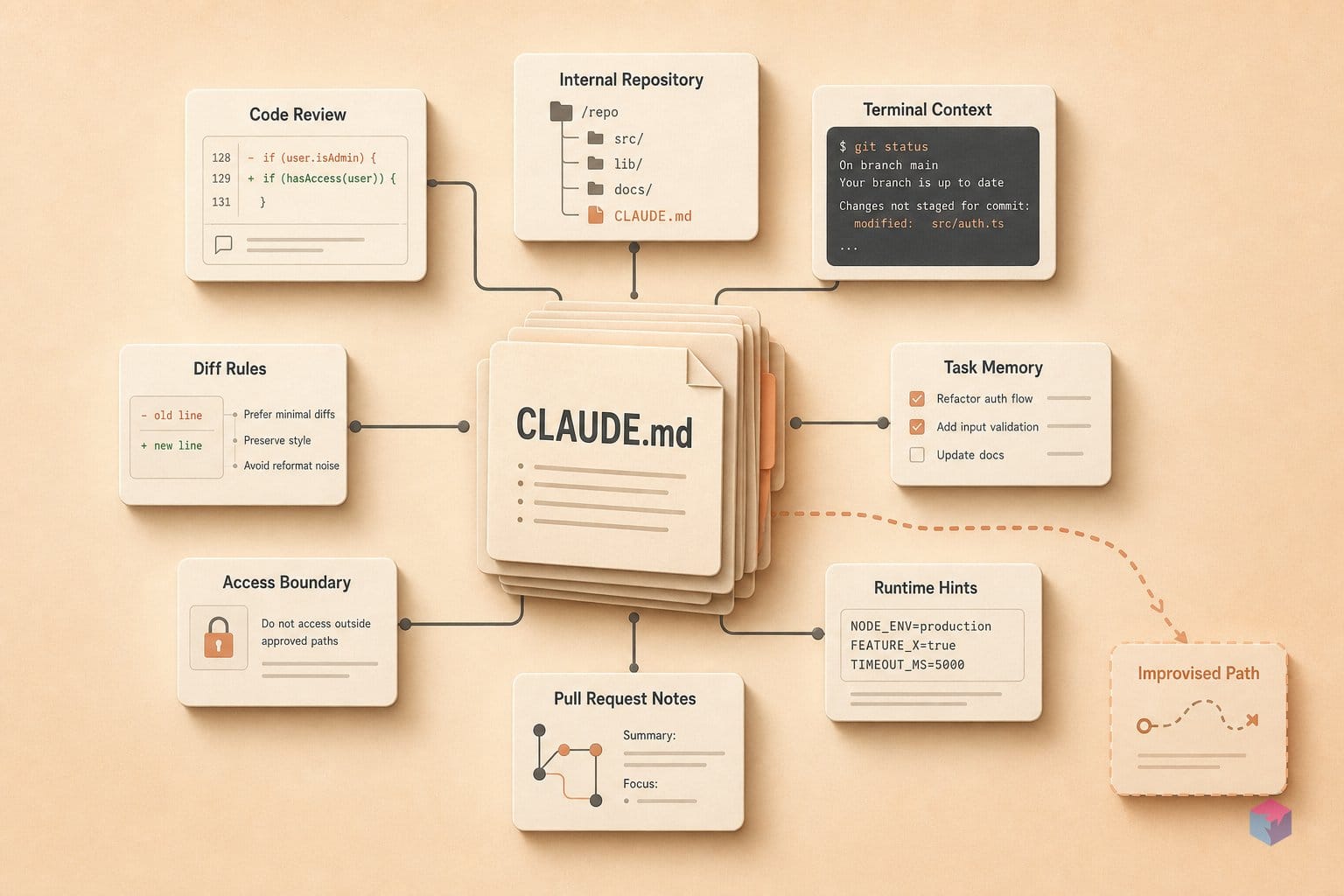
No — CLAUDE.md alone is not enough, because only the first 200 lines or 25KB load per session; anything past that threshold is silently dropped no matter how carefully it was written . Anthropic's memory docs recommend keeping the file under 200 lines, since a bloated file causes Claude to ignore real instructions .
Quick Answer: CLAUDE.md is for always-on project context only. Only its first 200 lines (or 25KB) load per session — extra rules are dropped silently. Mid-2026 adds five primitives (Rules, Skills, Subagents, Hooks, Output Styles) so scope-specific guidance loads on demand instead of bloating one file.
The Steering Claude Code blog (June 18, 2026) adds five instruction primitives alongside CLAUDE.md: path-scoped Rules in .claude/rules/ that load only when matching files are touched, on-demand Skills (SKILL.md), isolated Subagents in .claude/agents/, deterministic Hooks, and system-prompt Output Styles . The framing that ties them together: nearly every level-up move is really a context-management move, because the window fills fast and reliability degrades as it fills.
When multiple sources conflict, priority runs from highest to lowest:
| Priority | Source | Scope |
|---|---|---|
| 1 (highest) | Org-managed settings | Platform/enterprise enforced |
| 2 | ~/.claude/CLAUDE.md | Global, all projects |
| 3 | ./CLAUDE.md | Project, committed |
| 4 | ./CLAUDE.local.md | Local, gitignored |
| 5 | Parent/child dirs | Monorepo, dir-scoped |
Keep CLAUDE.md for always-on context; push scope-specific guidance into path-scoped Rules or Skills, which load on demand without growing the file .
Trimming CLAUDE.md and Spinning Up Subagents
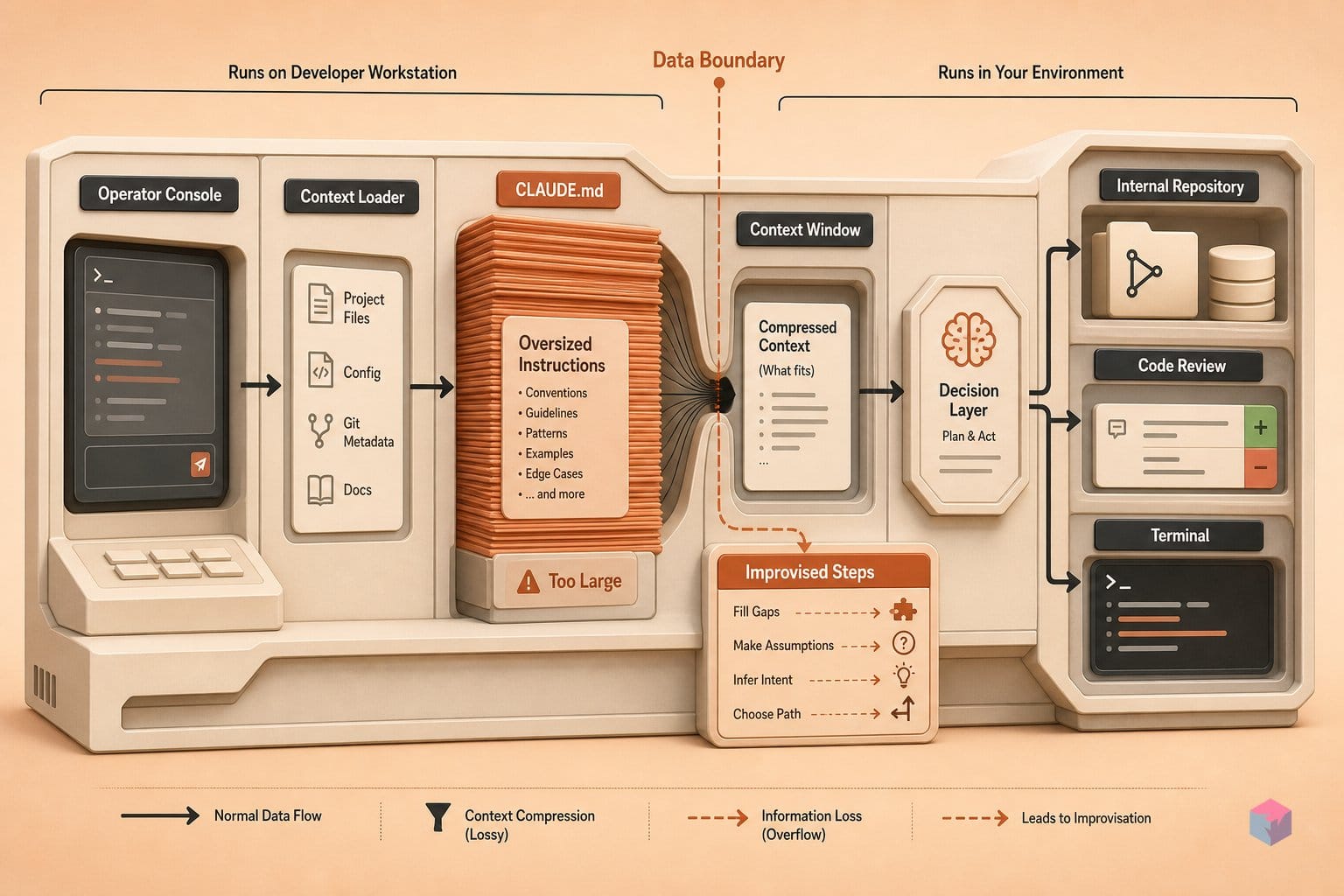
Trimming CLAUDE.md starts with /init, which auto-generates a starter file from your detected build systems, test frameworks, and code conventions — then you prune it by hand to under 200 lines . The cap is not cosmetic: Anthropic's memory docs state that a bloated file causes Claude to ignore real instructions, and only the first 200 lines or 25KB load per session . Anything below that line is silently dropped, which is exactly when Claude starts improvising.
Once the file is lean, split guidance across three tiers and never duplicate an instruction between them:
./CLAUDE.md— committed, team-shared project context../CLAUDE.local.md— gitignored, your personal preferences.~/.claude/CLAUDE.md— global defaults across every project .
Duplication is the quiet way files re-bloat, so let each tier own its scope. For the instructions that must not be ignored, prefix them with IMPORTANT or YOU MUST — Anthropic's docs confirm this emphasis measurably lifts adherence over unmarked lines . Practitioners echo the same habit of front-loading the rules that matter most (video: Dan Martell).
The other half of trimming is delegation. Define subagents in .claude/agents/ with frontmatter for name, description, tools, and model :
---
name: security-audit
description: Reviews changed files for auth and injection risks
tools: Read, Grep, Bash
model: opus
---
You are a security reviewer. Inspect the diff, report findings, and
return only a prioritized summary — do not modify code.
Pick the model to match the job: Haiku for cheap, fast passes, Sonnet as the default, and Opus for complex reasoning . Each subagent runs in its own isolated context window, so its work never bloats the main thread . Route file-heavy work there — security audits, large codebase reads, migration planning — and bring back only the resulting summary, keeping the main conversation lean for the next decision .
Keeping Claude Code Focused: /compact, /clear, /rewind
Context is a budget, not a free resource: reliability degrades once a session pushes past 300–400k tokens even on the 1M-token window, so Anthropic advises experienced users stay below roughly 30% utilization (and newcomers under ~40%) to keep instruction-following intact . The practical lever set is small: /clear, /compact, double-Esc, and /btw. Used deliberately, they keep the model on-task instead of cycling on a stale assumption.
Reach for /clear between unrelated tasks — switching from a bug fix to a docs pass should not carry the old thread along. When you need continuity but less bulk, /compact <instructions> preserves exactly what you name (changed files, test commands, the current goal) and discards the rest . Spell out what matters; a bare /compact lets the summarizer decide for you.
"Treat verification, context, and tool access as scarce budgets to manage," — Anthropic engineering, on steering Claude Code (source: Steering Claude Code, 2026-06).
For recovery, Esc interrupts a run, and double-Esc (or /rewind) restores the last checkpoint of both code and conversation — handy for unwinding a bad multi-file edit . These checkpoints track Claude-made changes only; they are not a git replacement, so commit anything you actually care about. Use /btw for a side question that never enters history — the off-the-record clarification that would otherwise eat context budget .
One rule keeps you out of doom loops: after two consecutive failed corrections on the same issue, /clear and restate from scratch. By that point the model is anchored to a wrong assumption and cycling, and a fresh context beats a third nudge .
Common Claude Code Gotchas Engineers Miss
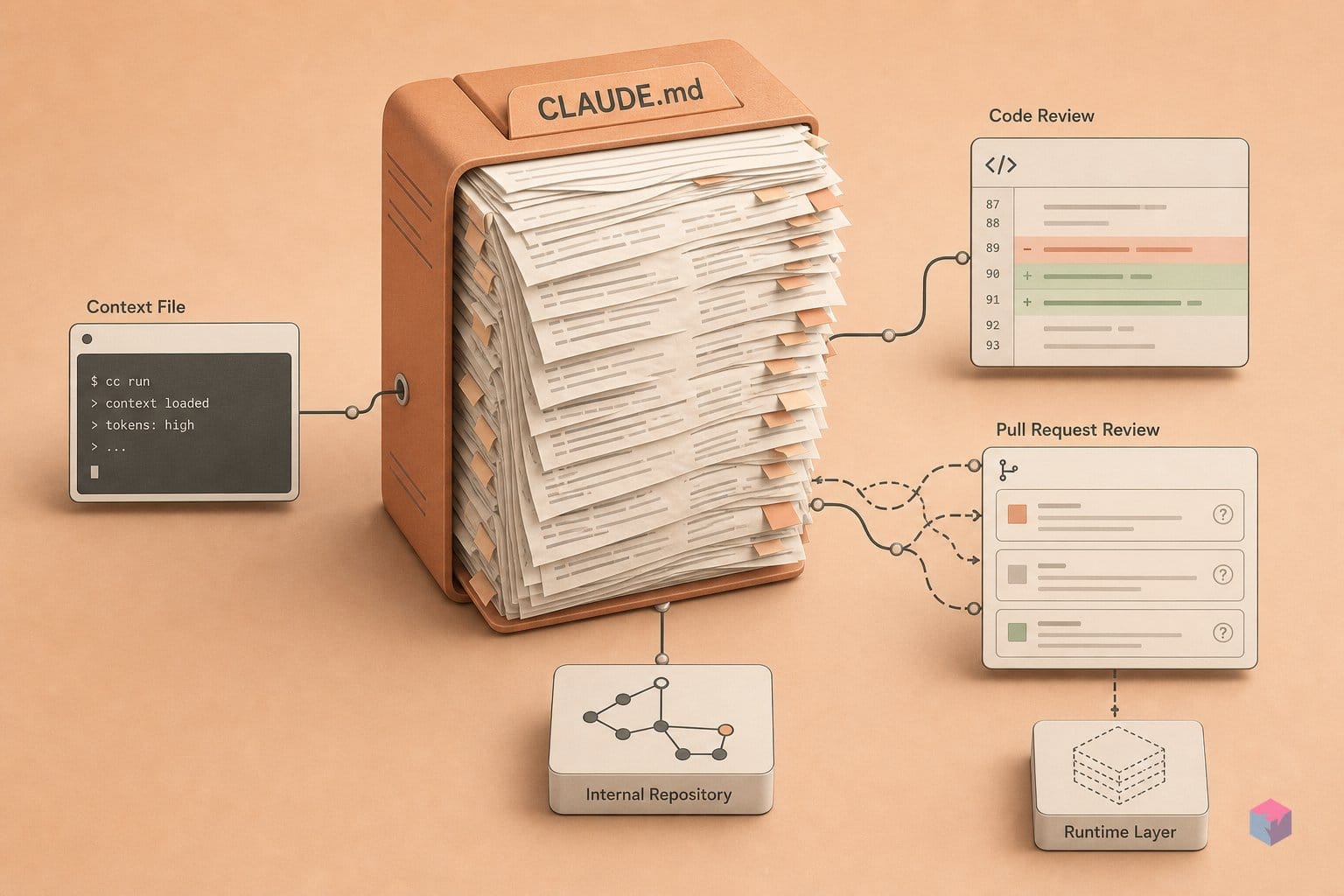
Most Claude Code failures in mid-2026 trace back to a handful of version- and environment-specific traps rather than bad prompting. The Homebrew claude-code formula is the stable channel: it lags roughly one week behind and deliberately skips releases with major regressions . That safety has a cost — if you need a flag or bundled slash command from a recent point release, install claude-code@latest instead.
Watch your integrations and permissions. MCP tools abort after 5 minutes of silence as of v2.1.187, so design long-running actions to stream output or heartbeat, and set MAX_MCP_OUTPUT_TOKENS for tools that regularly return large payloads . The --dangerously-skip-permissions flag (alias --permission-mode bypassPermissions) grants full filesystem access — safe only inside an already-isolated CI sandbox, never on a production machine .
Finally, the headline context number lies by omission: the 1M-token window does not mean 1M reliable tokens. Past 300–400k, reasoning quality and instruction adherence noticeably degrade even on the 1M model, so treat context as a budget, not a ceiling . And because the changelog is extremely active — v2.1.195 shipped June 26, 2026 — verify flag names and bundled skill names against the live docs before you wire them into CI. The concrete takeaway: pin your version, isolate before you bypass, and re-read the changelog before scripting.
Frequently asked questions
What is the difference between CLAUDE.md and path-scoped Rules in .claude/rules/?
CLAUDE.md loads on every session and is your always-on context — but only the first 200 lines or 25KB are read per session , which is why a bloated file pushes real instructions past the cutoff. Path-scoped Rules in .claude/rules/ load only when Claude touches files matching their path pattern . Use Rules for language- or directory-specific guidance (a Python style rule, a migrations-folder convention) so it appears only when relevant — and keep CLAUDE.md lean for what truly applies everywhere.
How do I run Claude Code headlessly in CI?
Use the headless flag claude -p for scripts, CI, and batch work . Add --output-format json or stream-json --verbose when another program parses the output, and bound the run with --max-turns and --max-budget-usd .
claude -p "fix failing tests in src/auth" \
  --output-format json \
  --allowedTools "Read,Edit,Bash(npm test)" \
  --permission-mode acceptEdits \
  --max-turns 20 \
  --max-budget-usd 2.00
Scope permissions tightly with --allowedTools, and prefer --permission-mode acceptEdits inside an already-isolated sandbox. Reserve bypassPermissions (equivalent to --dangerously-skip-permissions) for environments that are already isolated, never a shared runner .
When should I create a subagent instead of asking Claude Code directly?
Create a subagent when a task requires reading large amounts of code or data you don't want polluting your main thread. Subagents run in an isolated context window and return only the result , which keeps your primary session lean. Good candidates are security audits, migration planning, and large codebase searches — anything where the intermediate file-reading is noise once you have the answer. Define them in .claude/agents/ with frontmatter for name, description, tools, and model . For a quick one-file edit, just ask Claude directly.
Which MCP transports does Claude Code support?
Claude Code supports HTTP, the deprecated SSE, stdio, and WebSocket transports . Connections auto-reconnect with exponential backoff up to five attempts, and remote tools abort after 5 minutes of silence as of v2.1.187 . Claude warns when a tool returns more than 10,000 output tokens; for verbose servers that trip that limit regularly, raise the ceiling with the MAX_MCP_OUTPUT_TOKENS environment variable .
Is Claude Code included in the $20/month Claude.ai subscription?
No. Claude Code is a separate agentic coding product, distinct from the consumer Claude.ai plan, with its own pricing tiers . Official pricing lists Sonnet 4.6 at $3/$15 per million input/output tokens and Opus 4.8 at $5/$25, with prompt-cache hits billed at 0.1x base input cost . Opus 4.8/4.7/4.6 and Sonnet 4.6 all include a 1M-token context window at standard pricing — though context rot past 300–400k tokens means you should still keep usage lean .